
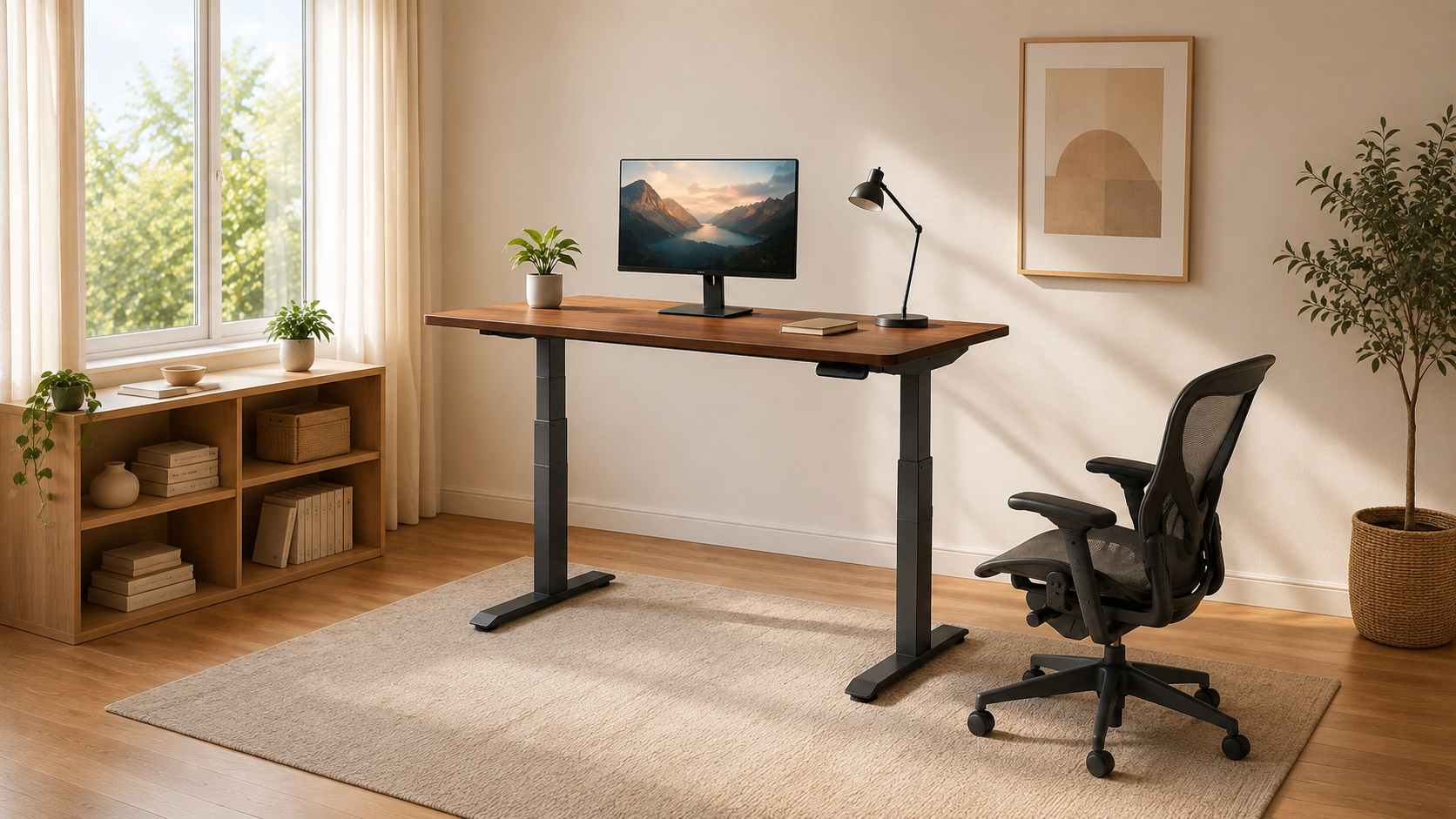
The best standing desks are not those that keeps a person upright for eight hours. They are those that make changing position easy enough to become part of the workday. A useful desk has to fit the user at seated and standing height, hold the actual equipment without excessive movement, and leave enough depth for the monitor and keyboard to sit where they belong.
This group covers six different priorities: all-around usability, four-leg stability, furniture-like design, integrated storage, an oversized monitor surface and budget value. The Vari Classic is the strongest general recommendation, but every desk below has a clearer audience than a simple first-to-sixth ranking would suggest. Measure the person, room and equipment before treating any award as permission to skip the details.
| Best Overall | Best Stability | Best Design | Best L-Shaped Desk | Best for Multiple Monitors | Best Budget With Storage |
|---|---|---|---|---|---|
| Vari Classic 60×30 | FlexiSpot 4-Leg 71×32 | FlexiSpot Executive 55×28 | Eureka Ark EX 60 | ApexDesk Elite Pro 71 | SHW 55×28 With Drawer |
 |  |  |  |  |  |
| A broad height range, one-piece top, four presets and unusually quick assembly. | Four lift columns and a large black surface for heavier, wider workstations. | A natural-oak top, contoured front and sculptural V-frame for visible rooms. | An executive L-shaped layout with three drawers, a rack and built-in charging. | A deep one-piece curved top with room and capacity for an expansive display setup. | A maple desk with four presets, one drawer and useful cable-management extras. |
Why Buy a Standing Desk?
An electric standing desk creates options. It can bring the keyboard to a comfortable seated elbow height, raise a video call so the camera is not looking up from the desk, or let someone stand for part of a task that has already lasted too long. That flexibility is more useful than the idea that standing is automatically healthy. Staying motionless in either position can become uncomfortable, so the practical goal is to alternate, take walking breaks and adjust the workstation as the task changes.
OSHA recommends enough desk depth to keep a monitor at least 20 inches away and enough space to accommodate multiple working postures. Its broader workstation guidance also encourages frequent position changes rather than one supposedly perfect posture. The office-chair guide completes that picture because a sit-stand desk still needs a chair that can meet it at the correct seated height.
A motorized base also makes the desk easier to share. Presets can store different users or different tasks, and a wide height range can accommodate more bodies than a fixed surface. Those benefits disappear when the controls are inconvenient, the desk starts too high, or cables become taut whenever the top rises. The right purchase considers the entire moving workstation, not only the tabletop.
How to Choose the Best Standing Desks
Begin with height range. Measure seated elbow height with the shoulders relaxed and standing elbow height with the forearms roughly level. The keyboard surface should meet those positions without forcing the shoulders upward or the wrists to bend sharply. Shorter users often need a desk that drops below the common 28-to-30-inch minimum, while taller users should leave headroom above their calculated standing height rather than buying at the limit.
Next, measure the room and equipment. A 71-inch top can support several displays, but it also consumes most of a wall and becomes difficult to move after assembly. Depth matters for viewing distance and monitor-arm placement. Check rear-edge thickness, beveled sections and any structural rail beneath the top before assuming a clamp will fit. Count the computer, displays, speakers, arms and other equipment against the moving load capacity, not merely the weight of the top.
Plan cables for the highest position, then manage the extra length when the desk is low. A mounted power strip or cable tray can reduce the number of cords stretching toward the wall. Leave clearance for drawers, file cabinets and knees throughout the full travel. Readers building an entire room can use the home-office guide for complementary equipment and the standing-desk archive for additional desk coverage.
Vari Classic Electric Standing Desk 60×30: Best Overall
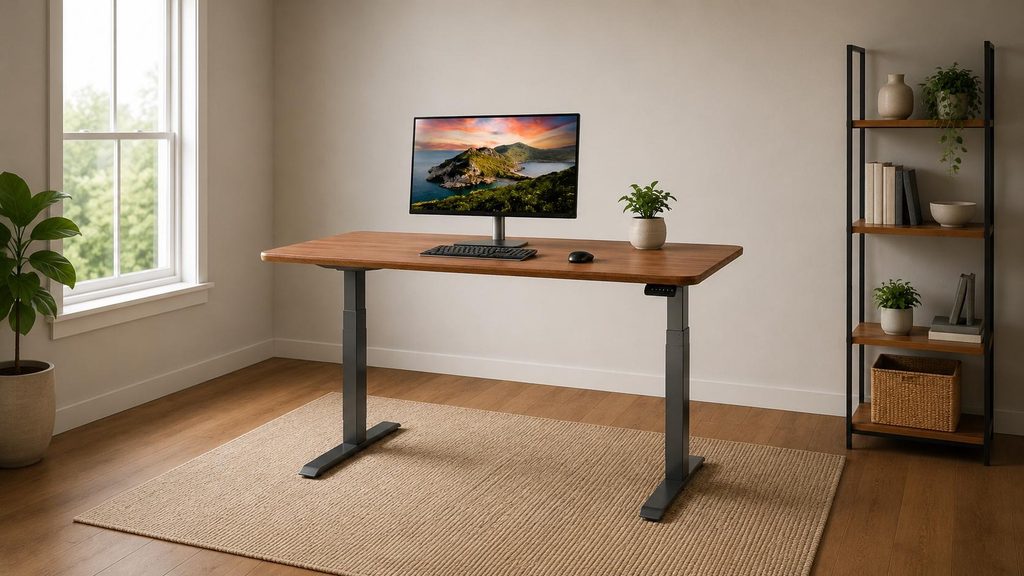
- The 25-to-50.5-inch height range works for a wider group of seated and standing users than most two-stage desks.
- A one-piece 60-by-30-inch desktop provides practical depth for monitors, notebooks and full-size peripherals.
- Four presets, a 200-pound capacity, quick assembly and lifetime warranty coverage make ownership straightforward.
Vari Classic Electric Standing Desk 60×30 is the safest all-around recommendation here. It is neither the largest nor the least expensive desk, but its useful height range, deep one-piece surface and simplified assembly remove several common buying risks. The Walnut/Slate finish also looks calm enough for a visible home office. Its 200-pound capacity is sufficient for most multi-monitor workstations, although the four-leg FlexiSpot is the more specialized stability choice.
FlexiSpot 4-Leg Standing Desk 71×32: Best Stability
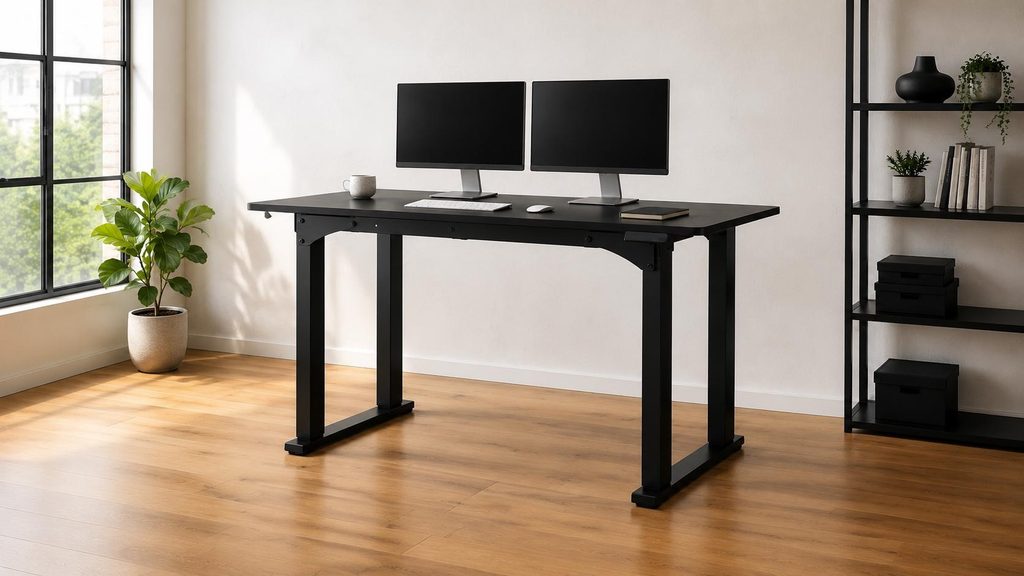
- Four legs create a broad stance for a 71-by-32-inch desktop and complex monitor arrangements.
- The stated 220-pound capacity supports substantial office equipment without making load capacity the first concern.
- Memory controls store useful sitting and standing positions across a 28.7-to-47.2-inch range.
FlexiSpot 4-Leg Standing Desk 71×32 is built around footprint and stance. The four-column base gives a wide black work surface more support than the usual two-leg layout, making this the natural candidate for several monitors, substantial speakers or equipment that amplifies every vibration. It is also physically imposing, starts higher than the Vari and is not compatible with casters or an under-desk drawer, so the stability comes with less placement flexibility.
FlexiSpot Executive Standing Desk 55×28: Best Design
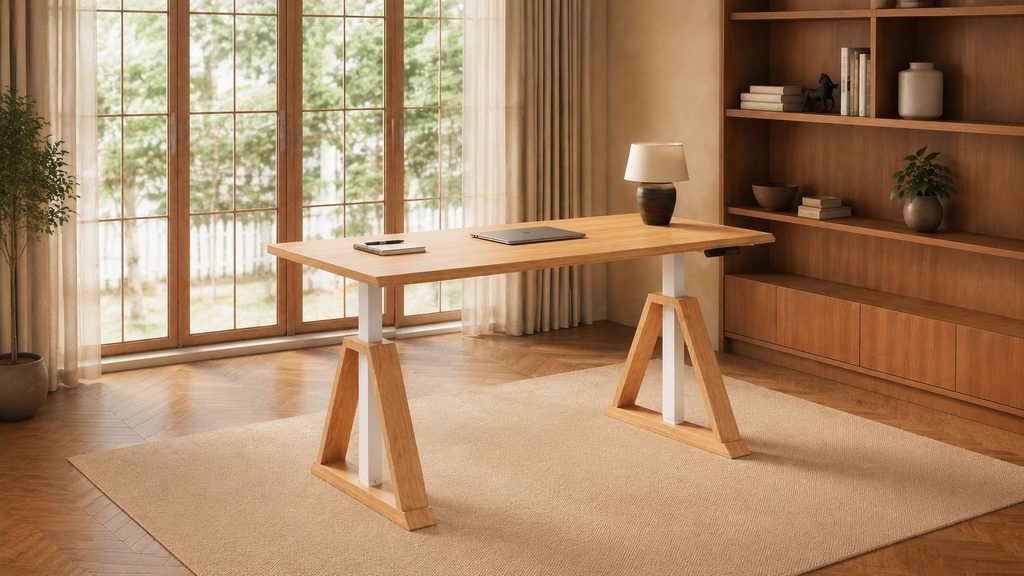
- The natural-oak surface and V-shaped white base look more like furniture than office equipment.
- A gently contoured front edge gives forearms a softer place to meet the one-inch desktop.
- Dual motors move from 27.6 to 46.8 inches while supporting up to 222 pounds.
FlexiSpot Executive Standing Desk 55×28 earns the design award by giving the lifting structure a visual purpose. Its angled white legs and natural-oak top can live in a bedroom, living area or polished office without looking borrowed from a facilities catalog. The 55-inch width is easier to place than the two 71-inch desks, but the height range is narrower than the Vari and the three-package delivery makes setup planning more important.
Eureka Ergonomic Ark EX Standing Desk: Best L-Shaped Desk
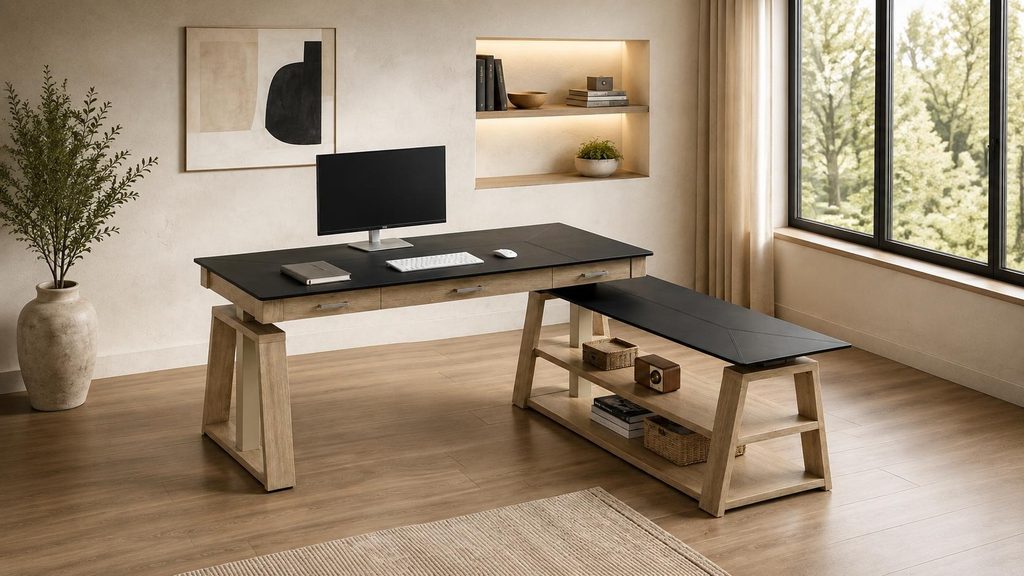
- The 60-inch L-shaped surface separates primary work from storage and secondary equipment.
- Three drawers, a storage rack and concealed cable organization reduce the need for extra office furniture.
- Dual motors, anti-collision sensing and built-in USB and wireless charging support a modern workstation.
Eureka Ergonomic Ark EX Standing Desk treats storage as part of the desk rather than an accessory hanging underneath it. Three drawers and a side return give paperwork, chargers and secondary equipment defined homes, while the top rises from 29 to 48 inches. That integration is attractive for an executive-style room, but it also produces a heavier, more complicated piece whose orientation and drawer clearances must be chosen before assembly.
ApexDesk Elite Pro 71×33 Standing Desk: Best for Multiple Monitors
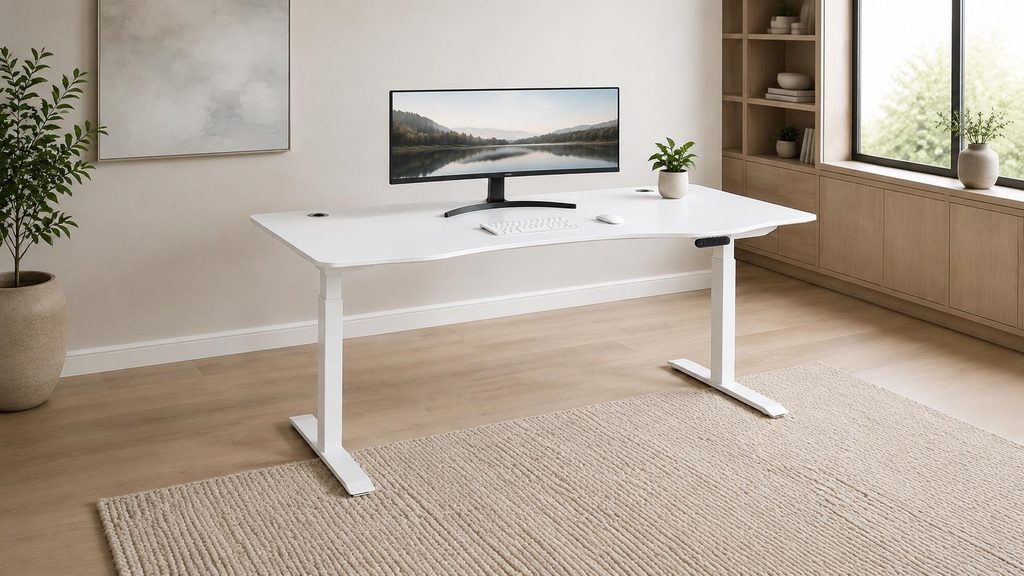
- The 71-by-33-inch one-piece top creates unusual depth for monitor arms, speakers and writing space.
- A 235-pound capacity and dual motors accommodate substantial equipment across the wide surface.
- Four presets and 1.5-inch-per-second movement make a large workstation easier to reposition.
ApexDesk Elite Pro 71×33 Standing Desk is the desktop-space specialist. Its curved 71-inch top is deeper than most alternatives and leaves a flat rear section for shorter monitor-arm clamps. The off-white frame and white top keep the large desk visually lighter, but it still weighs about 131 pounds and adjusts only from roughly 30 to 49 inches. Shorter users should verify seated elbow height before giving it an entire wall.
SHW 55×28 Standing Desk with Drawer: Best Budget With Storage
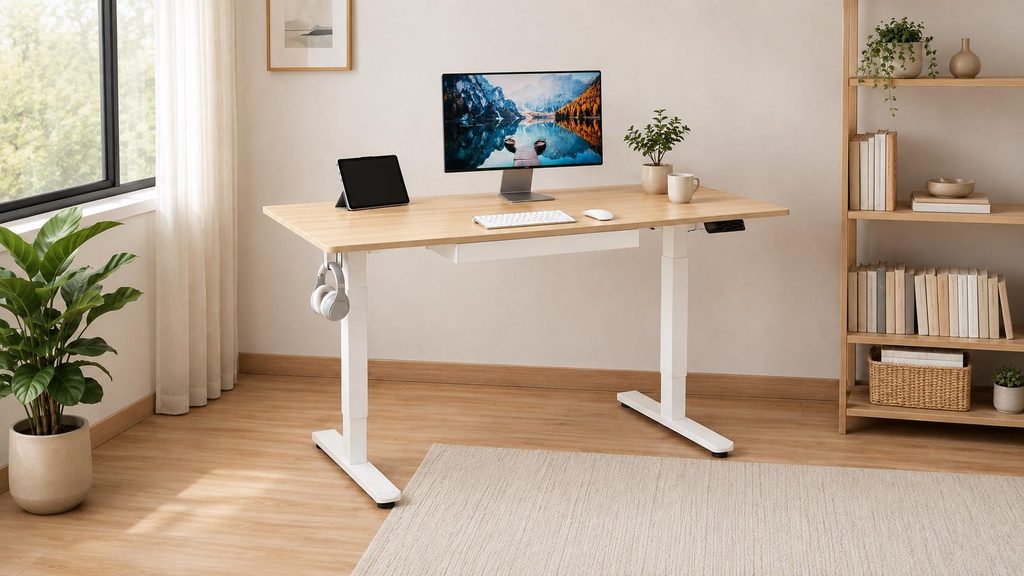
- A built-in drawer, cable tray, grommets and two hooks organize a basic home workstation.
- Four memory positions make the 28-to-45-inch lift easier to use consistently.
- The 55-by-28-inch maple surface balances everyday workspace with a manageable footprint.
SHW 55×28 Standing Desk with Drawer puts the conveniences many buyers add later into one accessible package. The drawer, cable management and hooks help a modest workstation stay orderly, while four presets encourage actual position changes. Its 110-pound capacity and 45-inch maximum are the limits to study: this is a value desk for ordinary equipment, not the foundation for a towering studio or an especially tall user.
The Best Desk Is the One You Will Reposition
Choose the Vari when broad fit and easy ownership matter most. Choose the four-leg FlexiSpot or ApexDesk when a large monitor setup makes stability and surface area the priority. The executive FlexiSpot and Eureka make stronger visual statements, while the SHW answers a smaller budget with storage already built in.
Whichever desk fits, use it as permission to move rather than as a new position to endure. A supportive chair, sensible monitor placement and regular breaks matter as much as the motor. The best standing desks allow for all of these options. The HAG Capisco review explores a chair designed for frequent transitions, while the existing HUANUO standing-desk review offers another storage-focused alternative.