

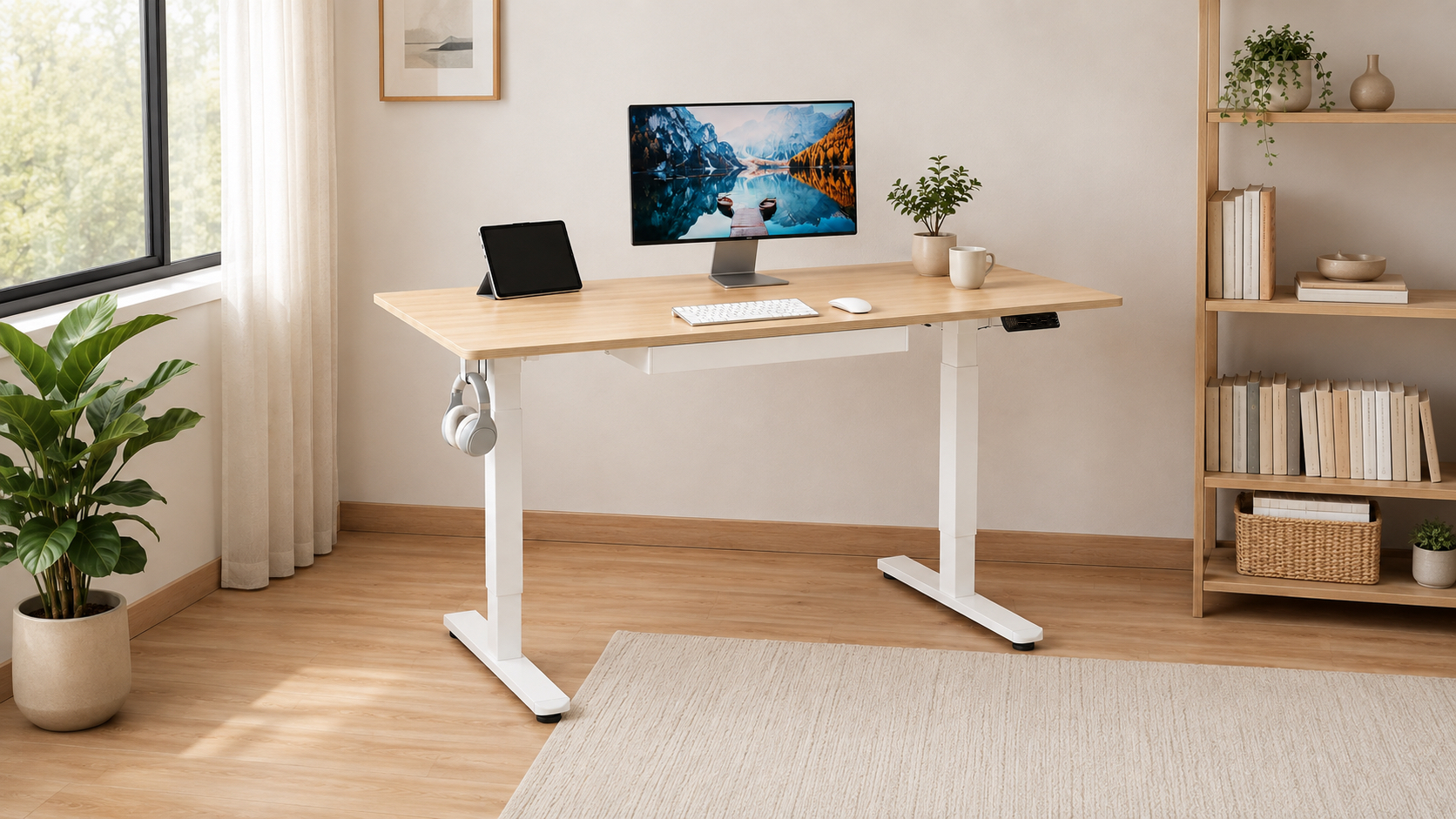
SHW Standing Desk Review: Value With a Drawer
A first standing desk is easier to justify when it already has places for cables, headphones and the small objects that usually colonize the desktop. The SHW 55×28 Standing Desk With Drawer combines a maple work surface with one built-in drawer, a cable tray, two grommets, utility hooks and four memory positions. Its 28-to-45-inch range and 110-pound capacity are modest beside the premium desks here, but the organized package makes sense for a normal laptop or monitor setup that needs useful features without a premium price.
Pros
- The built-in drawer, cable tray, grommets and hooks add practical organization.
- Four memory positions support repeat sitting and standing heights.
- A 55-by-28-inch surface fits ordinary home-office equipment.
- The established listing provides a much larger body of owner history than the newest models.
Cons
- A 45-inch maximum can be too low for taller standing users.
- The 28-inch minimum may still require a footrest for shorter seated users.
- The 110-pound capacity leaves less headroom for heavy multi-monitor equipment.
- The drawer consumes some under-desk clearance and can affect knee space.
Storage That Does Not Require an Accessory Hunt
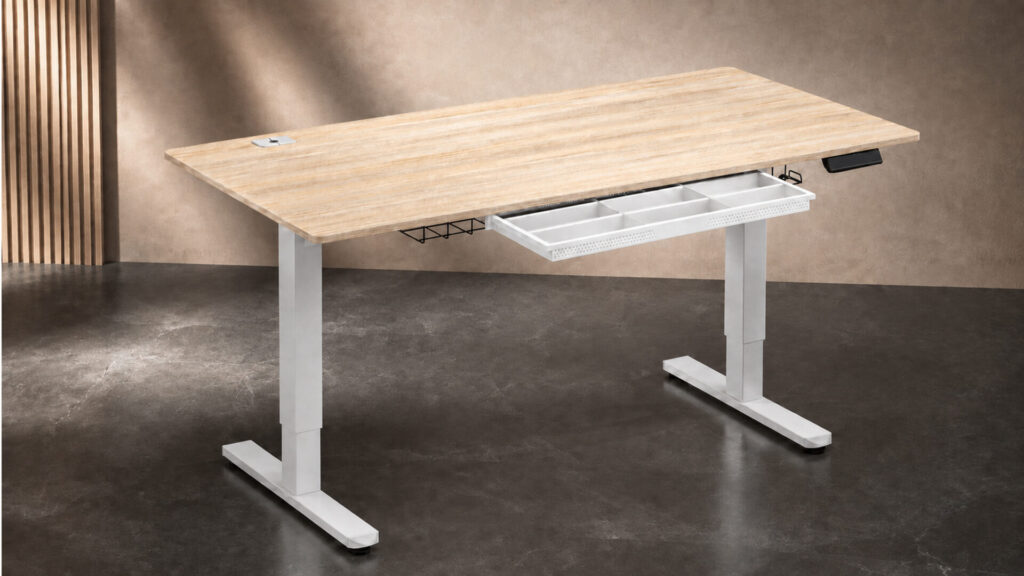
The single drawer gives notebooks, pens, adapters and small devices a place to disappear without adding a rolling cabinet. Adjustable compartments can keep the interior from becoming one mixed pile. This is not deep file storage, but it addresses the objects most likely to clutter the working area.
Two utility hooks can hold headphones, a light bag or cables, while the rear tray and desktop grommets guide wiring away from the active surface. Those pieces are simple, yet they are often the first accessories purchased for a bare standing desk. Including them makes the SHW easier to turn into a complete workstation on the first day.
The drawer sits beneath the top, so knee clearance deserves attention. A taller user may never notice it, while someone who works close to the desk could meet it repeatedly. Measure from the floor to the underside rather than relying only on the published top height, especially if armrests must slide beneath the desk.
A Fifty-Five-Inch Surface for Everyday Equipment
The 55-by-28-inch maple surface fits a laptop, one or two moderate displays, input devices and a few accessories without taking over an entire wall. Twenty-eight inches of depth is enough for sensible monitor placement in many rooms, although broad display feet can still reduce the open area. A monitor arm may reclaim space if the rear clamp clears the frame.
The top is thinner than the one-inch surfaces on several premium models. That keeps the desk lighter at about 62 pounds, but it also makes clamp compatibility and screw length more important. Do not drive accessory hardware into the underside without checking the available thickness and the location of the drawer, cable tray and frame.
Maple and white create a lighter visual presence than black office furniture. The finish is laminated, which suits ordinary cleanup but should not be mistaken for a refinishable wood slab. A desk mat can protect the main work zone as long as it does not interfere with the drawer or control panel.
Four Presets Across a Limited Range
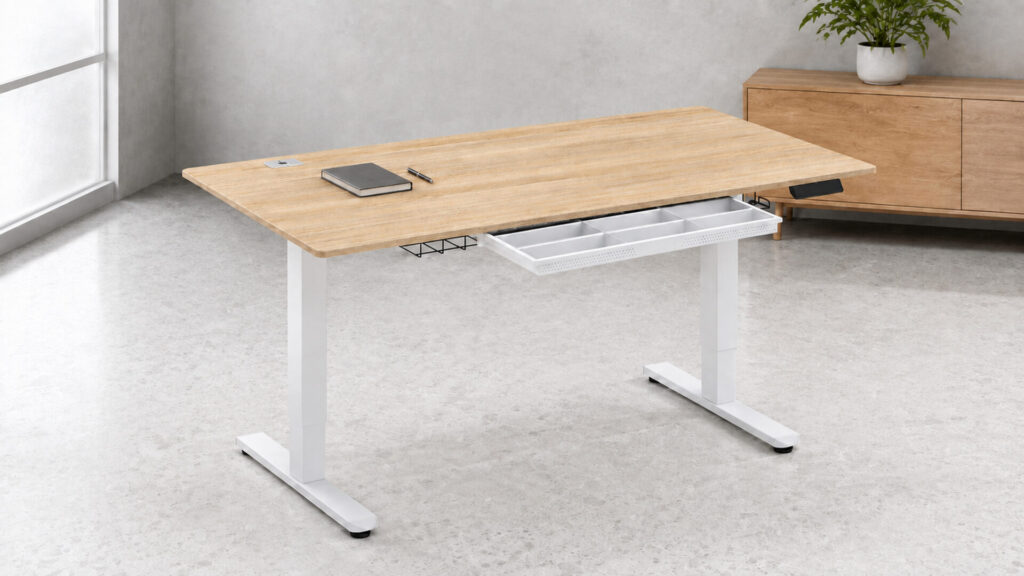
The motorized frame adjusts from 28 to 45 inches and provides four memory presets. Those buttons are the desk’s strongest ergonomic feature because they make repeatable changes easier than holding an arrow and guessing. Store positions only after the chair, keyboard and monitor have been arranged around the user.
The 28-inch minimum is common at this price but not especially low. Shorter users may need to raise the chair and support their feet. The 45-inch maximum is also the lowest in this group, so taller users should measure standing elbow height carefully. A desk that stops below the correct keyboard position will encourage leaning even though it technically stands.
The 110-pound capacity fits a normal workstation, not an expanding studio. Count every item that rises and avoid concentrating the heaviest equipment at one edge. A laptop, monitor and ordinary accessories leave comfortable room; several large displays, heavy arms and audio equipment point toward the FlexiSpot four-leg or ApexDesk.
Value Depends on Matching the Limits
Budget furniture works best when its boundaries match the user instead of being treated as defects discovered later. The SHW offers storage and controls that can make a straightforward setup pleasant, but it does not provide the broad height range, thick top or high capacity of more expensive desks. That trade is reasonable when the equipment and person fit inside it.
The long-running marketplace listing contains a much larger body of customer feedback than the newest desks, though ratings across listing variations should still be interpreted cautiously. Recurring ownership questions worth checking during the return window include motor operation, alignment, drawer travel and shipping damage. Test the full range before loading the desk completely.
The standing-desk guide compares the SHW with the Vari and Eureka. Vari is the better fit for a wide range of users, while Eureka integrates much more storage in a larger executive format. The existing HUANUO standing-desk review offers another storage-heavy alternative for readers who want a keyboard tray and two drawers.
Should You Buy the SHW 55×28 Standing Desk With Drawer?
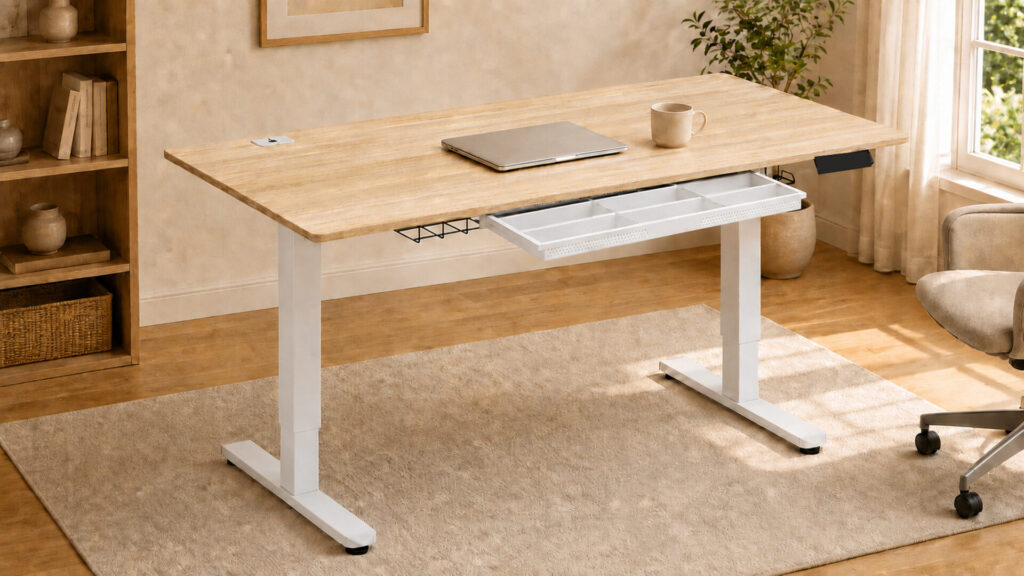
Buy the SHW for a modest home workstation that benefits from a drawer and cable-management hardware from the start. It offers the features most first-time standing-desk owners actually touch without requiring a premium investment.
Choose another desk if the user needs a height above 45 inches, a lower seated position or capacity for a heavy multi-monitor array. Those limits are central to the product rather than problems accessories can solve.
For a compatible user with ordinary equipment, the SHW 55×28 Standing Desk With Drawer is a practical value package that spends its feature budget wisely.