
Crucial X9 Review: Pocket-Sized Speed for Work and Travel
The Crucial X9 packs 2TB of fast USB-C storage into a pocket-size SSD built for backups, travel, gaming libraries, and everyday file moves.
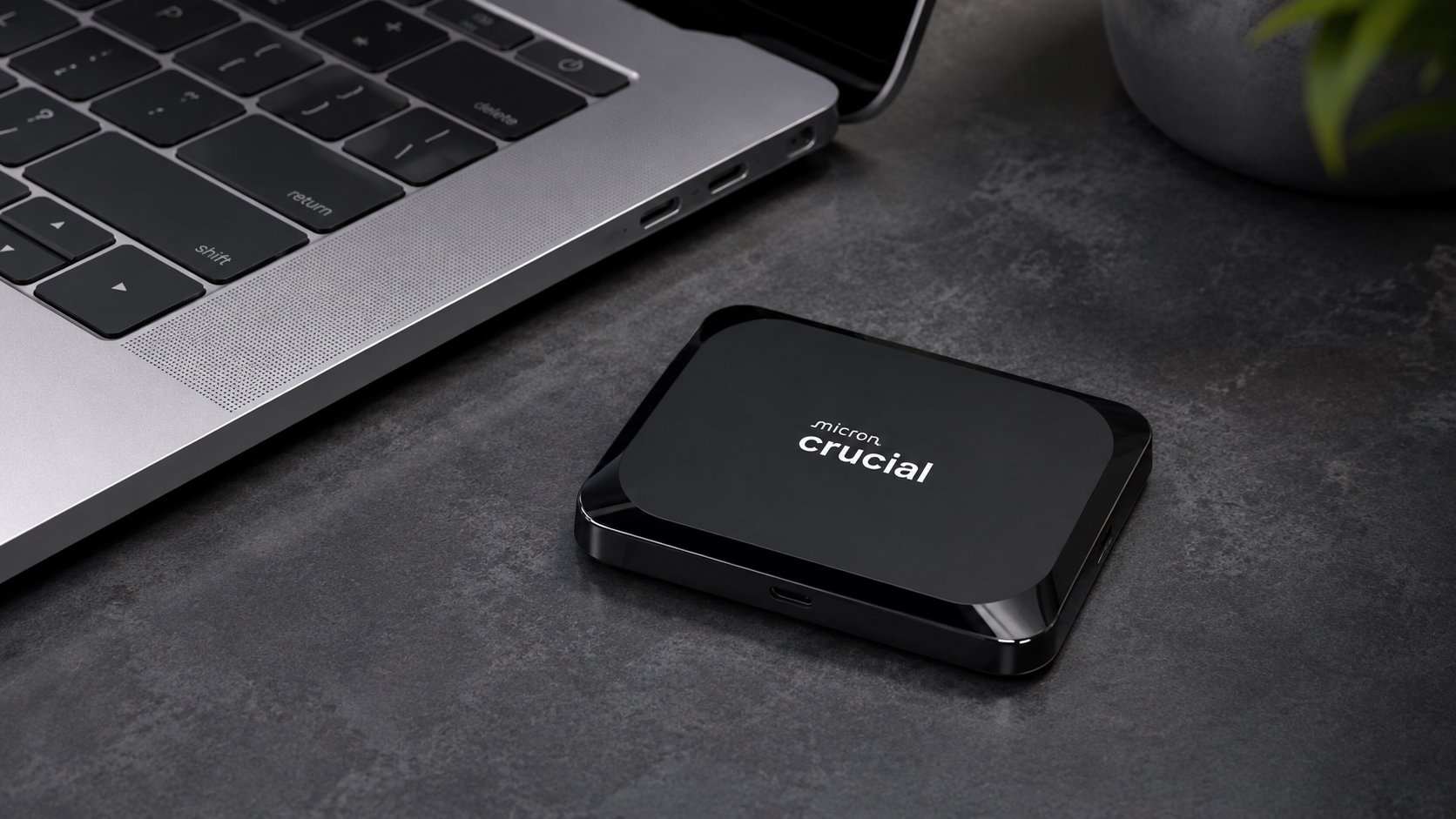
Fast storage does not need to be a chunky little science project. The standard Crucial X9 puts 2TB of solid-state space, USB 3.2 Gen 2 connectivity, and rated reads up to 1,050 MB/s into a body that weighs barely more than an ounce. It is the kind of drive that can live in a laptop sleeve without turning the sleeve into luggage.
The regular X9 is the sensible sibling, not the dressed-up X9 Pro. It skips the Pro model’s IP55 rating and hardware encryption, then uses the savings to deliver everyday speed at a more approachable price. That is a clean trade for students, gamers, travelers, and office users who want quick file moves and know how to keep a small drive away from rain, grit, and chaos.
Pros
- Rated reads up to 1,050 MB/s make large transfers feel dramatically quicker than a portable HDD.
- Two-terabyte capacity is roomy enough for work files, games, photos, and regular backups.
- The tiny, lightweight enclosure slips into a pocket or accessory pouch without fuss.
- USB-C support reaches modern computers, tablets, phones, and supported consoles.
- No moving parts means quiet operation and better tolerance for normal travel than a mechanical drive.
Cons
- The standard X9 lacks the IP55 rating and hardware encryption included with the X9 Pro.
- The box includes only a USB-C to USB-C cable.
- Very long sustained writes can slow after the fast cache fills.
- Cost per terabyte is still higher than portable mechanical storage.
Speed You Can Actually Feel
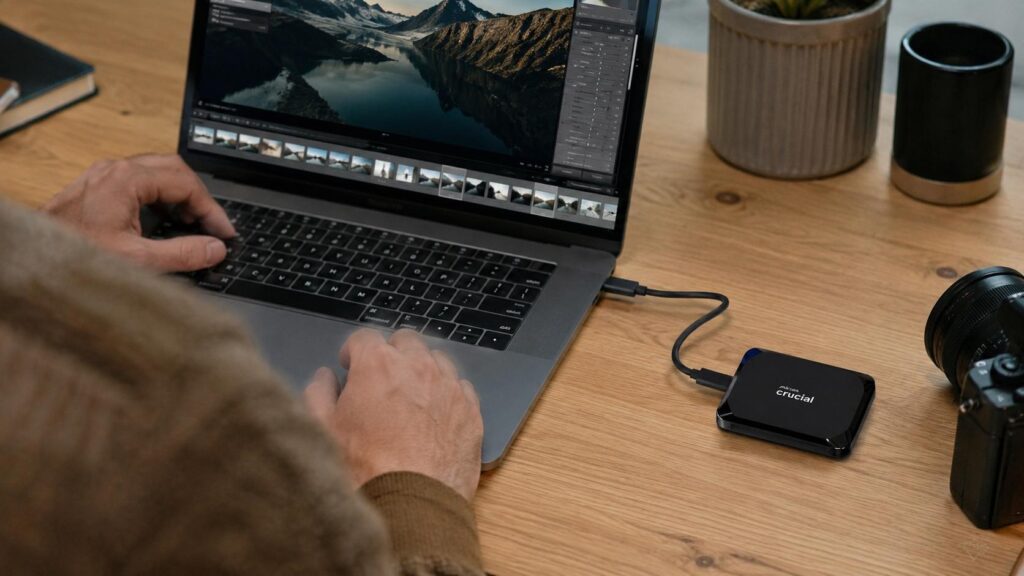
Moving from a portable hard drive to the Crucial X9 is one of those upgrades that does not require a spreadsheet to appreciate. Large photo folders, game libraries, video clips, and computer backups spend less time crawling across the progress bar when the host device and cable support USB 3.2 Gen 2. The USB-C connector looks modern, but the underlying port speed still matters; a slow adapter can put the whole setup in sensible shoes.
The X9 also feels more responsive with mixed folders because solid-state storage does not need a mechanical head to hunt across a spinning platter. Opening directories, searching an archive, and copying thousands of documents is simply less sluggish. Extended writes can drop below the headline rate after the fast cache fills, which matters most to people moving hundreds of gigabytes in one uninterrupted session. For ordinary daily transfers, the speed is still a major quality-of-life upgrade.
Gaming storage is another useful lane. Platform rules differ, and some current-generation titles must return to internal storage before they can run, but the X9 can hold a large library and move games more quickly than an HDD. It will not magically rewrite console restrictions, because no drive has that kind of authority, but it makes storage management far less tedious.
Pocket-Sized Without the Drama
At roughly 2.6 by 2 inches and about 0.4 inch thick, the X9 is smaller than many wallets. Its 32-gram weight is almost comical next to a desktop drive, which is great until it disappears into the bottom of a bag. The lanyard opening and a dedicated accessory pocket are not decorative details; they are how a tiny black square avoids becoming a very expensive game of hide-and-seek.
The plastic enclosure is practical rather than luxurious. It keeps weight down, stays comfortable to handle, and avoids the slippery feel that some bare metal drives develop. Solid-state storage has no spinning platter, so ordinary commuting and careful travel are less risky than they would be with a portable HDD. Still, the standard X9 is not a rugged field model. Keep it away from rain, sand, and loose liquids, and use a small padded pouch when heavier gear shares the bag.
The included short cable keeps a desk tidy and reduces snagging, but it can leave the drive hanging from laptops with elevated ports. A longer certified cable can improve placement as long as it supports the required data rate. The drive draws power from the connected device, so there is no charger to pack and no hunt for a wall outlet. That is exactly the kind of low-drama portability good tech should deliver.
USB-C Flexibility, With One Cable Catch
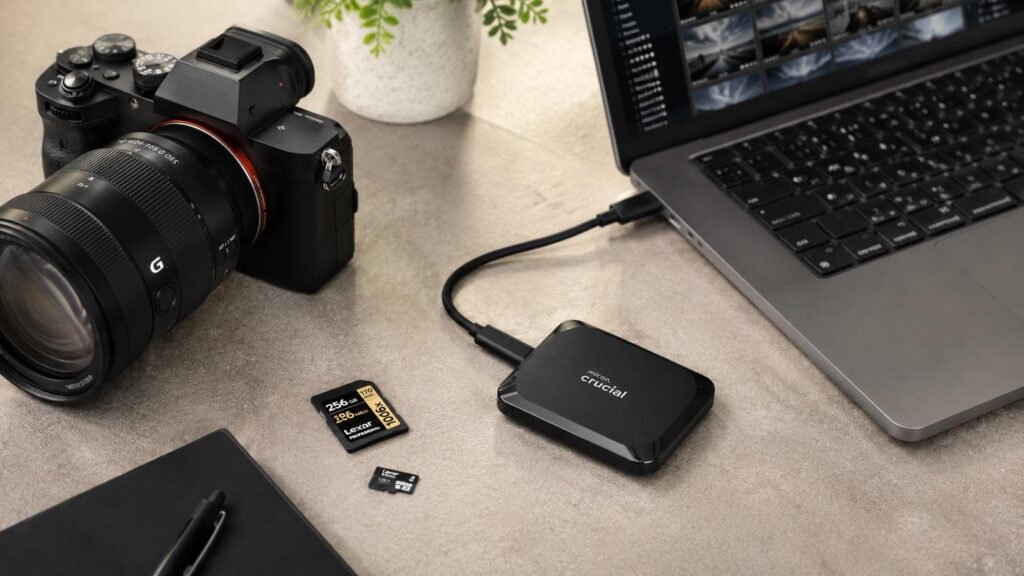
The 2TB X9 works across current Windows and macOS computers, compatible Android devices, tablets, and several gaming systems. That range is useful for people who move media between a phone, tablet, and laptop or keep one drive for both work and entertainment. Formatting determines how smoothly those devices share files. ExFAT is the practical middle ground for Windows and macOS, while a platform-specific format makes more sense when the drive belongs to one system full time.
Only a USB-C to USB-C cable comes in the box. Older computers with USB-A need a proper data adapter or a separate cable, and the random adapter that came with a charger may not support stable high-speed transfers. Phones and tablets also need USB mass-storage support and enough power for the drive. Large copies can eat into mobile battery life, so a charged device or compatible powered hub is the grown-up move.
The standard X9 does not include built-in hardware encryption. Sensitive files can still be protected with BitLocker, FileVault, or an encrypted container, but that security lives in the operating system rather than the drive. People who need integrated encryption and a formal dust-and-water rating should look at the X9 Pro instead of assuming the two products share every feature because their names are cousins.
A Fast Drive Still Needs a Backup Plan
Speed makes backups easier to finish, but it does not make one drive immortal. Important projects should exist in at least one other location. The X9 can serve as a fast portable working copy while a desktop HDD or NAS holds the larger archive, or it can handle local backups while a cloud service maintains the off-site copy. That division of labor puts the SSD speed where it earns its keep and leaves cheaper storage to handle the deep shelves.
Safe removal still matters. Eject the drive before unplugging it, avoid disconnecting during a write, and keep lint out of the USB-C port. SSDs also dislike hot cars and moisture, even when there are no moving parts inside. Periodically opening a sample of important files is more useful than trusting a green status light. A backup is only impressive when it can actually restore something.
The X9 2TB fits students, travelers, photographers, gamers, and office users who move large folders often and hate carrying bulky gear. It is less compelling as a stationary archive where speed rarely matters, and it is not the right choice for harsh field conditions. Within its lane, the combination of capacity, speed, compatibility, and tiny size is hard to argue with. The little drive understood the assignment.
Should You Buy the Crucial X9?
The Crucial X9 2TB is quick, compact, and broadly compatible, with enough capacity to handle serious work and entertainment libraries without turning a bag into a cable drawer. It removes much of the waiting that comes with portable mechanical storage and does so in a body that is almost absurdly easy to carry.
Its limits are straightforward: no IP55 rating, no built-in encryption, and no USB-A cable in the box. Buyers who can protect it from harsh conditions and add software-based security when needed get a practical portable SSD that delivers speed where everyday users will actually notice it.