
My Passport Ultra Review: High-Capacity Storage for Travel
The WD My Passport Ultra carries 5TB of USB-C storage, hardware encryption, and bus-powered convenience in a travel-ready hard drive.
Five terabytes without a power brick is the headline. The blue WD My Passport Ultra can carry years of photos, large work archives, offline media, and several computer backups while drawing power from the connected device. Its USB-C cable keeps it current, and the included USB-A adapter prevents older computers from being left outside the family group chat.
Portable does not mean tossable. The 5TB model is thicker and slower than a pocket SSD, and the mechanical disk needs careful handling while active. In return, it offers unusually high bus-powered capacity, 256-bit AES hardware encryption, password protection, and a three-year warranty. For people who need a lot of storage to travel, that combination makes more sense than paying SSD prices for every terabyte.
Pros
- Five terabytes delivers exceptional capacity in a bus-powered portable format.
- A USB-C cable and USB-A adapter cover a broad range of computers.
- Password protection and 256-bit AES hardware encryption help secure private files.
- The metal-accented enclosure feels more refined than a basic plastic portable HDD.
- A three-year limited warranty adds useful long-term coverage.
Cons
- The mechanical drive is slower and more impact-sensitive than an SSD.
- The 5TB version is thicker than lower-capacity portable drives.
- macOS use may require the included driver or reformatting.
- The enclosure has no formal water, dust, or drop rating.
Five Terabytes That Can Leave the Desk
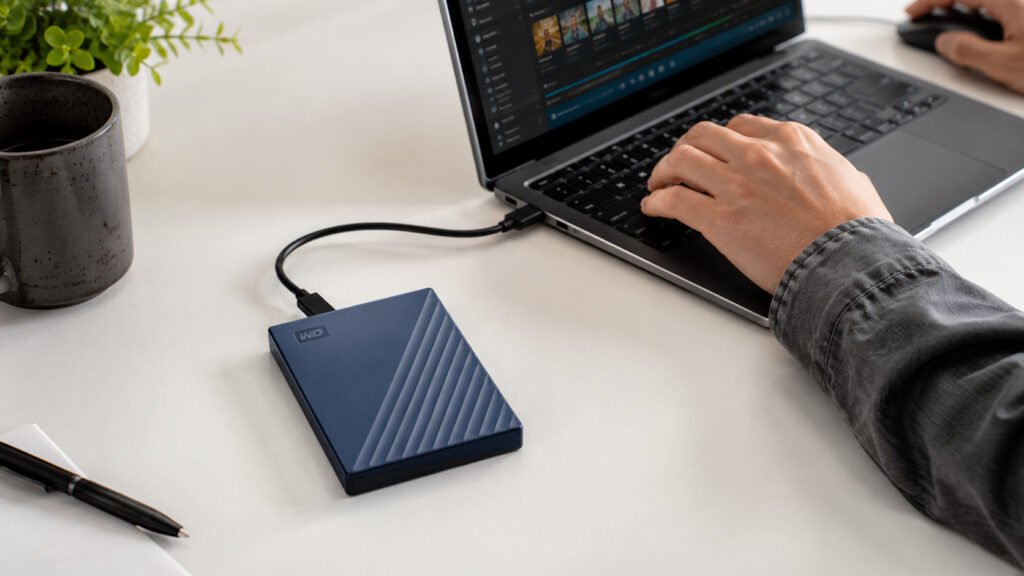
The strongest reason to choose the My Passport Ultra is simple: five terabytes can travel without hunting for an outlet. That is enough room for a substantial photo catalog, large personal and business archives, offline video, or several generations of laptop backups. It is especially useful for people who split time between home and office and want one physical copy that can move with them.
The capacity comes with physical reality. The 5TB model is thicker than smaller versions because the internal mechanism needs more room, and the drive weighs about half a pound. It still fits in a backpack pocket, but it does not disappear the way a 32-gram SSD does. A protective sleeve is a smart addition because a spinning disk can be damaged by drops, especially during a write. Portable, yes. Toss-it-in-the-bag-like-lip-gloss, no.
Five terabytes also requires organization. Separate folders for computer backups, active projects, and long-term archives reduce confusion, and leaving some free space keeps the file system comfortable. The drive should never become the only home for irreplaceable files. A second local copy or cloud backup is still necessary, because capacity is not the same thing as redundancy.
USB-C Convenience Without Pretending It Is an SSD
USB-C makes the My Passport Ultra easier to connect to current laptops, compatible tablets, and modern docks. The included USB-C to USB-A adapter preserves support for older computers, which is valuable in shared offices and homes with several generations of hardware. Keep the adapter with the drive. A cheap charging-only replacement can create the kind of connection mystery that steals an afternoon for no good reason.
The interface supports up to 5Gbps, but the internal hard disk determines real transfer speed. Large sequential files move more efficiently than thousands of tiny items, and an SSD remains clearly faster for frequent large transfers. The connection is still well matched to backup work, media playback, and ordinary storage. Bus power simplifies travel, although weak hubs can cause disconnects. A direct port or powered dock is safer for a long backup.
Formatting shapes compatibility. Windows users can use the supplied software, while macOS users may install the available NTFS driver or reformat for a different workflow. ExFAT is convenient for cross-platform exchange, while APFS or NTFS makes sense when the drive belongs to one operating system. Reformatting erases everything, so settle the format before the drive starts collecting memories and invoices.
Security Tools for Data That Travels
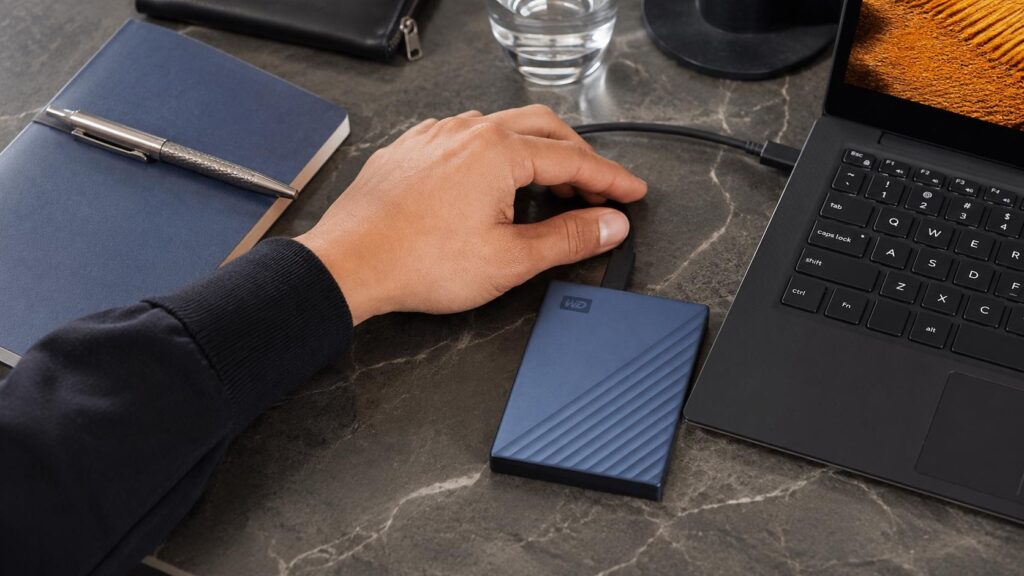
Hardware encryption and password protection make the My Passport Ultra more suitable for confidential portable data than a bare drive with no security layer. Financial records, client files, scanned identification, and personal documents deserve more than hope if the drive is lost. The password should live in a reputable password manager. Forgetting it can make encrypted data inaccessible, and the drive is not going to accept charm as a substitute.
The included software supports device management and backup scheduling. Automatic jobs reduce the chance that weeks pass between backups, but a portable drive is often disconnected when the schedule arrives. A more dependable habit is to connect it at a regular time, confirm the job completed, and eject it safely. People concerned about ransomware can disconnect the drive after backup or rotate between two drives.
Travel adds risks that desk storage rarely faces. The drive should not be moved while files are writing, left in a hot car, or balanced on an unstable surface. A snug case protects the cable and connector, while a clear label improves the odds of recovery if it is misplaced. Encryption helps with privacy; a second backup handles the much less glamorous possibility that the entire drive disappears.
The HDD Tradeoff and the Best-Fit Buyer
The My Passport Ultra is not trying to outrun the Crucial X9. Applications, active video projects, and repeated large transfers benefit from solid-state storage. This portable HDD is strongest when capacity matters more than immediacy: carrying a full photo archive, backing up several computers, storing finished projects, or taking a large media library on a trip. The cost per terabyte is the point, and the math stays the math.
Mechanical noise is modest but present. A soft hum or seeking sound is normal, while clicks, repeated disconnects, or failure to spin up should trigger an immediate backup attempt and diagnostic check. The drive should be ejected before removal and kept still during operation. These habits are not difficult, but they matter more with an HDD because the moving parts do not appreciate improvisation.
The ideal buyer wants maximum portable capacity, modern USB-C connectivity, and built-in security without paying SSD prices for five terabytes. Outdoor workers should consider the ArmorATD, while users who prioritize silence and speed should choose the X9. For high-capacity portable backup and archive duty, the My Passport Ultra occupies a useful middle ground with very little competition.
Should You Buy the WD My Passport Ultra?
The WD My Passport Ultra 5TB combines enormous portable capacity, USB-C convenience, hardware encryption, and bus-powered operation. It is a strong companion for large archives and backups that need to move between computers without bringing a separate power supply.
Its mechanical design requires patience and careful handling, and it cannot match an SSD for speed or impact resistance. Buyers who accept those limits receive a flexible, secure, and spacious drive that makes five terabytes genuinely portable.