
Seagate Expansion Review: Simple Capacity for Large Backups
The Seagate Expansion Desktop delivers 4TB of straightforward, affordable storage for backups, media libraries, and files that stay at a desk.
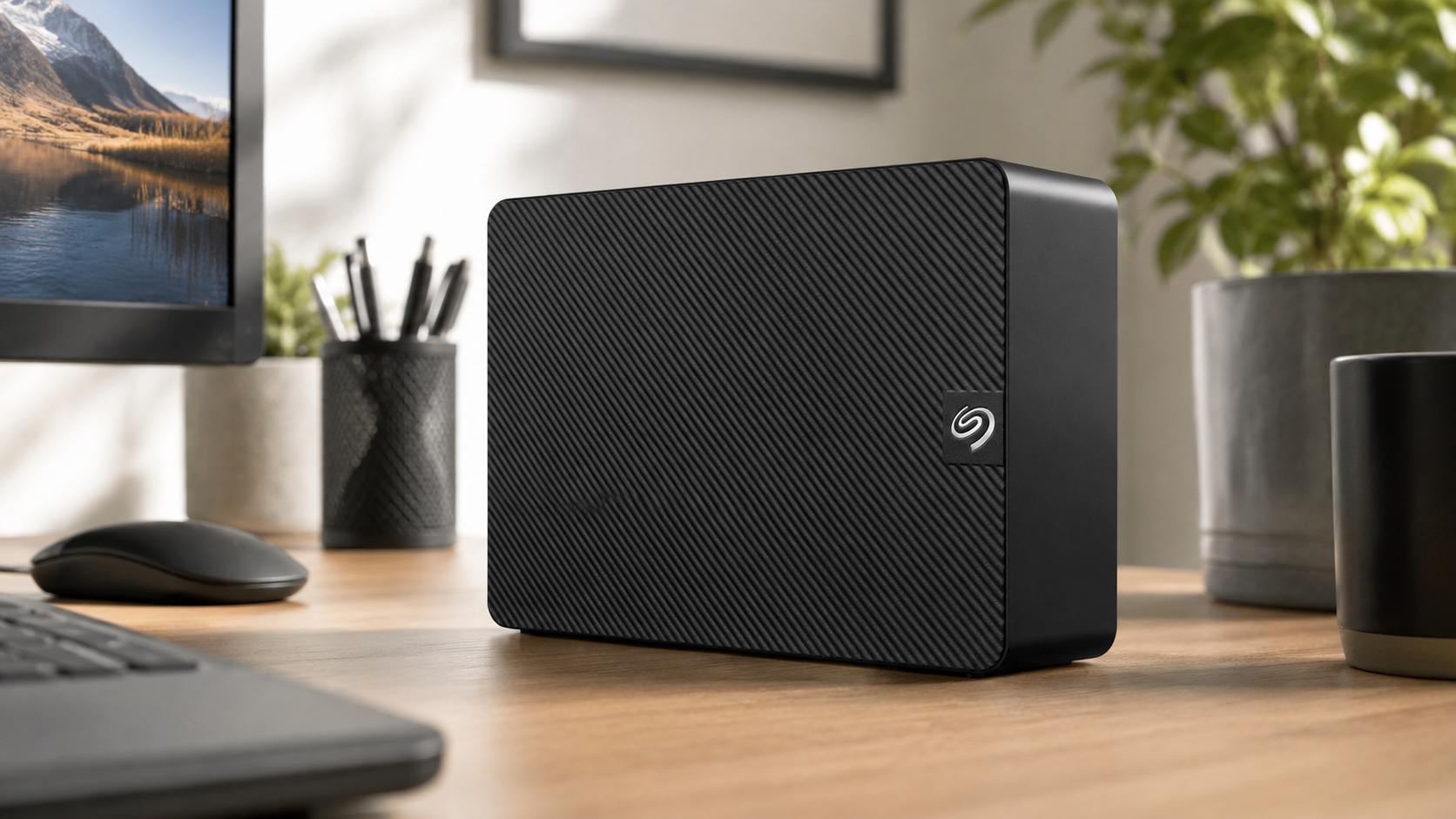
The Seagate Expansion Desktop does not audition for attention. It sits on a desk, holds 4TB, and keeps the cost grounded. Model STKP4000400 is built for backups, large media folders, game libraries, and files that need an inexpensive home more than they need premium materials or a dramatic software dashboard.
The feature list is short on purpose: USB 3.0, a power adapter, a mechanical hard drive, and simple drag-and-drop storage. There is no hardware encryption and no rugged shell. That simplicity works for households and offices that already use File History, Time Machine, or another trusted backup tool. Basic is not an insult when the basics are the whole reason to buy.
Pros
- Four terabytes provides useful room for large backups and media libraries.
- Straightforward setup suits users who do not want complicated storage software.
- The desktop enclosure stays stable and ventilated during long transfers.
- USB 3.0 provides more than enough bandwidth for the internal HDD.
- Cost per terabyte is usually much lower than portable SSD storage.
Cons
- The drive requires an AC adapter and is not practical for travel.
- There is no built-in hardware encryption or password protection.
- Mechanical performance is far behind a modern external SSD.
- Warranty coverage varies by region and is relatively short in the United States.
Four Terabytes Without the Extra Theater
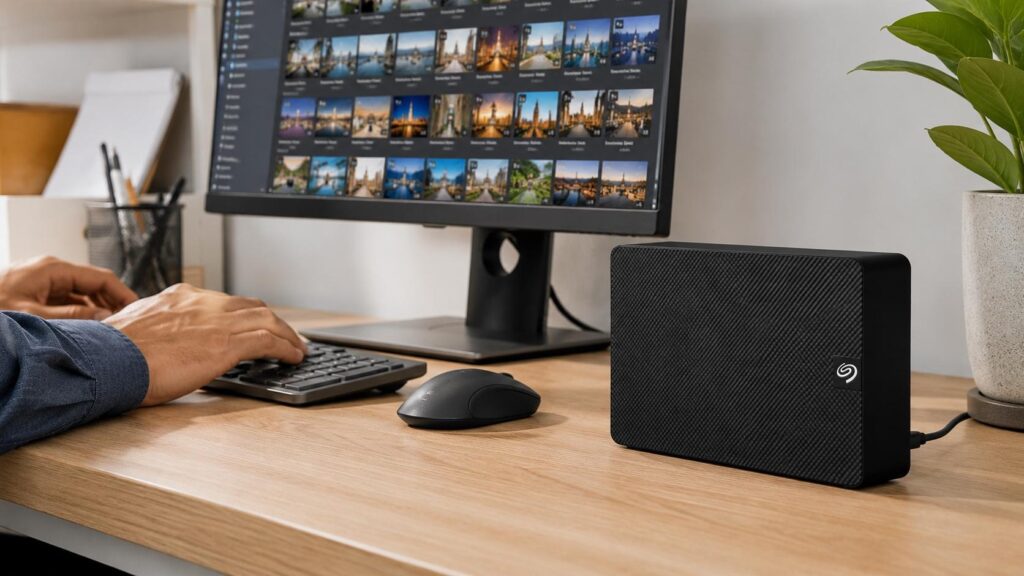
Four terabytes can hold multiple computer backups, years of photos and home videos, archived projects, or a game library that has outgrown internal storage. The Expansion makes the most sense when those files need an affordable home rather than instant access. It provides enough room to organize by device, year, or project instead of deleting older material every time a laptop starts complaining about free space.
Setup is intentionally plain. Connect the power adapter, attach the USB cable, and Windows can begin using the drive after the operating system recognizes it. Mac users may need to reformat depending on the workflow, particularly for Time Machine. Reformatting is easy, but it erases the drive, so the decision belongs at the beginning. Storage setup is not the place for surprise plot twists.
The lack of bundled backup and encryption tools can be positive or negative. People who prefer File History, Time Machine, third-party software, or manual folders are free to use those systems. Buyers expecting password prompts and a polished control panel need another product or separate software. The Expansion sells capacity, not a lifestyle brand, and the honesty is refreshing.
A Desktop Enclosure Made for Long Jobs
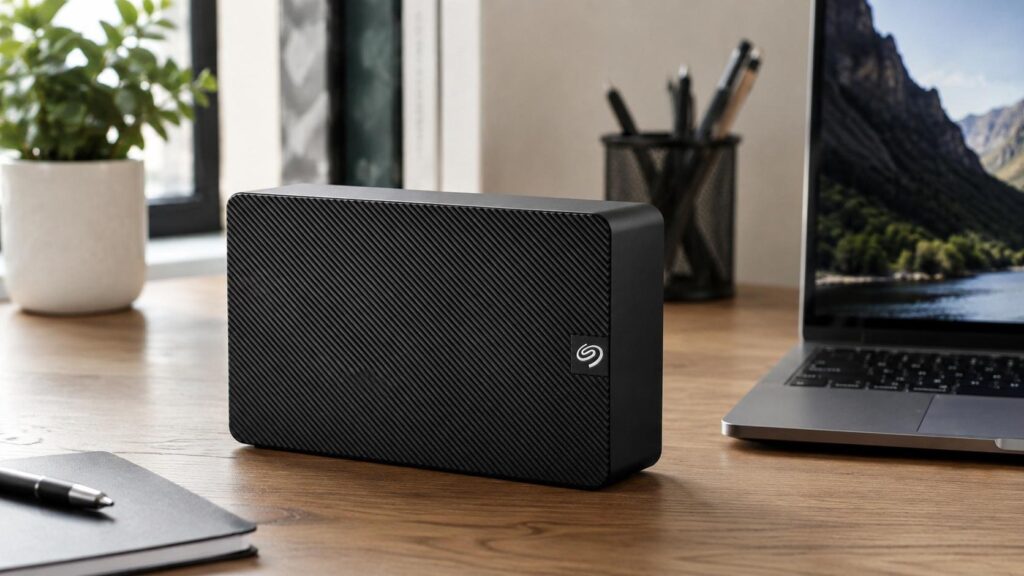
The enclosure is about 7 inches long, 4.9 inches deep, and 1.65 inches wide. It is not tiny, but the narrow shape can sit beside a tower or monitor without taking over the desk. The textured black shell and venting are functional rather than decorative, giving heat a way out during long backups. Leave open space around the vents and resist the temptation to bury the drive under papers like it owes rent.
At roughly 2.6 pounds, the drive has enough weight to stay planted when the cable is touched. That same weight confirms that it belongs on a desk, not in a commuter bag. Mechanical disks dislike impact, so the Expansion should remain on a stable surface and stay still while powered. Anti-skid contact points help, but they cannot negotiate with a hard knock or a drink balanced at the edge of the desk.
The AC adapter adds cable clutter and takes an outlet. In exchange, the drive does not depend on a laptop port for power and can operate steadily through long sessions. A surge protector makes sense in a permanent setup, while users in areas with frequent outages may want a UPS to prevent an active backup from being interrupted. A power brick is not cute, but neither is a corrupted archive.
What HDD Performance Feels Like
The USB 3.0 interface has more than enough bandwidth for the internal disk, so the mechanical drive is the real speed limit. Large video files, disk images, and photo folders move more efficiently than thousands of tiny documents. The first full backup can take hours when several terabytes are involved. Later incremental jobs are much lighter when software copies only the files that changed.
An SSD is better for editing large media directly, launching applications, or moving the same project folders all day. The Expansion works best as a destination: files move onto it, stay organized, and come back when needed. Music and ordinary video playback are comfortably within its abilities. Heavy multitasking exposes the slower seek times, because spinning platters are not known for their hustle.
A low hum and soft seek sounds are normal during activity. The drive should not sit next to a studio microphone or on a hollow surface that amplifies vibration. A dense desk mat can reduce resonance as long as it does not block ventilation. Repeated clicking, constant spin-up cycles, or unexplained disconnects are warning signs. Copy important data elsewhere before a long diagnostic session turns into a memorial service.
Backup Habits Matter More Than Fancy Software
The Expansion is strongest as a secondary copy, not the only home for important files. It can receive automatic computer backups, hold a duplicate media library, or archive finished projects that no longer need expensive internal SSD space. A second drive or cloud service still matters for irreplaceable material. Every storage device can fail, including the one that was perfectly polite yesterday.
Good habits are not complicated. Name folders clearly, confirm that scheduled jobs actually completed, and test an occasional restore. Eject the drive before disconnecting the USB cable, and never remove power during a write. Keep the enclosure dry, ventilated, and away from vibration. When errors or strange sounds begin, prioritize copying data over proving that the drive should still work.
The ideal buyer wants a large amount of stationary storage at a reasonable cost and does not need built-in encryption. It is a solid target for households and offices that already have preferred backup software. People carrying files between work sites should choose a bus-powered portable drive instead. The Expansion does one job, stays in its lane, and keeps the math sensible.
Should You Buy the Seagate Expansion?
The Seagate Expansion Desktop 4TB is intentionally uncomplicated. It provides useful capacity, stable desk-friendly operation, and a USB 3.0 connection without charging for security features or premium materials that some buyers will never use. The tradeoffs are clear: wall power, mechanical-drive speed, and no built-in privacy tools.
For economical backups and large folders that mostly remain in one place, the balance is sound. A real backup schedule and a second copy of essential data matter far more than decorative features. Used with that discipline, the Expansion delivers exactly the kind of practical value its name promises.