
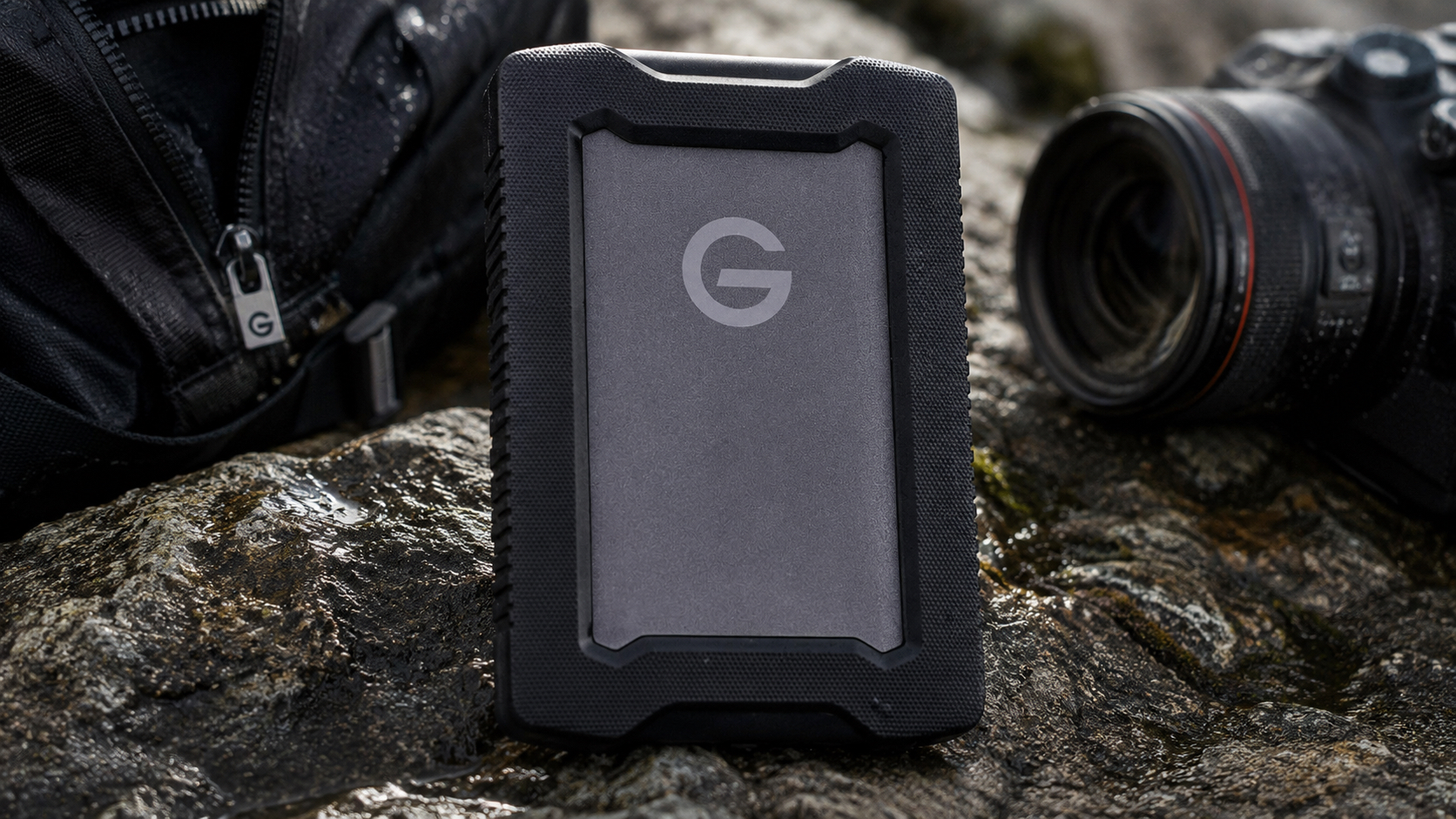
G-DRIVE ArmorATD Review: Durable Backup for the Field
The G-DRIVE ArmorATD adds IP54 protection, shock resistance, and USB-C convenience to a 2TB portable hard drive built for field work.
Rugged storage should earn the adjective. The 2TB SanDisk Professional G-DRIVE ArmorATD wraps a mechanical hard drive in an anodized aluminum shell, internal shock mounts, and a thick rubber bumper that adds grip and protection. It is built for photographers, videographers, researchers, and travelers whose gear bags meet dust, damp ground, tight cases, and the occasional deeply disrespectful bump.
That protection is meaningful, but it does not transform the spinning disk into an SSD. The ArmorATD still needs safe ejection, steady placement during transfers, and another backup somewhere else. Its job is to reduce the everyday physical risk around affordable mechanical storage. The bumper is not costume jewelry, and the IP54 rating is not permission to take the drive swimming.
Pros
- An aluminum enclosure, internal shock mounts, and rubber bumper protect against everyday impacts.
- IP54 dust and splash resistance is useful for travel and field work.
- Crush resistance up to 1,000 pounds adds protection inside packed gear cases.
- USB-C and USB-A cables are included for broad computer compatibility.
- A three-year limited warranty supports long-term professional use.
Cons
- The mechanical drive is slower and more impact-sensitive than a rugged SSD.
- Windows systems require reformatting before normal use.
- Two terabytes is modest beside higher-capacity portable HDDs.
- The protective enclosure is heavier and bulkier than a standard portable drive.
Protection That Makes Sense in the Field
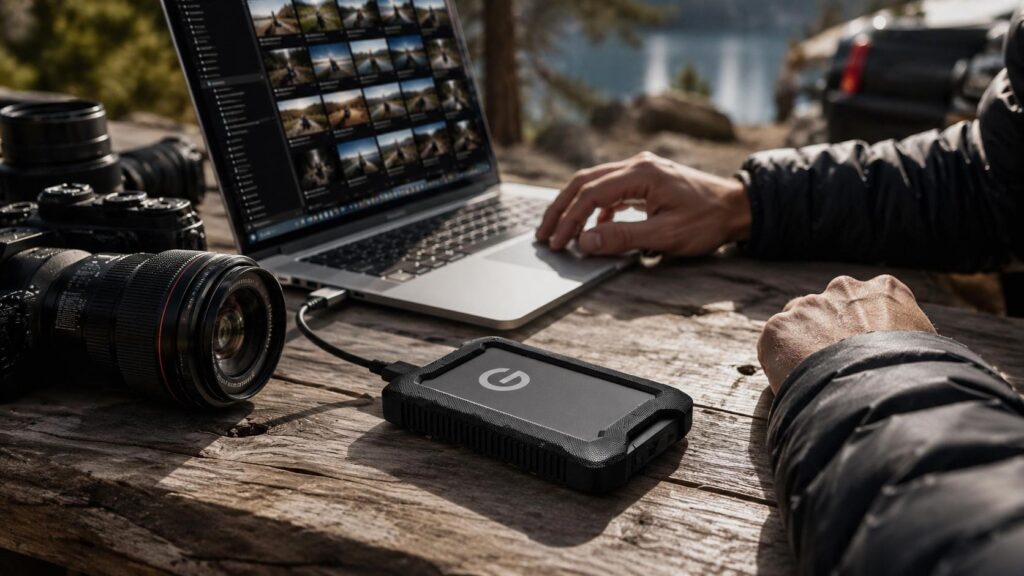
Ordinary portable hard drives can survive careful commuting, but field work is not careful commuting. Bags land on wet ground, cases get stacked, and equipment shifts during vehicle loading. The ArmorATD uses a layered design to address those moments: aluminum for structure, shock mounts around the internal disk, and a rubber bumper that improves grip while absorbing everyday knocks.
The 2TB model is rated for drops up to 1.2 meters onto carpeted concrete under the stated conditions. That is useful reassurance, not a challenge. A mechanical disk can still be damaged by a hard fall, especially during an active write. The smart routine is simple: finish the transfer, eject the drive, and put it into a padded compartment before moving locations. Rugged gear lasts longer when people stop trying to prove it is rugged.
Crush resistance up to 1,000 pounds is especially relevant when the drive shares a tightly packed case with cameras, lenses, tools, or audio equipment. The enclosure is substantially more protective than a thin plastic shell, and the extra weight is the bill for that protection. Desk-only users do not need the bulk. Field crews may consider it a fair price for fewer heart-stopping moments.
What IP54 Covers and What It Absolutely Does Not
IP54 means the enclosure resists limited dust ingress and splashing water from different directions. It is better suited to light rain, dusty trails, and outdoor production than an unrated portable drive. It is not waterproof, cannot be submerged, and should never be connected while wet. The port and cable ends need to be clean and dry before power enters the conversation.
The rubber bumper helps cold or gloved hands keep a secure grip and prevents the metal enclosure from skating across a vehicle console or workbench. Dust should be brushed away before inserting a cable so grit does not collect inside the connector. After damp use, the drive should dry at room temperature before returning to a sealed case. Trapping moisture with expensive electronics is not the kind of layered protection anybody wants.
The rating protects the enclosure under defined conditions; the data still depends on the health of a mechanical disk. Critical photos, recordings, and footage should be copied to a second destination as soon as practical. Rugged storage lowers risk. It does not excuse a one-copy workflow, and it certainly does not bless the phrase “I’ll back it up later.”
USB-C Transfers With Mechanical Limits
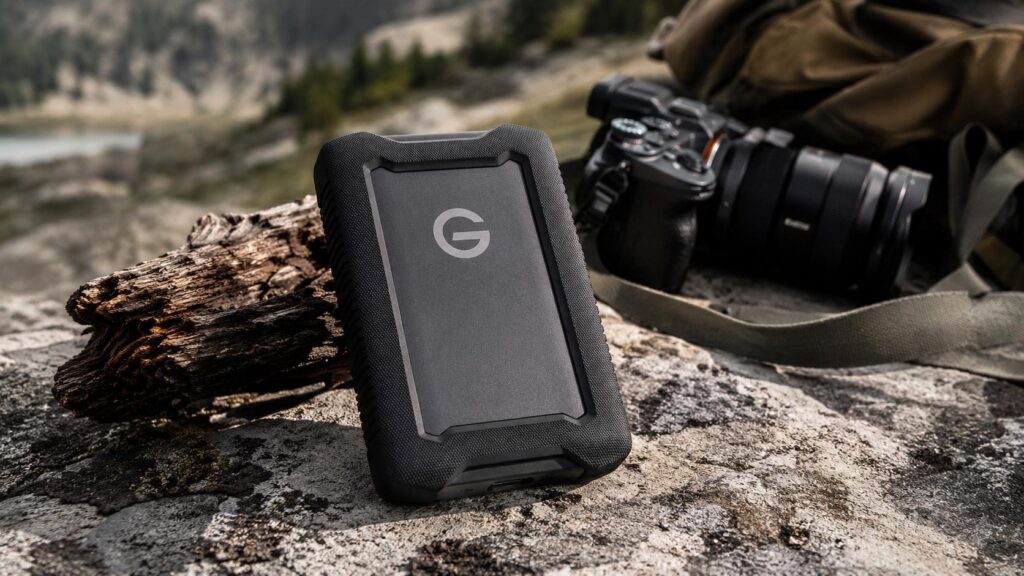
The USB-C port supports a 5Gbps connection and works with compatible Thunderbolt 3 and USB 3.2 Gen 1 ports. Both USB-C to USB-C and USB-C to USB-A cables are included, which is excellent travel insurance when a borrowed workstation does not match the primary laptop. The interface has more bandwidth than the internal HDD can use, so a newer port will not turn this drive into a flash-storage diva.
Rated reads around 130 MB/s are appropriate for backing up photos, audio, documents, and completed video footage. Large sequential files move more efficiently than folders packed with thousands of small items. The drive can handle image review and ordinary media playback, but demanding editing and repeated large transfers belong on a rugged SSD. ArmorATD prioritizes affordable capacity and physical protection, and that is a valid lane.
Bus power keeps the travel kit lean because there is no wall adapter. Long transfers can reduce laptop battery life, while underpowered hubs may cause instability. A direct connection or powered dock is the safer option when hundreds of gigabytes need to move. The cable should remain relaxed rather than pulling on the port, especially when the drive is sitting on an uneven outdoor surface.
Formatting, Backup Strategy, and Best Uses
The ArmorATD arrives ready for macOS and Time Machine, while Windows users need to reformat it. ExFAT is convenient for sharing files across platforms, NTFS suits a Windows-only workflow, and APFS makes sense for a Mac-dedicated backup. Formatting erases the drive, so this decision belongs at setup—not after the first memory card has been copied and everybody is suddenly sentimental.
A rugged drive is particularly useful as a first field backup. Photographers can copy memory cards at the end of the day, videographers can separate originals from the camera bag, and researchers can preserve recordings before returning to the office. The strongest workflow creates two copies on separate devices before cards are erased. Back at a permanent location, those files should move into a larger archive and off-site backup system.
The 2TB ArmorATD fits travelers and field professionals who want HDD capacity with more physical protection than a standard portable drive. People who need five terabytes in a lighter package may prefer the My Passport Ultra or LaCie Mobile Drive. Users who value speed and impact tolerance above capacity should buy a rugged SSD. ArmorATD owns the durable, affordable middle ground without pretending to be something it is not.
Should You Buy the SanDisk G-DRIVE ArmorATD?
The SanDisk Professional G-DRIVE ArmorATD 2TB gives mechanical storage a genuinely tougher enclosure for travel, field work, and outdoor production. Its aluminum shell, shock mounts, rubber bumper, IP54 rating, crush resistance, and dual cable support address hazards that ordinary portable drives mostly ignore.
It remains slower and mechanically more delicate than an SSD, and Windows users must plan for reformatting. For buyers who need affordable capacity with real physical protection, the ArmorATD is a purpose-built field drive that understands the assignment and dresses for it.