

ROVE R2-4K DUAL Review: Bundle Value with an Image Quality Compromise
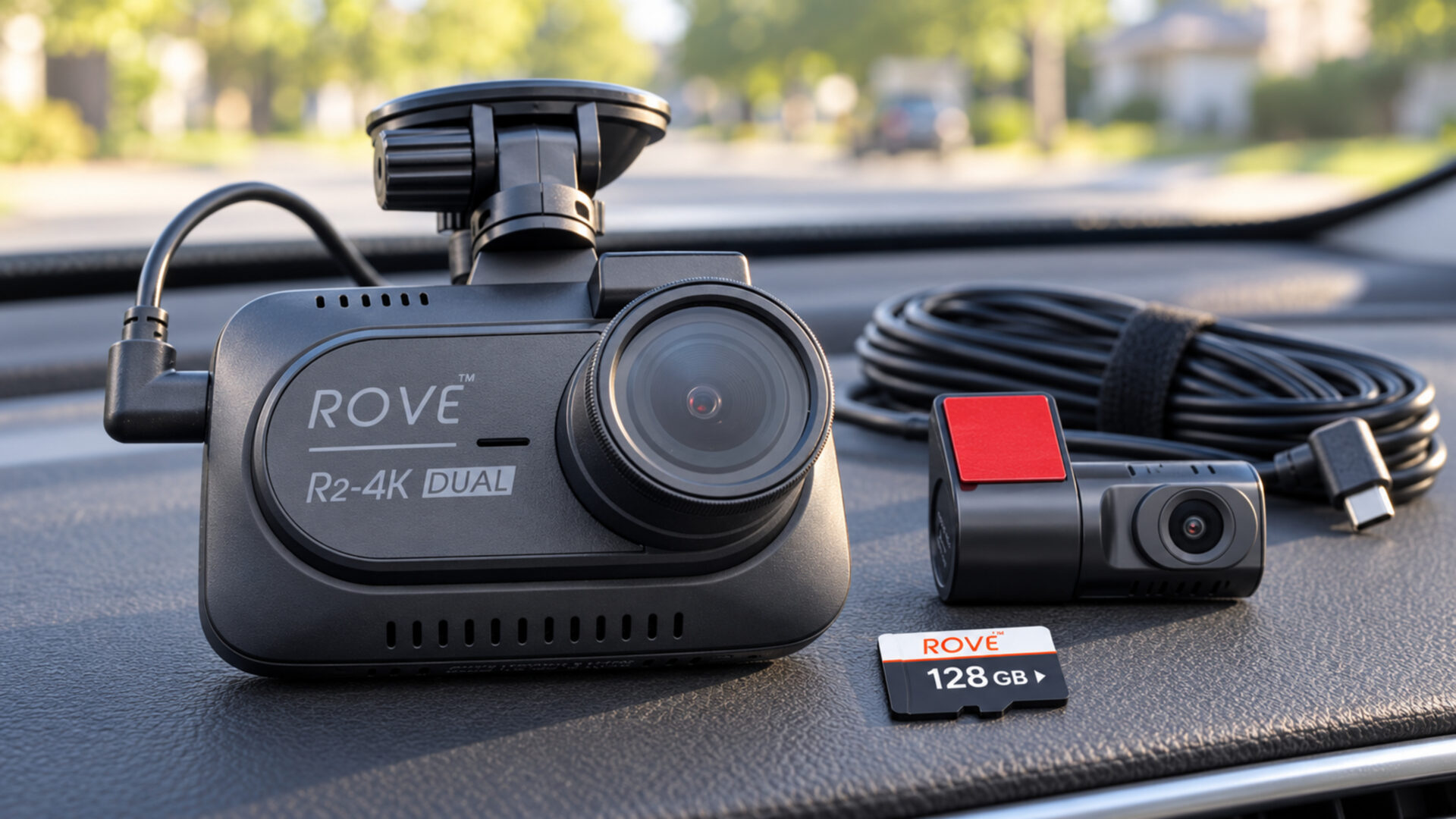
Buying front-and-rear coverage becomes easier when the package includes the storage needed to begin recording. The ROVE R2-4K DUAL bundles two cameras and a 128GB card for drivers who want a practical starting kit. Its appeal is the package as a whole, including a screen, GPS, and local wireless transfers. The important compromise is that its front 4K output is upscaled from a lower-resolution sensor, while the rear camera records at 1080p.
Pros
- Front and rear cameras come with a 128GB memory card.
- A 3-inch screen helps with framing, settings, and status checks.
- GPS and local Wi-Fi support reviewing and transferring footage.
Cons
- Front 4K output is upscaled rather than native 4K capture.
- The 1080p rear camera is a step down from stronger 2K rear systems.
- Parking recording requires a separately purchased compatible hardwire kit.
The Included Card Makes This a More Complete Starting Kit
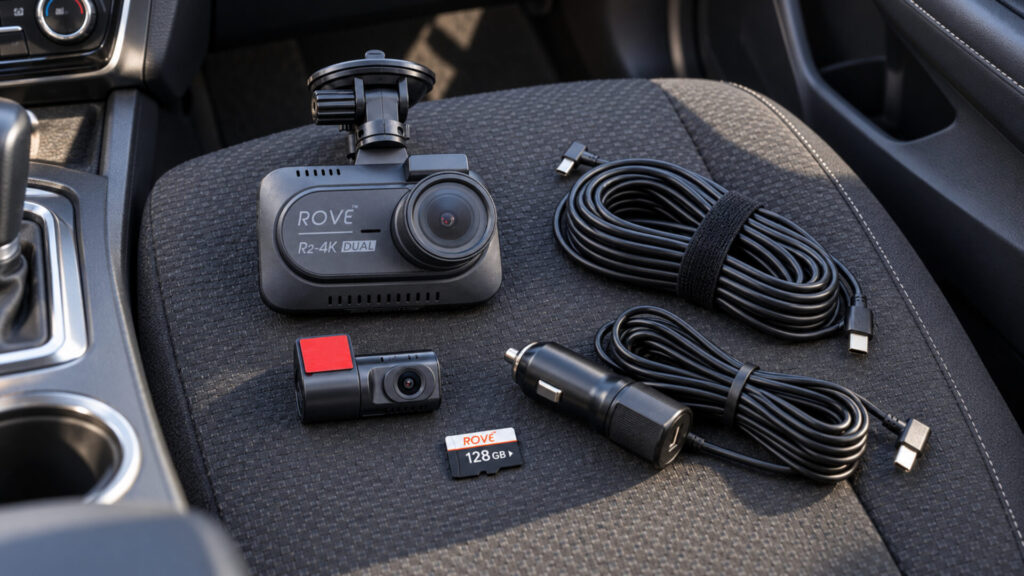
The included 128GB card removes one immediate shopping decision. You still need to install the cameras and configure the system, but you are not left waiting for a separate card before recording a first trip. For someone buying a dash cam for the first time, a more complete bundle can be easier to compare than a camera price that excludes several essentials.
The rear camera also gives this kit a practical advantage over a front-only recorder. A forward view can show how traffic ahead behaved, while the rear recording provides context for what approached from behind. Even when the rear video cannot resolve fine detail at a distance, the sequence of a vehicle moving closer can still be useful.
That does not mean the package includes everything needed for every use. Parking power is a separate purchase, and installation may take time or professional help. Compare the total cost for your intended setup. A bundle is good value when its included parts meet your needs, not simply because the box contains more items.
An included card also needs ordinary care. Format it in the camera as instructed and check that both views are being saved. Keep important clips outside the camera, since the card remains a single storage device. If it becomes damaged, is lost, or leaves with the camera, an event-protection setting cannot provide a second copy.
Understand What the 4K Label Delivers
The front camera uses a Sony IMX675 sensor with native 2.5K capture and produces upscaled 4K output. Upscaling increases the output frame dimensions; it does not create the same captured detail as a native 4K sensor. This distinction is essential when comparing the ROVE with more expensive cameras whose front sensors capture 4K directly.
The practical question is how well the recording answers your needs. For an overview of traffic movements, the ROVE’s front-and-rear coverage can still be useful. If your priority is the best chance of inspecting small details, the hardware difference is a reason to compare original footage carefully. A file labeled 2160p should not settle that decision by itself.
Vortex Radar’s comparative testing found less detail than the VIOFO A229 Pro, with a particularly clear disadvantage at the rear. The same test also reported parking-alert and startup behavior that required attention. Those observations do not establish how every firmware and installation combination behaves, but they justify checking both image quality and recording resumption during initial setup.
The rear camera records at 1080p, so set expectations around context rather than assuming it will consistently identify distant plates. The VIOFO A229 Pro is the stronger alternative to investigate when rear image detail is a priority. For the ROVE, the more persuasive case is affordable two-direction coverage with useful included accessories.
Use the Display to Confirm the System Is Working
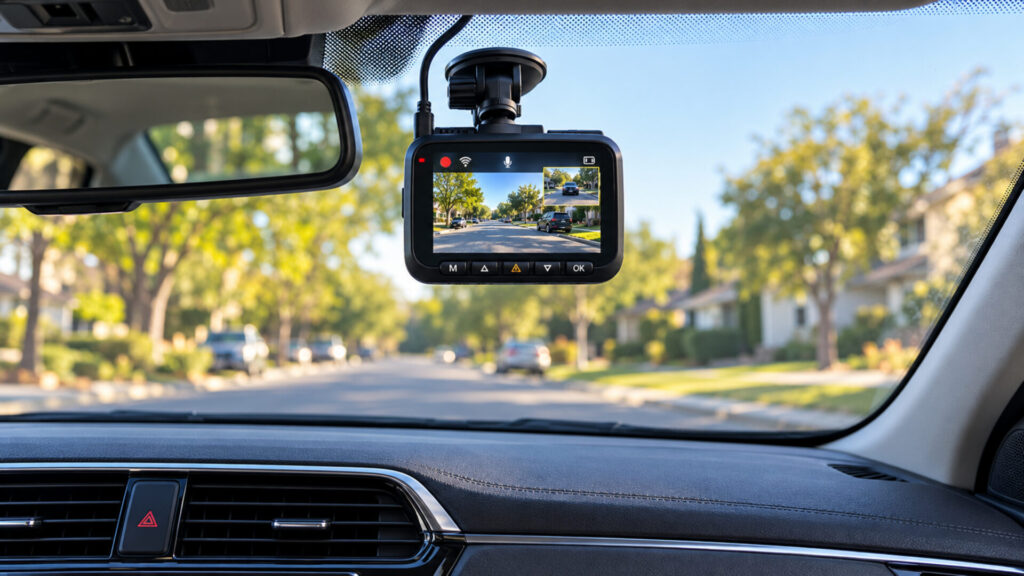
The 3-inch IPS screen gives you a direct way to check the camera and work through settings. It is useful during installation because you can see whether a lens is aimed sensibly before finishing the cable route. Keep the display accessible enough for occasional checks without positioning it where it obstructs your view of the road.
Rear-camera placement deserves a separate pass. Confirm the view with the trunk or hatch closed, and check whether cargo, tint, or window elements interfere. A connection that works while the rear door is open can still be under strain when it closes. Leave the cable properly supported and account for moving body panels before finalizing the installation.
Wi-Fi provides a local link to the phone for footage access. It is helpful for finding a clip without removing the card, but it is not a cellular connection. GPS adds route and speed context to recordings rather than providing remote vehicle tracking. These are useful features when understood as parts of the review-and-export process.
Try that process early. Save a short segment from both cameras, copy the files, and make sure the saved versions open independently of the app connection. Note how timestamps line up between the views. If an incident occurs later, having already practiced the sequence is more valuable than discovering unfamiliar menus while you are trying to preserve evidence.
Parking Modes Need a Deliberate Trial Run
Parking recording needs a compatible hardwire kit purchased separately. Treat this as an installation decision rather than a setting that automatically works after you switch it on. The camera needs power when the vehicle is off, and that power arrangement should include suitable battery protection. A car that sits unused for long periods creates different demands from one driven every day.
Different parking settings can capture different parts of an event. Time-lapse condenses time, while impact-triggered recording depends on detection and the camera’s response. Do not assume each mode continuously records both views with ordinary sound and motion. Read the current instructions, then check saved files from a controlled parked test to see what the chosen setting actually retains.
Pay particular attention when returning to the car. Confirm that any parking notification is cleared as needed and that normal recording resumes. The independent test’s reported behavior is a reason to make this part of the acceptance check, not a basis for declaring every unit unreliable. Repeat the check after changing parking settings or the power arrangement.
The supercapacitor supports the camera’s power management but is not a supply for extended recording without external power. It also does not remove the need to respect operating temperatures. Watch for unusual startup messages or missing files after long periods parked, and inspect recent clips periodically rather than relying on a screen that merely appears to be switched on.
Keep the system’s role realistic. A dash cam can preserve a record, but it cannot guarantee that every incident is detected or every useful detail is visible. The best ownership routine is to confirm recording, maintain the card, and export important events promptly. That routine is particularly worthwhile when value is the reason you chose a kit with clear imaging compromises.
Should You Buy the ROVE R2-4K DUAL?
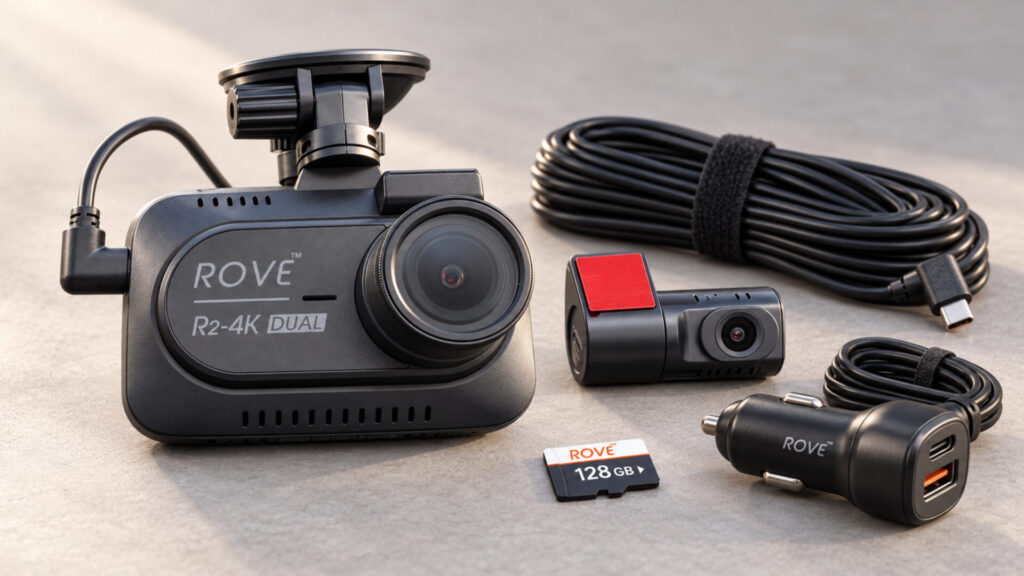
Consider it for a reasonably complete front-and-rear starting package, especially if the included card and on-camera screen simplify your purchase. It offers a practical set of functions, but its value should be judged against the actual price at checkout and the cost of any parking accessories. The upscaled front output is a real compromise, not a technicality to ignore.
Choose a stronger imaging system if fine detail is the priority, or a simpler front camera if you do not need rear coverage. The best dash cams comparison lays out those alternatives. For buyers who understand the resolution limits and will verify the recording workflow, the ROVE R2-4K DUAL remains a useful bundle-focused option.