
Best Dash Cams for Commuters and Passenger Drivers
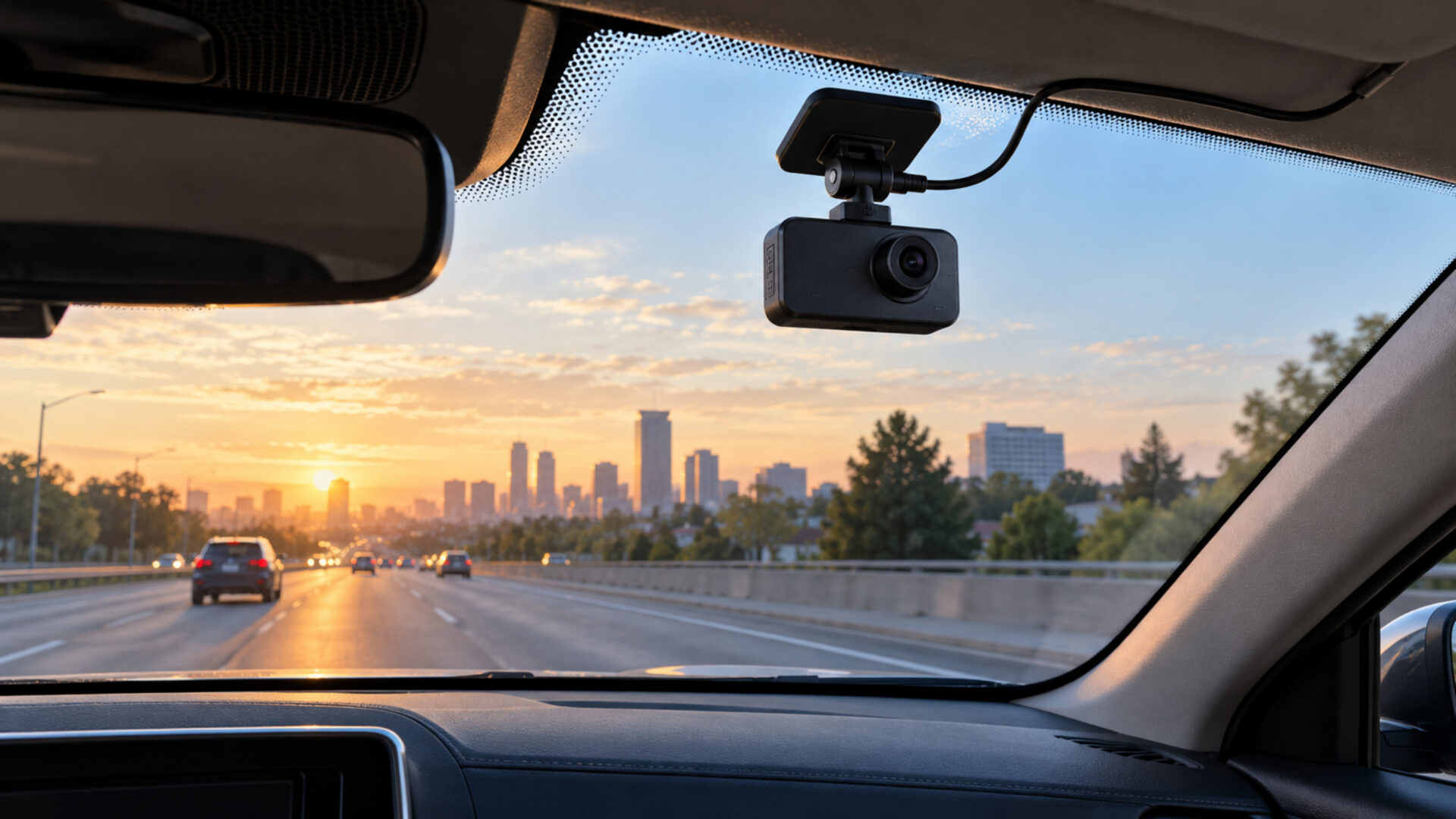
The best dash cams match the views you need with a setup you will actually maintain. A small forward-facing camera can suit a daily commute, while passenger work may justify an interior view and a dedicated rear camera. More lenses increase coverage, but they also add installation work and files to manage.
| Best for Five-Channel Coverage | Best for Rideshare Drivers | Best Premium Front and Rear Dash Cam | Best Budget Front Dash Cam | Best Compact Dash Cam | Best Value Front and Rear Bundle |
|---|---|---|---|---|---|
| PRUVEEO NEW-D88-5CH | Vantrue N4 Pro S | VIOFO A229 Pro Dual Channel | MIOFIVE S1 | Garmin Dash Cam Mini 3 | ROVE R2-4K DUAL |
 |  |  |  |  |  |
| FIve views when side and cabin coverage are priorities, while accepting more setup and limited independent imaging evidence. | Dedicated front, cabin, and rear recording for passenger work; this RC18 rear camera mounts inside the vehicle. | 4K front and 2K rear recording when image detail in both road views justifies a premium setup. | This front-only 4K camera for a budget-focused commute recorder with a screen and GPS. | A tiny screenless front camera when discreet mounting is more important than 4K video or built-in GPS. | Two cameras and an included 128GB card for bundle value, accepting upscaled front 4K and 1080p rear recording. |
Start with the job you want the camera to do. The six options below cover compact installation, budget front recording, stronger front-and-rear detail, and broader multi-camera coverage. Compare the complete setup, including storage and parking power, rather than judging value from resolution labels alone.
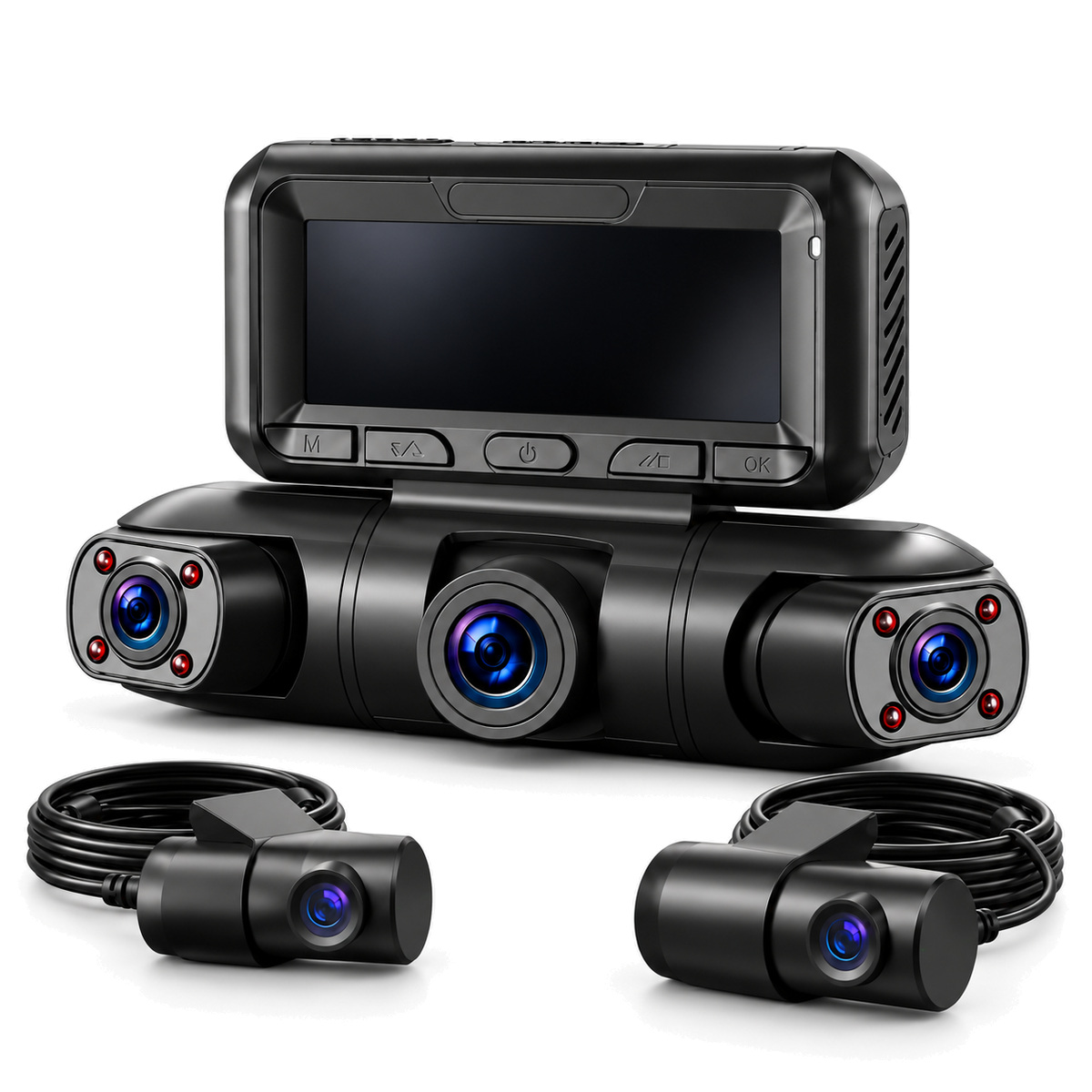
Best for Five-Channel Coverage: PRUVEEO NEW-D88-5CH
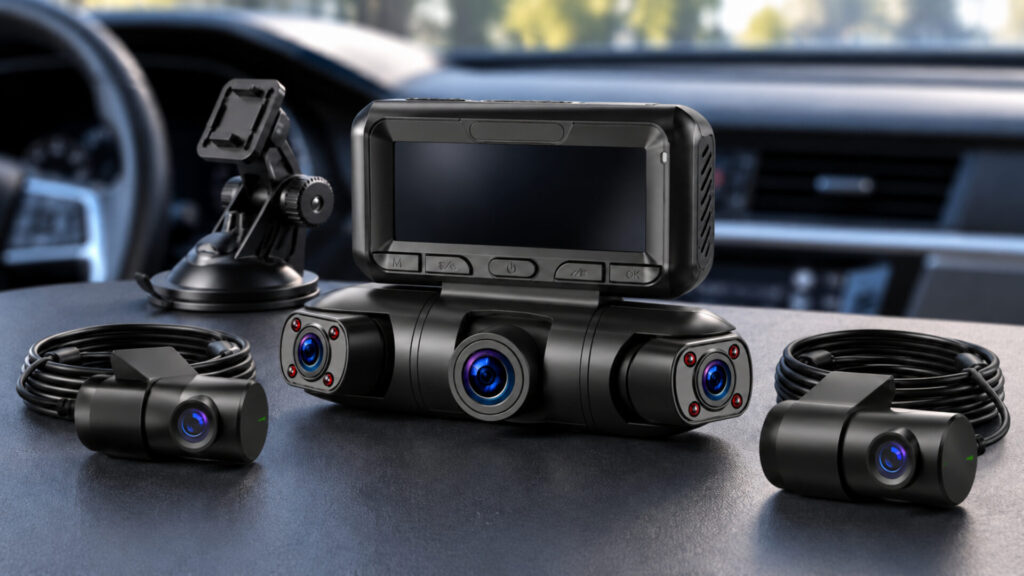
- Add views of activity beside the vehicle and inside the cabin.
- Adjust camera angles around the areas you most want to document.
- Use GPS and local Wi-Fi to help find and retrieve footage.
The PRUVEEO NEW-D88-5CH is the coverage-focused choice for drivers who have a specific use for front, rear, side, and cabin views. Frequent pickups and activity close beside the car are sensible reasons to consider it. Five channels do not guarantee an unobstructed view around the vehicle, however, and the simultaneous resolution of every channel is not clear enough to promise five high-resolution feeds. This recommendation is based primarily on its configuration, with limited independent evidence for the exact model. Choose it for additional perspectives, then check the installed angles and original recordings carefully. Parking recording also needs the separate ACC hardwire kit.
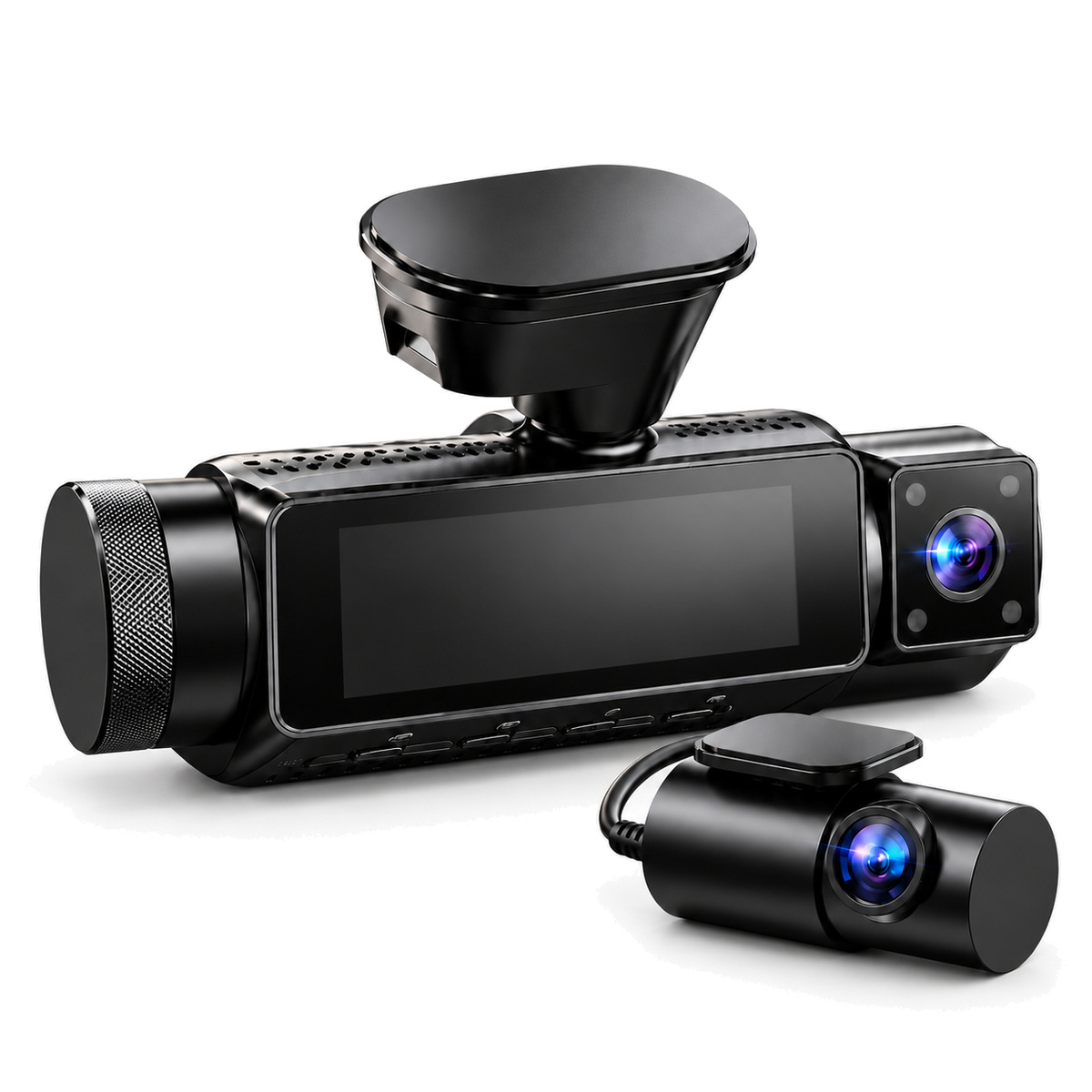
Best for Rideshare Drivers: Vantrue N4 Pro S
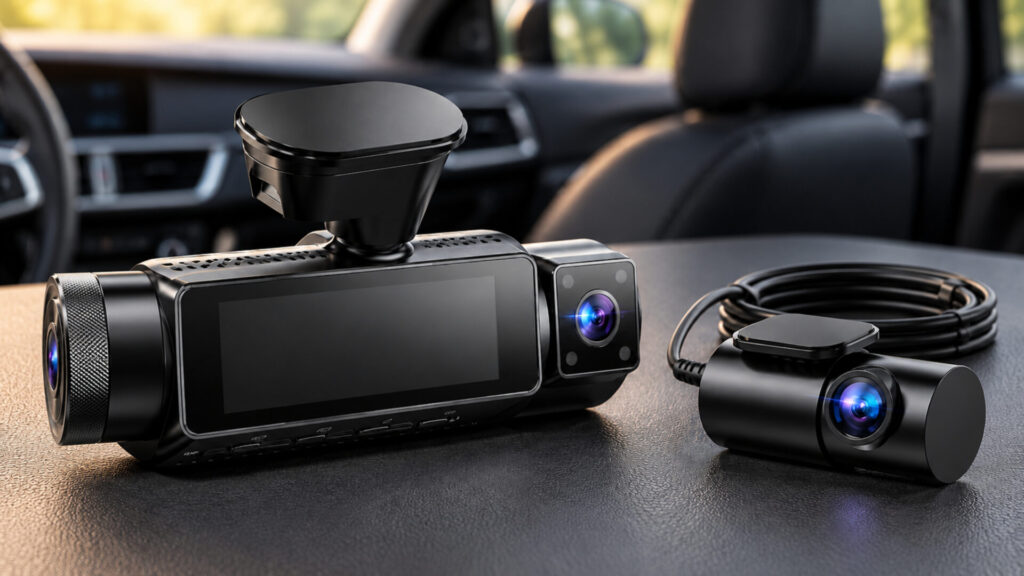
- Record passengers without sacrificing a dedicated rear traffic view.
- Pair 4K front recording with 2.5K rear recording.
- Use infrared illumination for the cabin after dark.
The Vantrue N4 Pro S suits drivers whose work involves people inside the car as well as traffic outside it. The three-camera arrangement gives each job a dedicated view, making it a more focused passenger-work choice than a front-and-rear kit. This selected bundle has the RC18 rear camera, which is not waterproof and must be mounted inside the vehicle. Allow time for the rear cable, check that the cabin lens sees the seating area you need, and budget separately for parking power. It is more hardware than many private drivers require, but its configuration has a clear purpose for regular passenger trips.
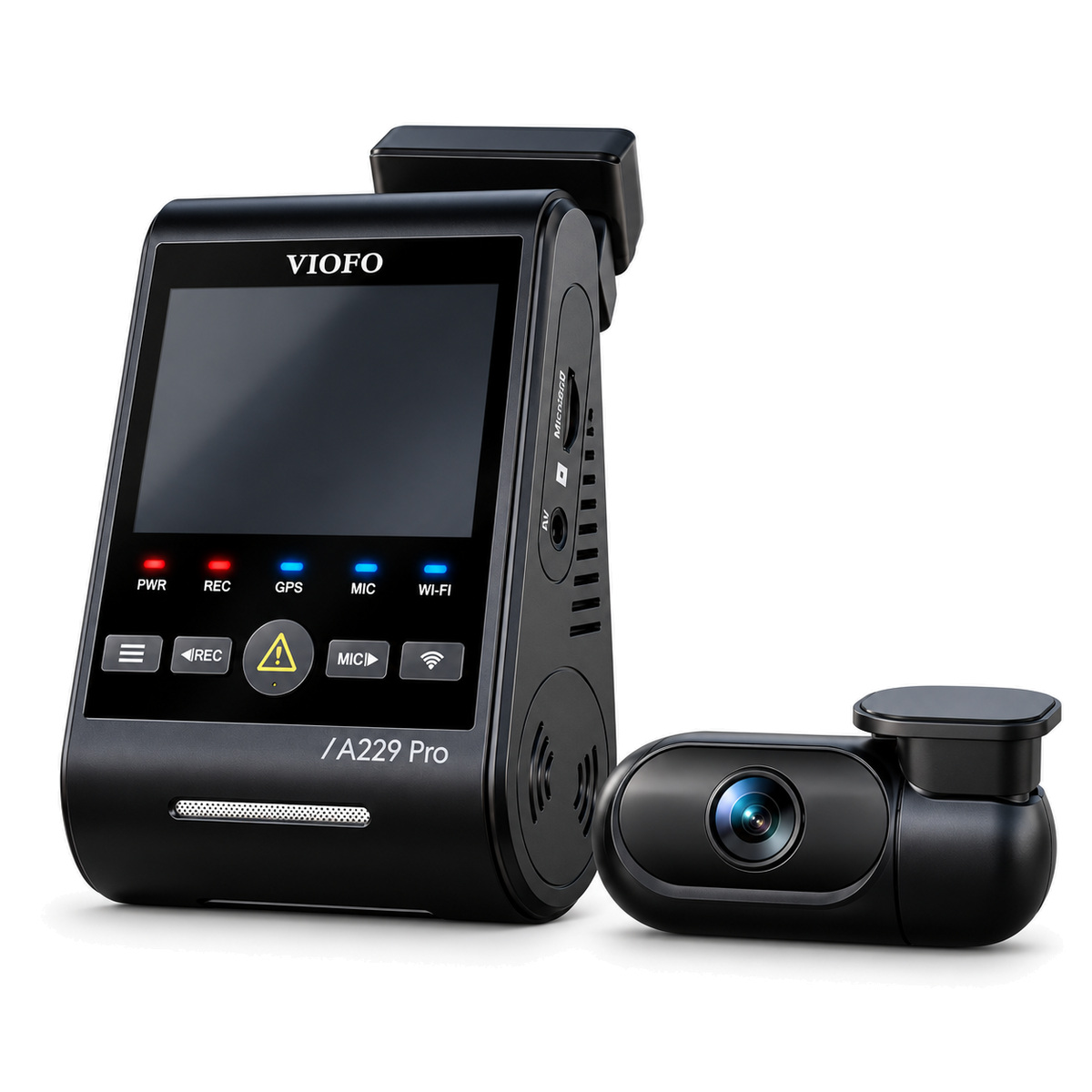
Best Premium Front and Rear Dash Cam: VIOFO A229 Pro Dual Channel
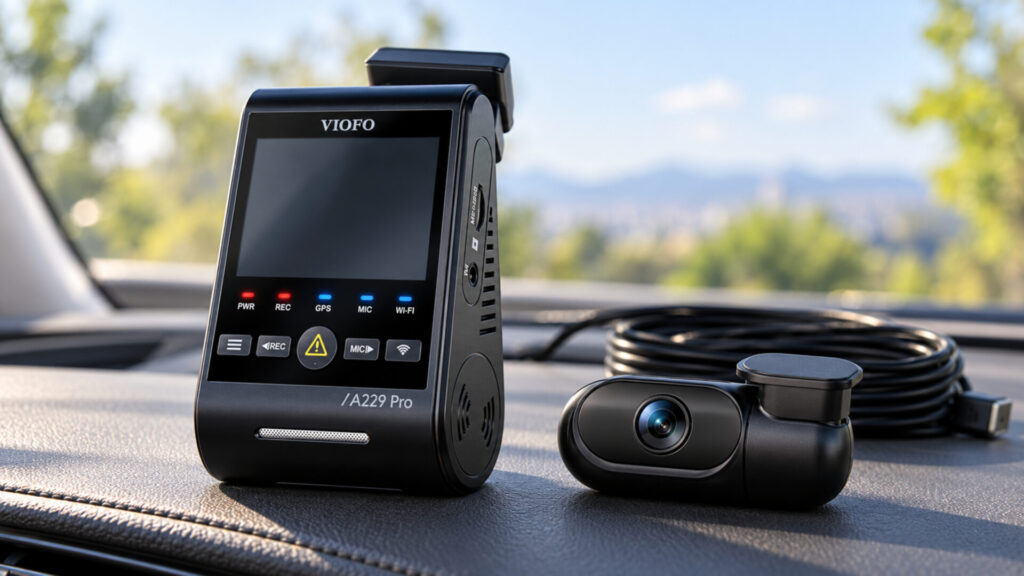
- Prioritize detail in both directions with 4K front and 2K rear video.
- Use HDR and STARVIS 2 sensors on both road-facing cameras.
- Adjust the included front polarizer to reduce windshield reflections.
The VIOFO A229 Pro Dual Channel is a strong choice for drivers who would rather invest in two capable road views than add a cabin camera. Its rear camera is an important part of the appeal, especially when comparing it with bundles that reserve their strongest hardware for the front. The system requires more spending and installation effort than a basic single camera, including a suitable card and optional parking-power kit. It still cannot guarantee readable plates in every condition. Choose it when front-and-rear image detail justifies the additional cost, and give both lenses a clear, carefully checked view through the glass.
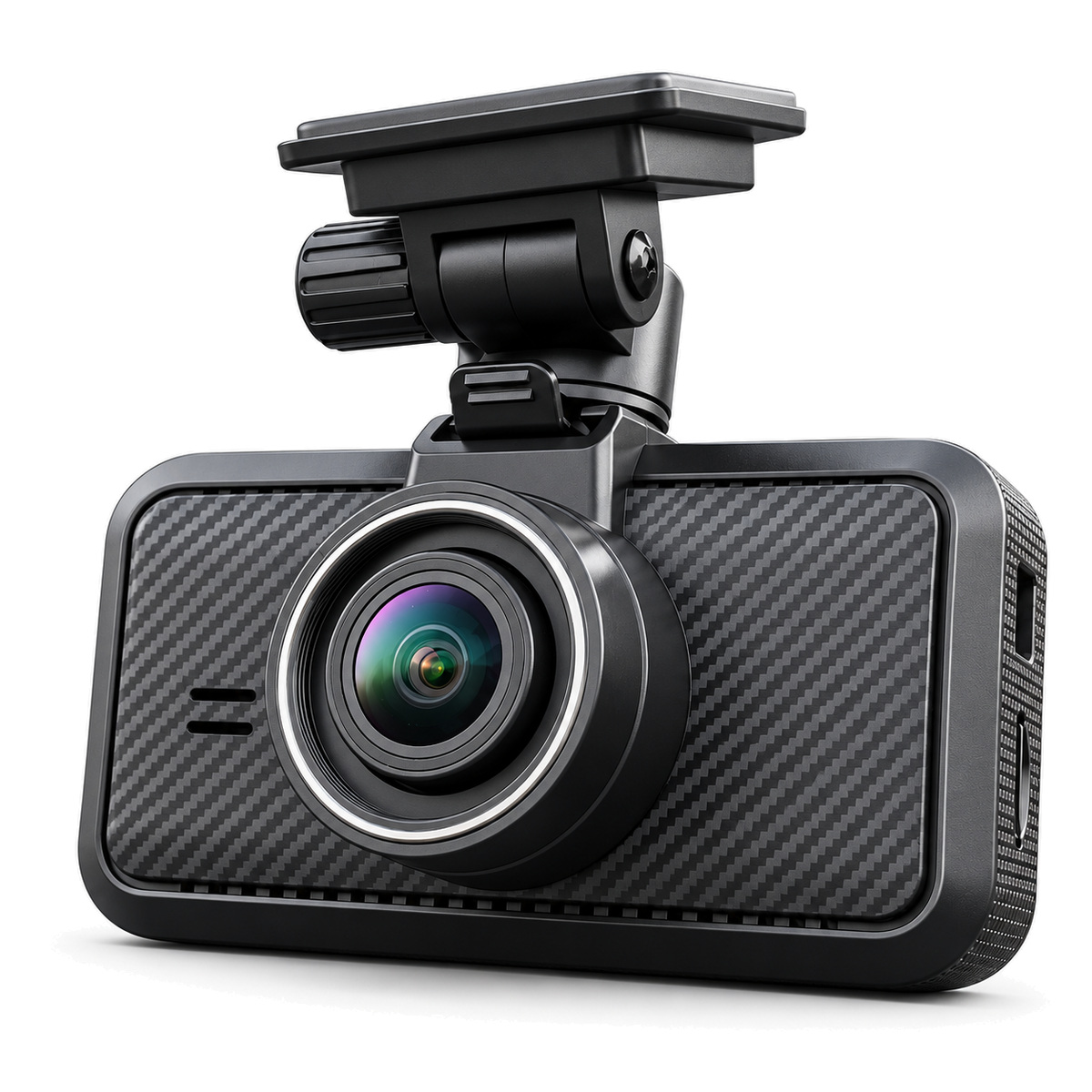
Best Budget Front Dash Cam: MIOFIVE S1
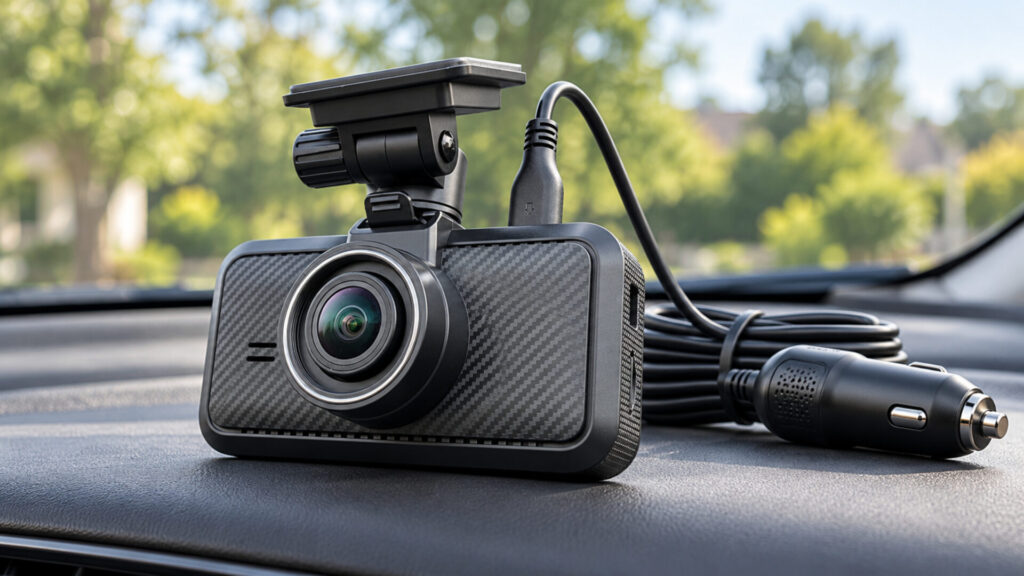
- Get 4K forward recording without installing a rear camera.
- Check framing and status on the 3-inch screen.
- Use GPS and local Wi-Fi for trip context and clip retrieval.
The MIOFIVE S1 is an approachable option for a first dash cam or a car that mainly needs a record of the road ahead. Its screen makes setup more direct than a phone-only workflow, while its GPS and wireless transfer features remain useful beyond the first installation. The important limitation is coverage: this S1 is a front-only camera, not the S1 Ultra dual-camera package. It cannot show a dedicated rear approach or cabin view. It is best for buyers who deliberately accept that boundary in exchange for a simpler installation and budget-focused purchase. Parking recording needs additional compatible power hardware.
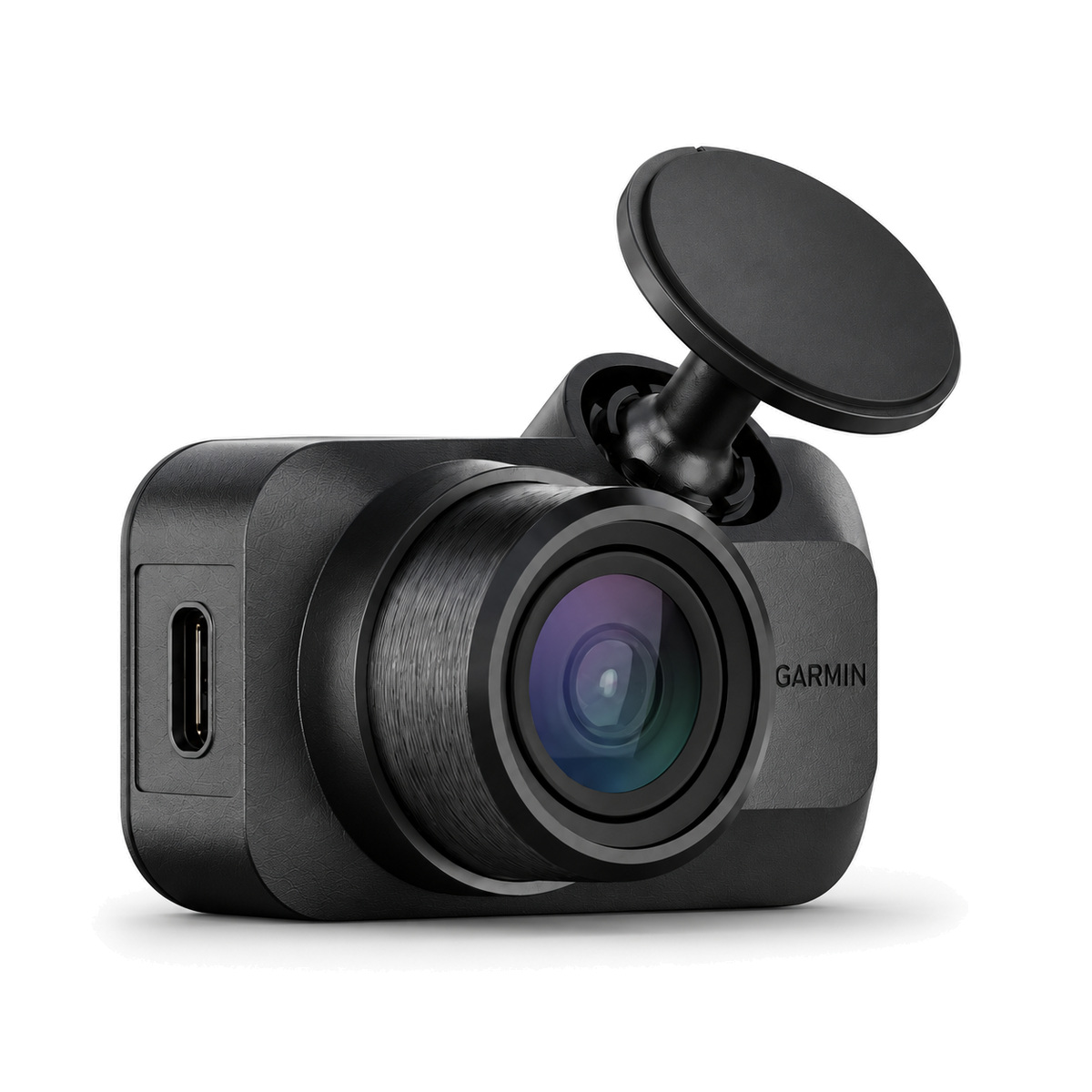
Best Compact Dash Cam: Garmin Dash Cam Mini 3
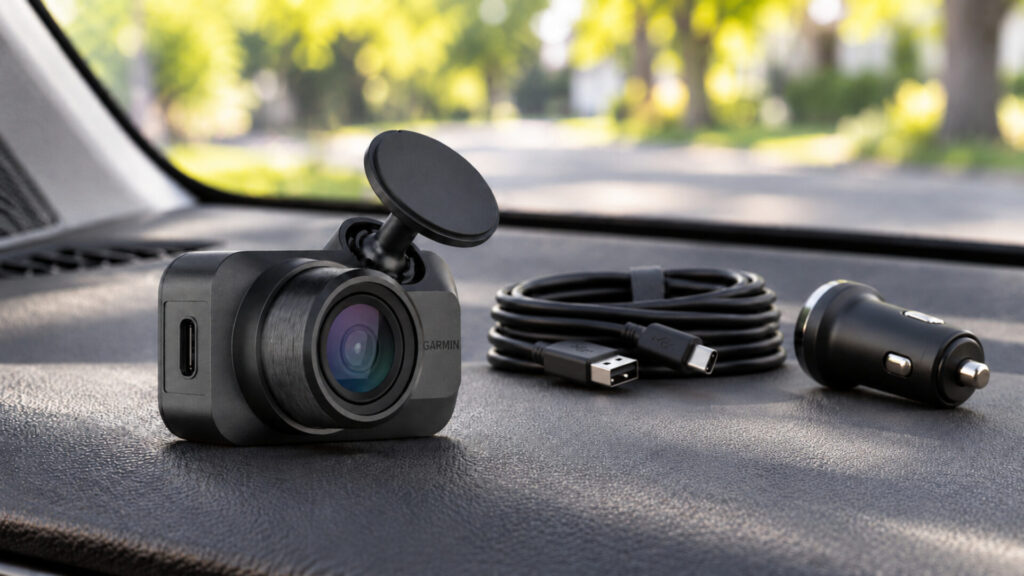
- Keep visible hardware small with a screenless camera body.
- Reduce reflections with the integrated polarizer.
- Use voice commands and Garmin Drive for operation and footage access.
The Garmin Dash Cam Mini 3 is for drivers who dislike a bulky camera near the mirror. Its tiny body is easier to accommodate discreetly, and the phone takes over the role of an on-camera screen. The tradeoff is 1080p front video and no built-in GPS, so it is not the pick for maximum resolution or location data. A card is another purchase to plan. Basic local recording does not require a Vault subscription, but remote functions require the paid service, Wi-Fi connectivity, and suitable power. Choose it for compactness rather than assuming its remote features work anywhere the car is parked.
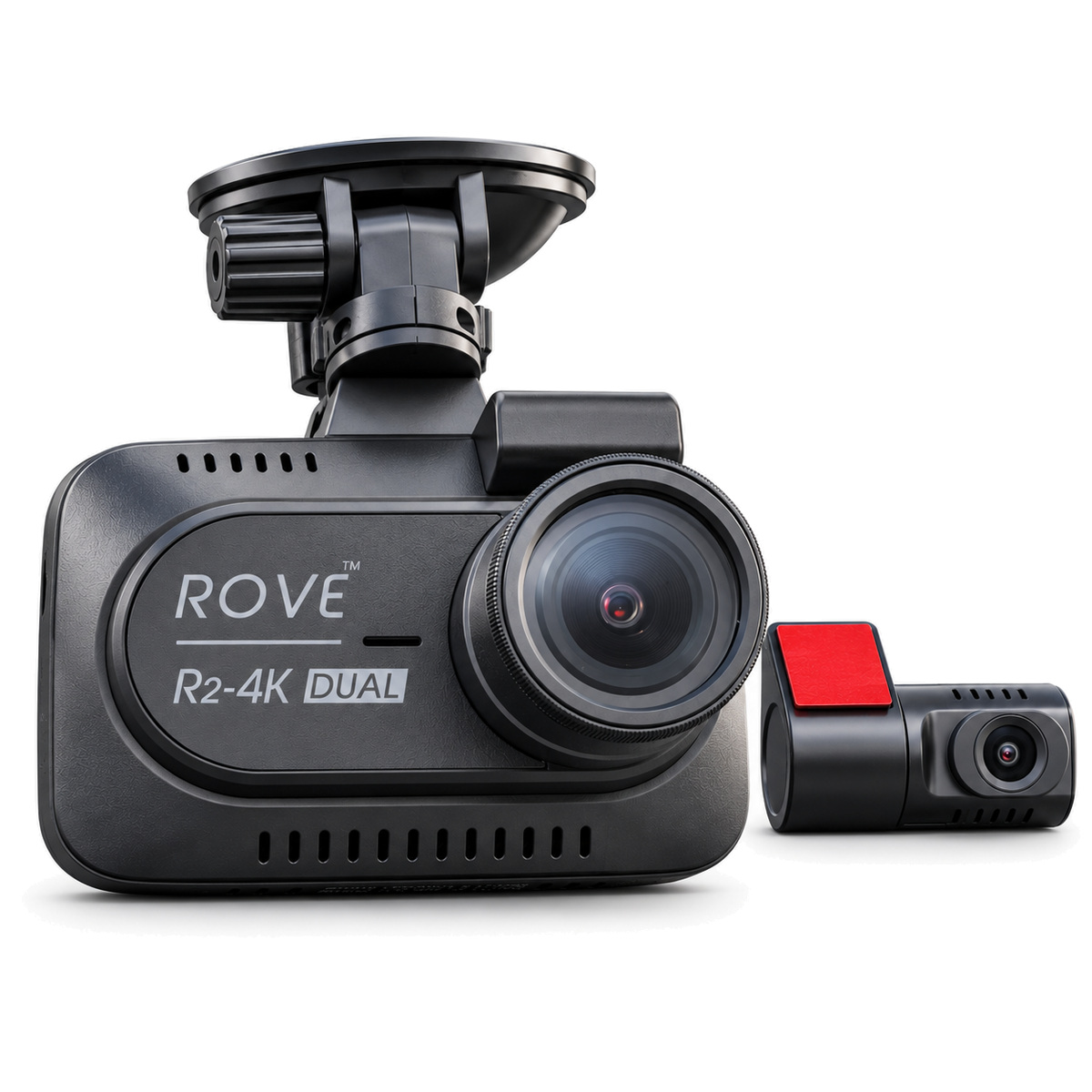
Best Value Front and Rear Bundle: ROVE R2-4K DUAL
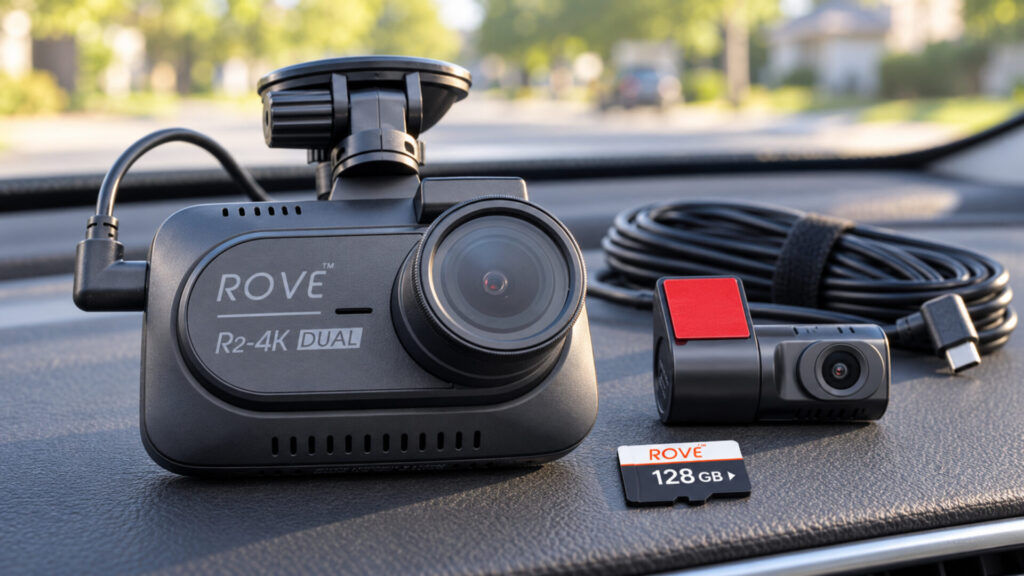
- Start with front and rear cameras plus an included 128GB card.
- Check setup and recording status on the 3-inch display.
- Add GPS context and transfer clips locally over Wi-Fi.
The ROVE R2-4K DUAL makes sense as a bundle purchase, with two cameras and storage included. Its resolution needs a clear explanation: the front produces upscaled 4K from a native 2.5K sensor, and the rear records at 1080p. That leaves a meaningful image-detail gap between this kit and stronger native-4K systems. Value depends on the current price and whether the included parts meet your needs. Budget separately for a parking hardwire kit, and verify normal recording resumes after parking alerts. It is a practical way to get two-direction coverage, provided you accept the imaging compromise rather than buying on the 4K name alone.
Why a Dash Cam Can Be Worth Having
A dash cam can preserve the sequence of a road incident when memory and competing accounts are incomplete. The useful information may be a traffic signal, a vehicle’s position, or the timing of a lane change. A readable plate is helpful when captured, but it is not the only valuable part of a recording.
Coverage should follow your driving. A commuter may be satisfied with a front view, while someone carrying passengers may want a cabin recording. A rear camera adds context for approaching traffic. Extra views are worthwhile when they answer a real question; otherwise, they add equipment and storage demands without necessarily improving the record you need.
The camera also creates a responsibility to preserve useful files. Loop recording replaces older footage, and event detection does not identify every moment worth keeping. Learn the save and export process before you need it. Keep original copies outside the camera after an incident, including relevant footage from the other channels.
How to Choose the Right Dash Cam
Begin with camera placement and channel count. Check how a front unit fits around the mirror, whether the rear window provides a clear view, and whether a cabin lens is needed. A technically capable camera is less useful if its view is obstructed or the installation is so inconvenient that you postpone fitting it.
Next, compare actual capture quality rather than output resolution alone. Native sensor resolution, processing, light, and motion all affect detail. ROVE’s upscaled 4K is a useful reminder that matching numbers on a video file do not establish matching hardware. Look for original sample footage in conditions similar to your driving, especially at night.
Separate driving recording from parking and remote monitoring. Parking requires a suitable external power arrangement. Remote access adds connectivity requirements, and some systems require a subscription. Local Wi-Fi mainly helps a nearby phone communicate with the camera; it is not the same as built-in cellular service.
Finally, include the cost of a suitable card, power accessories, and installation in your comparison. Check recent recordings occasionally and keep mounts and viewing surfaces clean. The strongest choice is one whose coverage, picture quality, and upkeep fit the way you use your car, with no assumption that a camera can guarantee a complete record of every event.
Choose the Coverage You Will Use
For premium front-and-rear detail, start with VIOFO. For passenger work, Vantrue’s dedicated cabin view has a clear purpose. MIOFIVE keeps front recording accessible, Garmin prioritizes small hardware, ROVE packages two-direction coverage with storage, and PRUVEEO offers additional perspectives for drivers willing to manage them. Choose the tradeoff deliberately, install the camera carefully, and practice saving a clip before the recording becomes important.
Editorial Note
Selections are research-based, not an original comparative road test. Exact product configurations, manufacturer documentation, and available firsthand reviews informed the recommendations; linked reviews provide product-specific source notes. No Amazon customer-review consensus is asserted because those review pages were unavailable. PRUVEEO has more limited independent evidence, so its recommendation is focused on configuration rather than proven imaging performance. Prices and accessory bundles can change.
Dash Cams FAQ
Are dash cams legal?
Yes, dash cams are legal in most regions, but local laws may regulate where they can be mounted on your windshield and how footage can be used. Always check your state or country’s specific rules.
Do dash cams record all the time?
Most dash cams record continuously while the car is on, using loop recording to overwrite old footage. Many also offer parking mode to capture incidents when the vehicle is off, though this usually requires a hardwire kit.
How much storage do I need?
A 32–64GB microSD card is typically sufficient for everyday use, but frequent drivers or those recording in 4K may prefer 128GB or larger to avoid frequent overwriting.
Do dash cams work at night?
Yes! Modern dash cams often use enhanced night vision sensors like Sony STARVIS, HDR technology, or wide-aperture lenses to capture clear footage in low light.
Can dash cam footage be used in court or insurance claims?
Absolutely. Dash cam recordings are often accepted as evidence in accident disputes or insurance claims, making them invaluable for proving fault.
Will a dash cam drain my car battery?
Not during normal use. However, if you enable parking mode without a dedicated hardwire kit or battery pack, prolonged use could drain the car’s battery.
Do I need Wi-Fi or GPS on my dash cam?
Not strictly. Wi-Fi makes it easier to transfer and manage footage on your phone, while GPS logs location and speed—useful for insurance or rideshare drivers. They’re convenient features but not essential for basic recording.
How long do dash cams last?
A good dash cam can last 3-5 years or more, especially those built with durable materials and supercapacitors (which withstand heat better than batteries).