
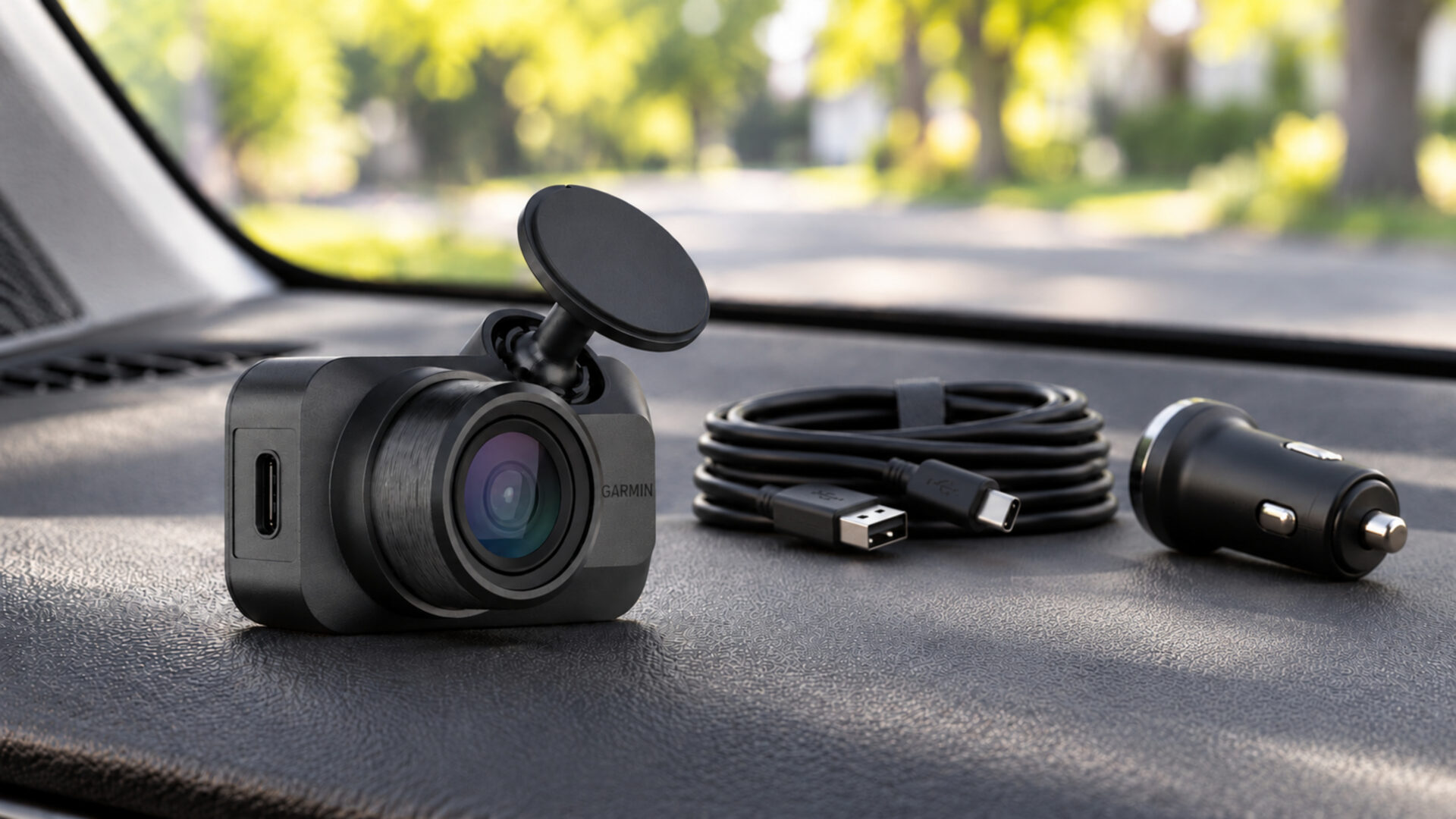
Garmin Dash Cam Mini 3 Review: A Small Camera with Clear Tradeoffs
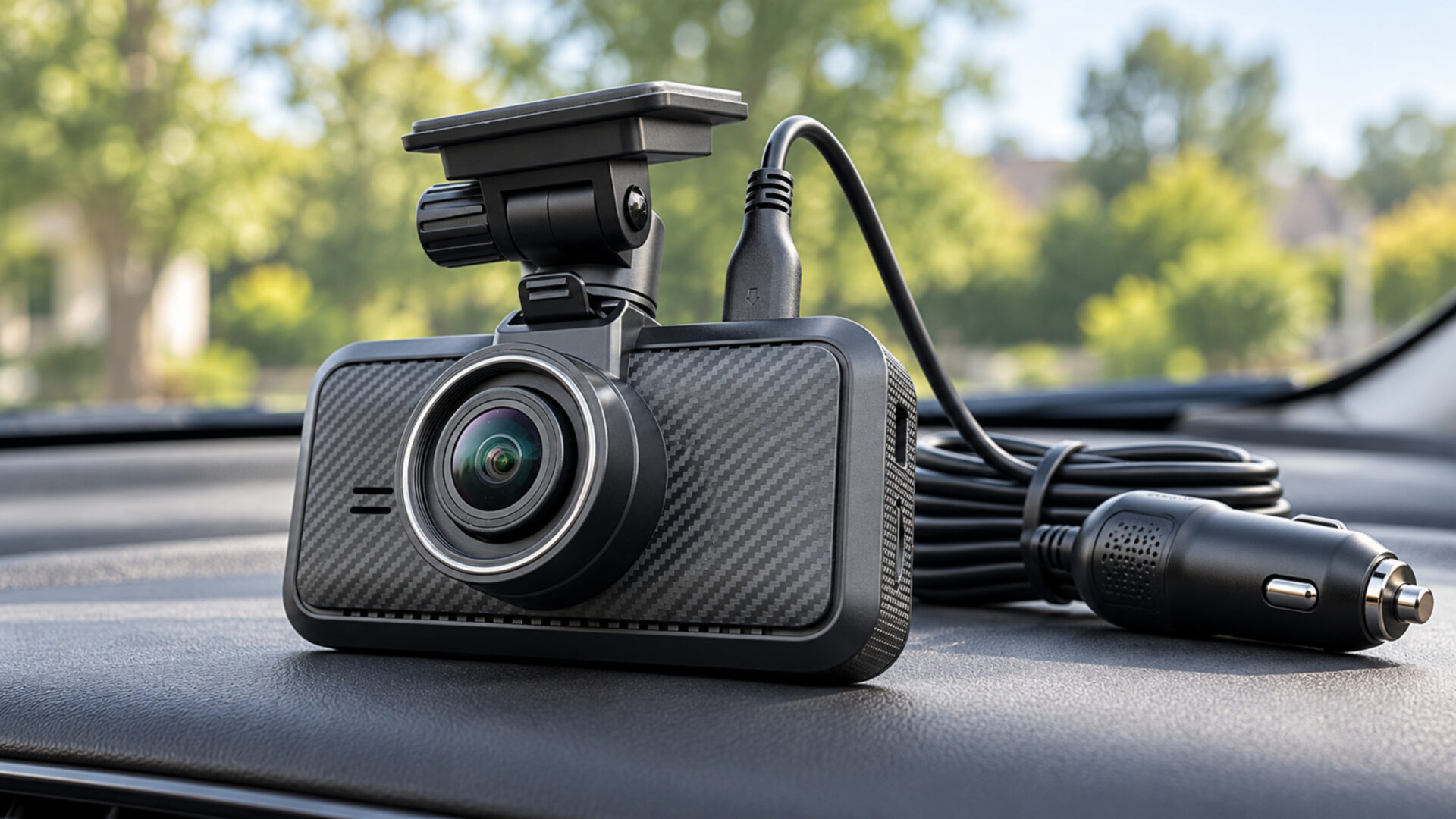
Keeping a windshield uncluttered can be a good reason to choose less hardware. The Garmin Dash Cam Mini 3 puts front recording in a tiny, screenless body that can sit discreetly near the mirror. It suits drivers who want a camera that stays out of the way and are comfortable using a phone for setup. The compromise is 1080p video, no built-in GPS, and extra requirements for remote features.
Pros
- A very small body suits drivers who dislike visible windshield hardware.
- The built-in polarizer helps reduce distracting reflections.
- Voice commands and the Garmin Drive app support everyday operation.
Cons
- 1080p recording offers less resolution than the 4K options here.
- There is no screen or built-in GPS.
- Remote features require a paid Vault subscription, Wi-Fi, and an appropriate power setup.
Small Size Changes Where the Camera Fits
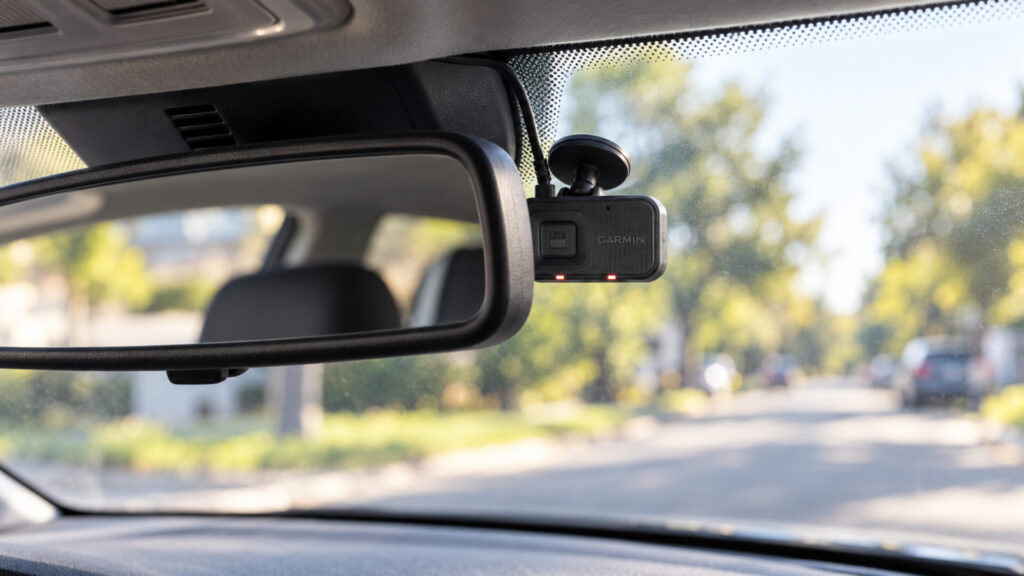
The Mini 3 is designed around a low-profile installation. Without a display attached to the camera, there is less hardware competing for space near the mirror. That can be appealing in a small car or in any vehicle whose driver prefers a clear, quiet dashboard. Its compact body is the central reason to consider it rather than a larger camera with more specifications.
Small does not mean placement is automatic. The lens still needs a useful view through the windshield, and the mount must leave room for the power connection. Check the camera’s live view during installation instead of judging the angle from the outside. A discreet position is only successful if the resulting recording includes the road area you need.
Think about access before attaching the mount. You may need to reach the save control or remove the card, even if most interactions happen through the phone. A camera completely hidden behind a mirror housing can be awkward to service. The ideal location balances a clear view, unobtrusive hardware, and enough access for occasional checks.
There is still a cable to manage. The small camera does not make the power lead disappear, so plan the route before pressing the mount into place. The most successful installation is one you can inspect and maintain easily. If preserving a clean interior is your main goal, tidy cable placement is at least as important as the camera’s size.
The Polarizer Helps but 1080p Sets the Detail Budget
The Mini 3 records a 140-degree forward view at 1080p. That is enough to show a broad traffic scene, but it gives you fewer pixels to examine than a 4K recording. Buyers whose main concern is extracting fine detail from distant vehicles should weigh that limitation carefully. Compactness is the benefit you are prioritizing here.
The integrated Clarity polarizer helps reduce windshield reflections. A dashboard reflected across the road can obscure useful information, so reducing that interference has practical value. It does not turn the camera into a higher-resolution model or eliminate every glare problem. Clean glass and a sensible lens angle remain part of getting a useful picture.
Tom’s Guide’s hands-on test found solid recording in both daytime and nighttime use while identifying the lack of GPS and the 1080p ceiling as drawbacks. Those observations support the Mini 3’s role as a discreet general recorder. They should not be stretched into a claim that it will identify every moving plate after dark.
GPS is absent from this standalone camera. If you want a built-in speed and location record, that is a reason to choose another model. For buyers willing to accept a larger camera, the MIOFIVE S1 offers GPS and 4K front recording. The choice is less about a universal winner than about whether tiny hardware or greater recorded detail better serves your driving.
The Phone Replaces a Built-In Display
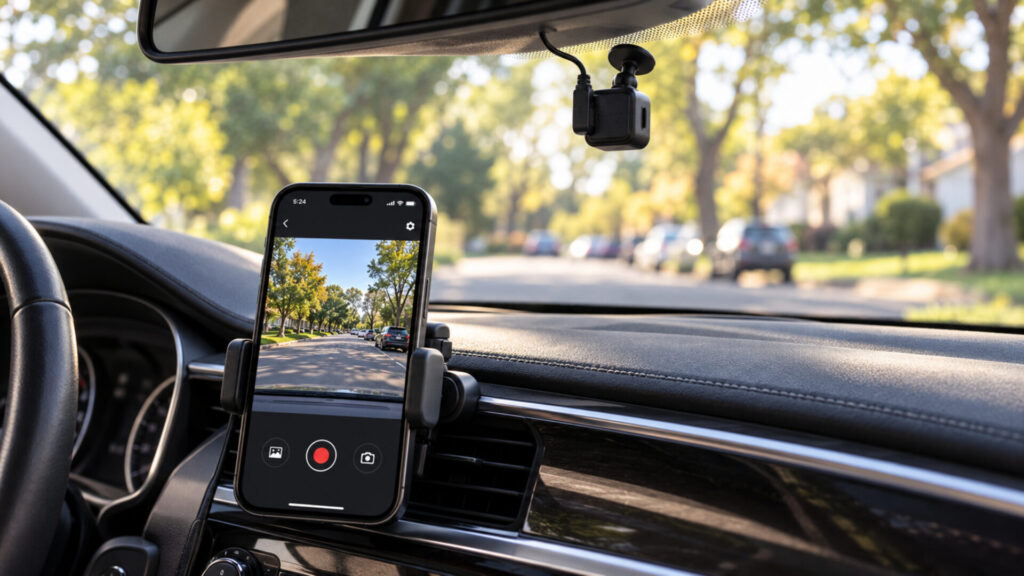
The Garmin Drive app handles setup, settings, and video review. A screenless camera makes the phone a more important part of ownership, particularly when aligning the lens or checking a clip. Complete the pairing process before relying on the camera. If you strongly prefer adjusting settings directly on the device, a model with a screen may be a better fit.
Voice control lets you perform supported actions without searching for a tiny button. For example, a recognized save command can preserve a clip. Listen for confirmation and learn the physical control as a backup. Road noise, conversation, and music can make spoken operation less convenient, so it is worth knowing more than one way to save an event.
Ordinary recording to the memory card and local access should be distinguished from paid cloud services. You do not need a Vault subscription simply to use the camera as a local recorder. A nearby-phone connection is also different from checking the camera remotely when you are away from the vehicle.
Practice retrieving footage while parked. Find an ordinary clip, save a copy to the phone or computer, and open it independently. Garmin notes that recording stops while videos are being viewed in the app, so finish the review and confirm recording has resumed before setting off. That small habit helps avoid treating video playback as something to leave running during a trip.
Remote Features Need More Than the Camera
Remote Live View and Vault functions require an active paid subscription and a Wi-Fi connection for the camera. The Mini 3 does not include its own cellular modem. If the car is parked somewhere without suitable Wi-Fi, a subscription alone does not create a remote connection. Check the actual parking location before buying around this feature.
Parking recording also requires an appropriate always-on power arrangement. Garmin offers compatible power accessories, including a Constant Power Cable, but they are separate purchases. A vehicle socket that turns off with the ignition cannot sustain parked recording. Decide whether you want simple driving footage or a more involved parked setup before comparing the total cost.
Keep local parking recording and remote notifications separate in your expectations. The camera needs power to record, and sending information to a phone away from the vehicle also needs connectivity and the required service. A feature that works on the driveway near home Wi-Fi may behave differently in a public parking area with no accessible network.
The memory card is another purchase to plan. Choose a compatible card intended for repeated recording and format it as directed. Loop recording reuses storage, so preserve important clips elsewhere rather than treating the card as a permanent archive. Check recent files periodically, especially after changing a card or adjusting a recording setting.
For a driver who only wants a small camera to record commutes, keeping the setup local can be the simpler ownership choice. There is no need to build a remote-monitoring arrangement unless it solves a real problem. Assess the cost and connectivity requirements on their own merits instead of assuming every feature must be enabled to make the purchase worthwhile.
Should You Buy the Garmin Dash Cam Mini 3?
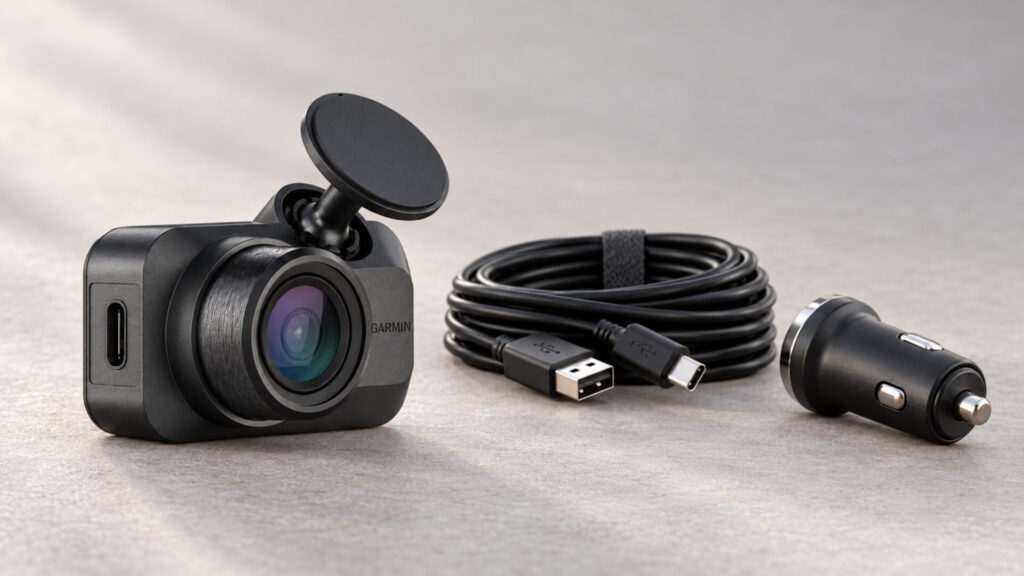
Buy it when unobtrusive installation is the priority and you are happy to trade some recorded detail and built-in controls for a tiny body. The polarizer, voice commands, and phone workflow make sense in that context. It is less compelling for a driver who wants GPS, a display, or the highest-resolution front footage for the money.
The best dash cams comparison includes larger cameras that address those needs. Price the card and any parking-power accessories before making the final decision, and treat remote services as optional additions with their own requirements. For a compact, locally recording setup, the Garmin Dash Cam Mini 3 has a clear and useful place.