
WD My Book Review: Secure Storage for Home and Office
The Western Digital My Book combines 6TB of desktop storage with scheduled backups, hardware encryption, and simple cross-platform setup.
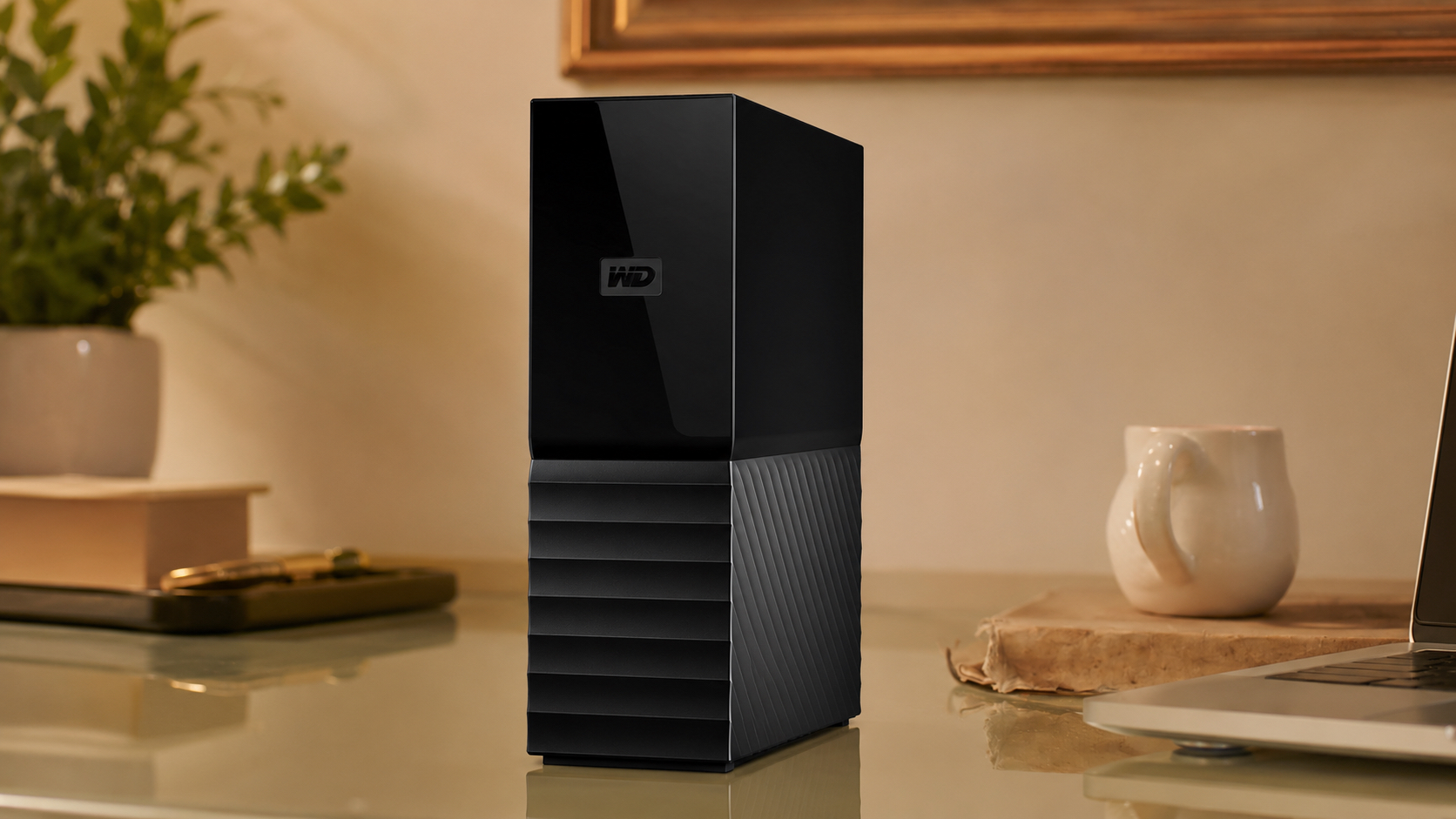
Backup drives are not supposed to be exciting. They are supposed to be there when a laptop decides to ruin your week. The 6TB WD My Book stays beside a desktop, router, or docking station and provides enough room for system images, years of family photos, downloaded media, and a second copy of active work files without forcing every folder to fight for space.
Its strongest advantage is the full package around that capacity. The drive supports Windows and macOS workflows, includes backup and device-management software, and offers password protection with 256-bit AES hardware encryption. It still needs an AC adapter and moves at mechanical-drive speed. That is not glamorous, but neither is losing a decade of photos because the only copy lived on one laptop.
Pros
- Six terabytes provides substantial room for system backups and large media collections.
- Cross-platform setup supports both Windows and macOS workflows.
- Password protection and 256-bit AES hardware encryption help secure private files.
- Included software supports scheduled backup and device management.
- A three-year limited warranty is stronger than many entry-level desktop drives.
Cons
- The drive requires an AC adapter and a permanent place near an outlet.
- Mechanical speed is much lower than portable SSD performance.
- The Micro-B data connection feels dated beside USB-C products.
- The glossy upper housing shows dust and fingerprints easily.
Capacity That Can Support a Real Backup Plan
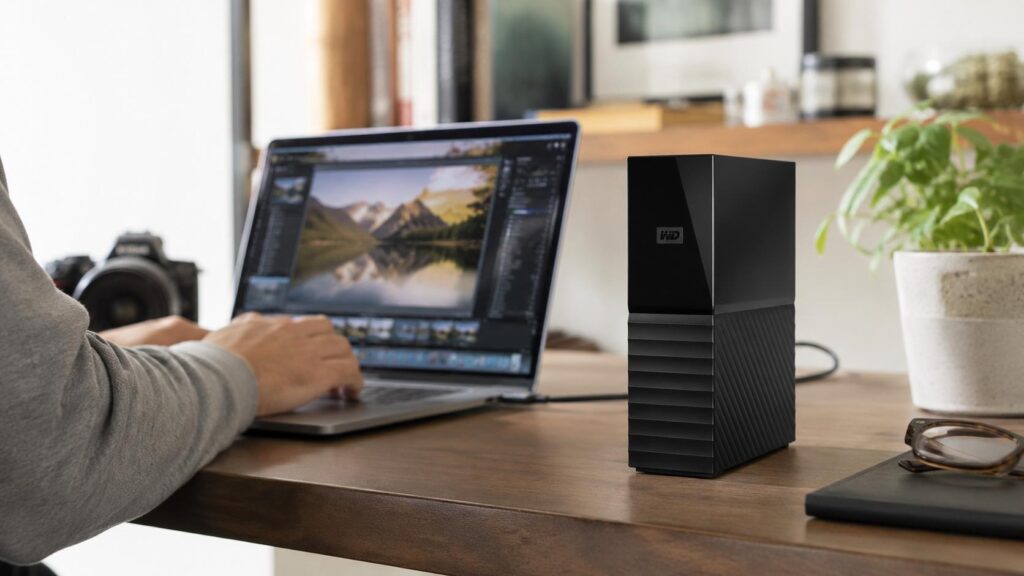
Six terabytes becomes valuable when the space has a clear job. It can hold a complete local backup of a household computer, preserve a large photo and video archive, or serve as a staging area before older files move to long-term storage. Backup software often keeps multiple versions of changed files, so a drive that looks oversized on day one can fill surprisingly fast once system images, phone exports, and years of incremental backups start settling in.
The My Book family extends to larger capacities, but 6TB is a sensible middle ground for one or two computers. It is large enough to matter without forcing every buyer into the most expensive configuration. No single external drive should be the only copy of irreplaceable data. A second local drive or cloud backup protects against theft, fire, accidental deletion, and hardware failure. That is the difference between owning storage and having a backup plan.
Mechanical storage fits this role well. Disk images, video archives, and photo folders transfer efficiently as large sequential files, while the lower cost per terabyte leaves room in the budget for redundancy. Anyone editing high-bitrate video directly from external storage should choose an SSD. For scheduled backups that run in the background, capacity and value deserve the spotlight.
Security and Software That Reduce Friction
Password protection and hardware encryption give the My Book an advantage over simpler desktop drives. Once enabled, the encryption helps keep tax records, business documents, scanned identification, and personal archives inaccessible without the correct password. The password belongs in a secure manager, not on a sticky note beside the drive. Security works better when the instructions are not taped to the lock.
The included software can schedule backups and monitor the drive without another subscription. A practical setup runs automatic jobs when the computer is normally on but not heavily used. The first backup may take many hours because every selected file must be copied; later jobs are lighter when only new or changed data needs attention. Keeping the drive connected makes automation easier, while rotating between two drives adds protection against ransomware and hardware failure.
Current software features can help defend backup data, but no utility can turn one device into complete disaster recovery. The familiar 3-2-1 principle still applies: three copies of important data, stored on two types of media, with one copy off-site. The My Book handles the local-backup role well. It does not need to carry the whole family on its back.
Desk Setup, Noise, and Daily Reality
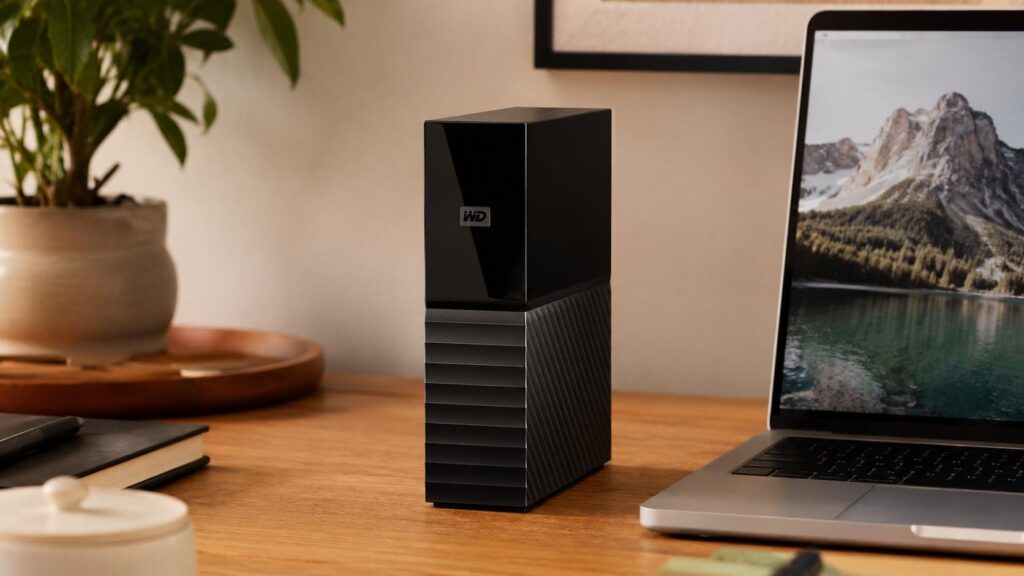
At roughly 6.7 inches tall and just under 2 inches wide, the vertical enclosure uses desk space efficiently. It can sit beside a monitor, dock, or desktop tower without taking over the work surface. Keep the ventilation areas open and avoid wedging the drive against a heater, stacking papers around it, or hiding it in a cabinet with no airflow. Mechanical drives generate heat and vibration during long jobs, and they prefer a stable, level surface.
The internal disk can be heard in a quiet room. A low hum and soft seeking noises are normal; repeated clicking, scraping, or sudden disconnects are not. The drive should remain in a stable orientation and should not be moved while files are writing. A short fall that barely concerns an SSD can damage a spinning disk. This is desktop storage, not a travel companion with a cute little passport.
The Micro-B connection looks older than USB-C, but it supplies enough bandwidth for the mechanical drive. A direct connection and reliable cable are preferable to an unpowered hub during the first full backup. The AC adapter adds clutter, yet it also keeps the drive from draining a laptop battery or depending on the limited power available from some docks. Again: not glamorous, very practical.
Compatibility, Maintenance, and the Right Buyer
The cross-platform setup allows the drive to fit current Windows and macOS workflows without unnecessary drama. ExFAT is convenient when files need to move between systems, while NTFS or APFS makes more sense for a drive dedicated to one platform. Reformatting erases the disk, so the format decision belongs before valuable files arrive. A five-minute setup choice can prevent hours of future confusion.
Routine care is straightforward. Keep the vents clear, eject the drive before disconnecting the data cable, and read backup logs instead of assuming every scheduled job succeeded. Test an occasional restore; a backup that has never restored a file is still auditioning for the job. Replace the drive proactively if it begins reporting errors, disconnecting unexpectedly, or making unusual mechanical sounds.
The My Book 6TB fits home offices, families with large photo collections, small businesses, and anyone who wants a spacious local backup target that stays on a desk. Travelers, field photographers, and users who need silent operation should choose a portable SSD or rugged bus-powered drive. For stationary capacity with useful security and software, the My Book remains one of the most complete options in the lineup.
Should You Buy the Western Digital My Book?
The Western Digital My Book 6TB combines abundant capacity, straightforward cross-platform setup, hardware encryption, scheduled-backup tools, and a three-year warranty. It is not fast enough for demanding scratch-disk work, and the power brick and mechanical construction rule out true portability.
For a home office or family computer that needs a dependable local backup destination, those tradeoffs are reasonable. The strongest case is simple: the My Book makes spacious, regular backups easy enough to become routine, and routine is what saves the day when a computer finally acts brand new and forgets everything.