
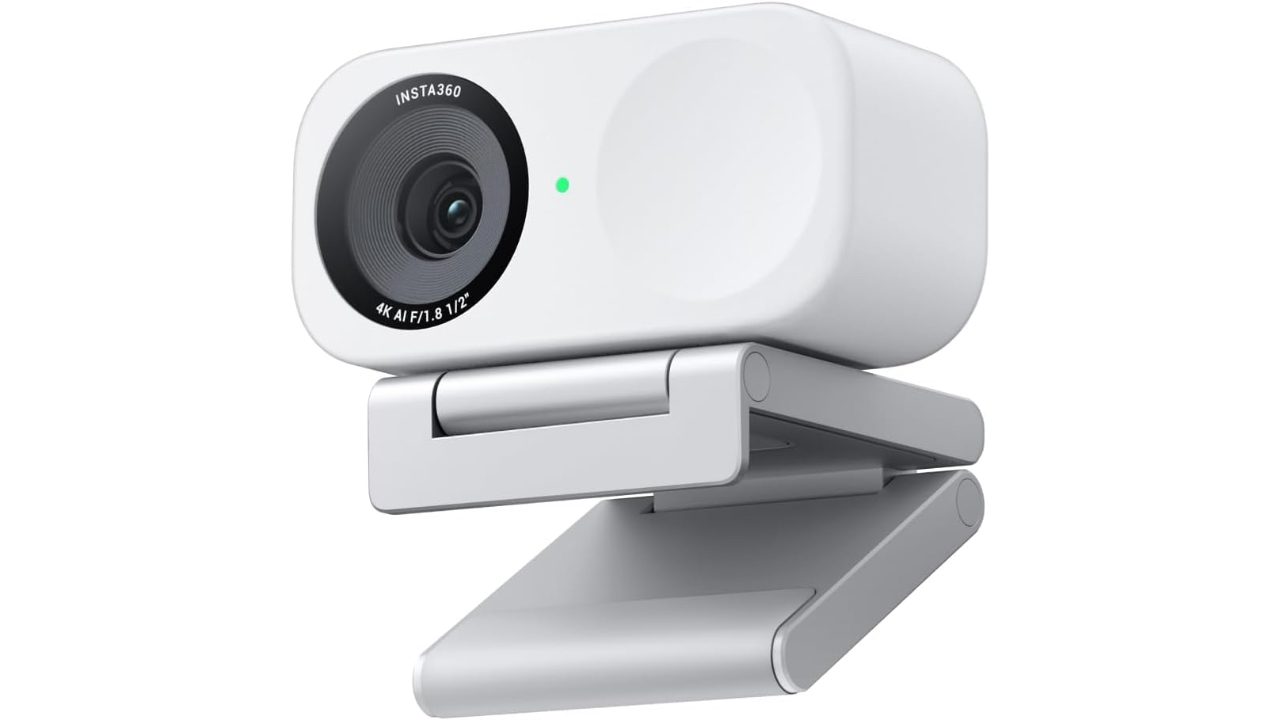
Insta360 Link 2C Review: A Smarter Take on Professional-Grade Video
The Insta360 Link 2C 4K AI Webcam is positioned as a step up from standard consumer webcams, aiming to deliver higher image quality and intelligent automation in a single compact device. Designed for remote professionals, educators, and content creators, it targets users who want clearer video and more consistent framing without the complexity of a mirrorless camera setup. As video quality increasingly shapes first impressions in work and creative environments, the Insta360 Link 2C focuses on solving common issues like soft resolution, poor low-light performance, and constant manual adjustment.
Pros
- Sharp 4K resolution with HDR support that significantly exceeds standard 1080p webcams
- AI-driven auto framing and subject tracking designed to keep users centered without manual adjustment
- Large sensor and fast autofocus intended to improve clarity and low-light performance
- Broad compatibility with major conferencing and streaming platforms
Cons
- Higher cost than basic webcams, which may be unnecessary for casual use
- Advanced AI features depend on companion software installation
- No mechanical pan or tilt hardware for users who require wide room coverage
What the Hardware Gets Right
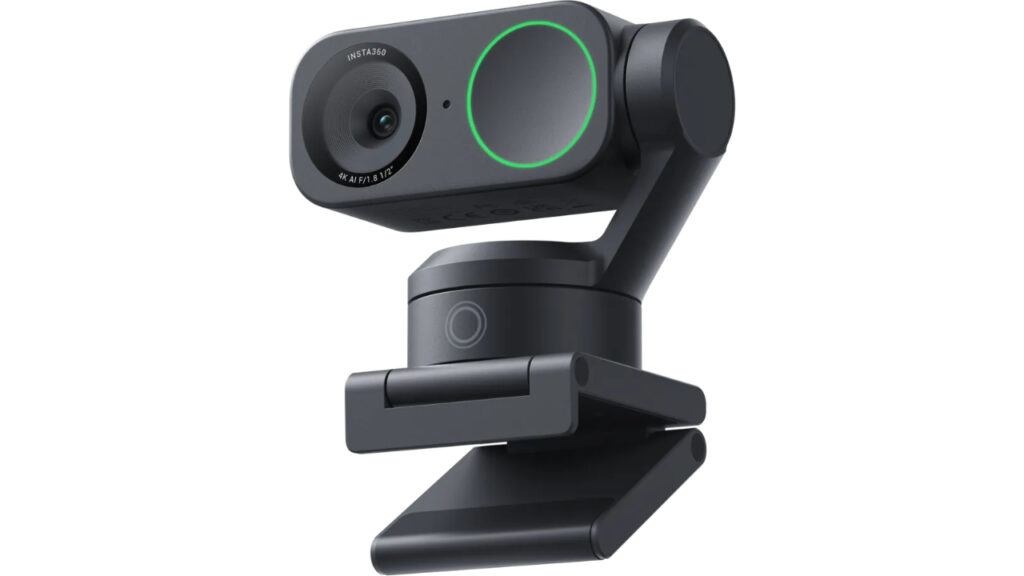
Image credit: Insta360
At the core of the Insta360 Link 2C is its imaging system, built around a half-inch sensor capable of capturing video at up to 4K resolution. This resolution allows the camera to produce a much denser and more detailed image than typical Full HD webcams, which becomes especially noticeable on large monitors or when video is cropped for framing. The sensor size is also a key factor, as larger sensors generally gather more light, supporting better clarity and color accuracy in indoor lighting conditions.
The webcam offers a moderately wide field of view that is designed to frame a single user comfortably without introducing the edge distortion common to ultra-wide lenses. This balance is important for professional settings, where faces need to look natural rather than stretched. Combined with Phase Detection Auto Focus, the camera is designed to maintain sharpness as users lean forward, gesture, or shift position during calls or recordings.
HDR support further strengthens the core hardware by helping the camera manage challenging lighting environments. In spaces with bright windows or uneven lighting, HDR processing works to preserve detail in both highlights and shadows. This results in a more balanced image that avoids washed-out backgrounds or overly dark facial features, both of which are frequent shortcomings of lower-end webcams.
Smart Features That Reduce Manual Work
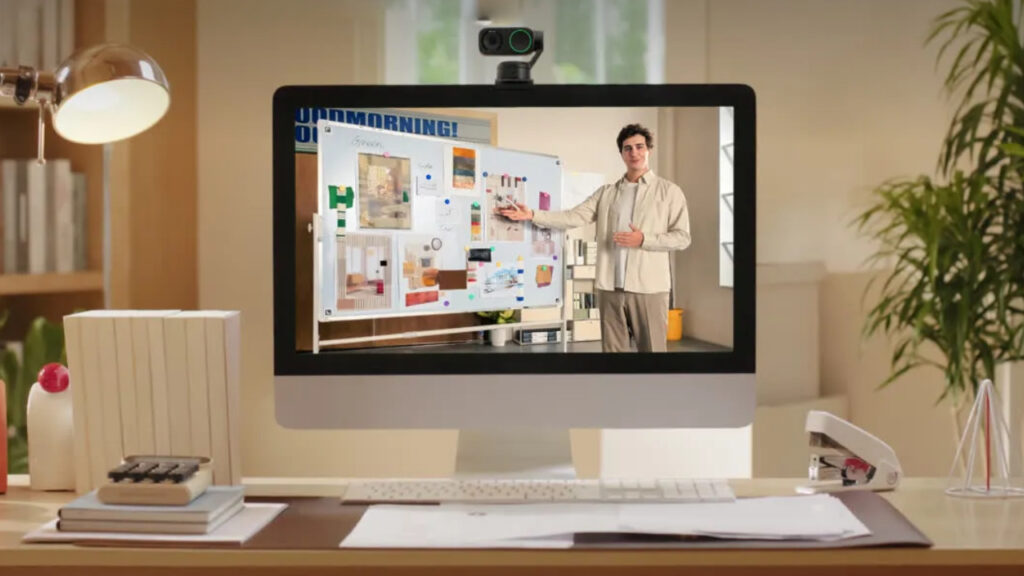
Image credit: Insta360
Beyond raw image quality, the Insta360 Link 2C emphasizes intelligent software features that aim to simplify daily use. Auto framing and AI tracking are designed to recognize and follow the primary subject, keeping them centered even as they move within the frame. This is particularly useful for presenters, instructors, or anyone who does not remain perfectly still during a call.
Gesture control adds another layer of convenience by allowing users to interact with the camera without touching a keyboard or mouse. Simple hand gestures can trigger certain functions, which is helpful during live presentations or demonstrations, where stopping to adjust settings would interrupt the flow. While these features are software-driven, they are intended to reduce friction rather than add complexity.
Specialized modes such as whiteboard and desk view expand the webcam’s role beyond face-on video calls. These modes allow the camera to reinterpret its angle digitally to highlight written content or objects on a desk. For educators and remote collaborators, this design choice can eliminate the need for secondary cameras, making the setup more efficient without adding physical hardware.
How It Holds Up in Everyday Use
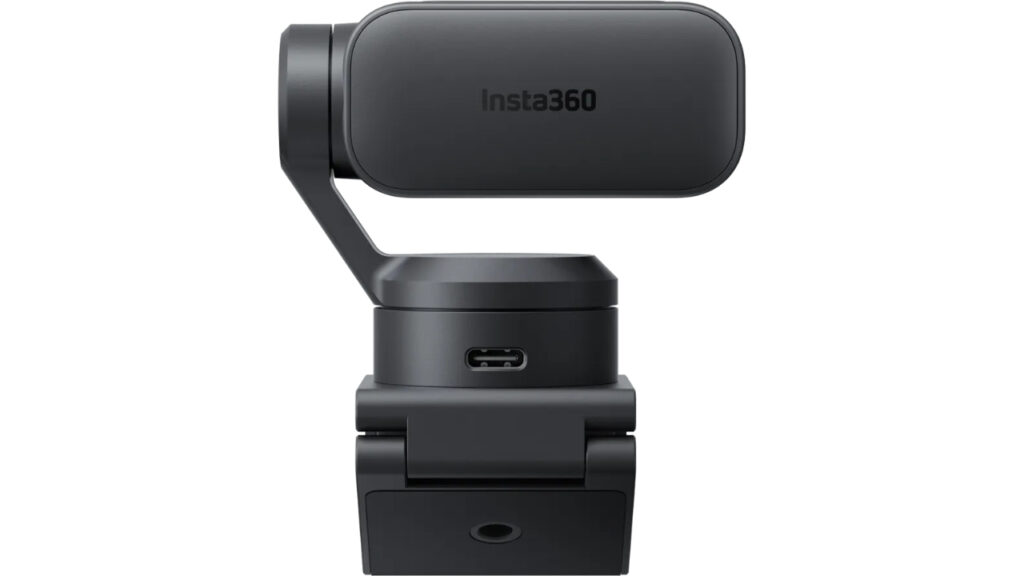
Image credit: Insta360
In practical use scenarios like video conferencing and livestreaming, the Insta360 Link 2C’s specifications translate into consistently sharp output. The ability to capture in 4K provides more flexibility for cropping and digital zoom while still maintaining clarity, which is useful when framing needs change mid-call. Compared with standard webcams, the image remains cleaner and more detailed, especially when viewed on higher-resolution displays.
Autofocus performance is designed to support dynamic movement, helping the camera maintain clarity when users shift position or bring objects closer to the lens. While the lack of mechanical pan and tilt limits physical movement, the digital tracking and framing features partially compensate by adjusting the image in software. This approach suits desk-based setups but may be less effective in large rooms.
Audio support is handled through built-in microphones paired with AI noise reduction. These microphones are intended to prioritize speech while minimizing background noise from keyboards or ambient room sounds. While dedicated microphones still offer superior control, the integrated solution is positioned as sufficient for professional calls and casual content creation without additional equipment.
Things to Consider Before Committing
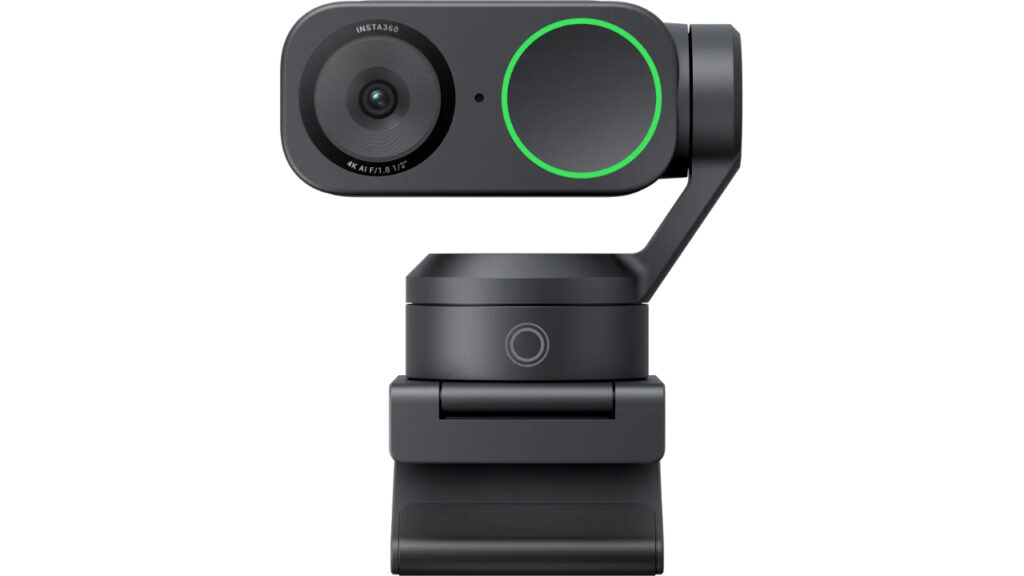
Image credit: Insta360
Setup for the Insta360 Link 2C is designed to be straightforward, using a USB connection for both power and data. The camera mounts easily on monitors or laptops, though its more advanced internal components result in a slightly larger footprint than basic webcams. Users should ensure their display setup allows for proper placement without obstructing the lens.
The companion software is central to unlocking the webcam’s full feature set. While basic functionality works without extensive configuration, advanced options like gesture control and specialized viewing modes rely on software installation. In managed work environments, this may require additional permissions, which is worth considering before purchase.
From a value perspective, the Link 2C occupies a middle ground between entry-level webcams and professional PTZ camera systems. It is not designed for large conference rooms or multi-subject tracking, but rather for individuals who want higher quality and smarter automation at their desk. Users who need physical camera movement or wide room coverage may find its digital approach limiting.
Conclusion: Should You Buy the Insta360 Link 2C 4K AI Webcam?
The Insta360 Link 2C 4K AI Webcam delivers a strong combination of high-resolution imaging and intelligent software features that directly address common webcam shortcomings. Its sharp 4K output, reliable autofocus, and AI-driven framing make it well suited for professionals, educators, and creators who want a noticeable upgrade in video quality without moving to a full camera setup. While it carries a higher price than basic webcams and lacks mechanical movement, it offers a balanced and forward-looking solution for users who prioritize clarity, consistency, and ease of use.