
The 6 Best Webcams for 2026
If you have a camera built into your laptop that still looks like it was filmed through a shower curtain, welcome to the club. Whether you run meetings, teach classes, host streams, or simply want to look like you put on a shirt for family video night, choosing the best webcams makes the whole thing feel less like an apology and more like presence.
| Logitech Brio 501 | Elgato Facecam 4K | Creative Live! Cam Sync 4K | Razer Kiyo Pro Ultra | Anker AnkerWork C310 | Insta360 Link 2C |
|---|---|---|---|---|---|
 |  |  |  |  |  |
| Delivers reliable 1080p video with adaptive lighting and built-in microphones for professional calls. | Offers uncompressed 4K video and fine-grained image controls for precise visual output. | Provides 4K capture with backlight compensation and a wide lens for quick, versatile setups. | Features a large sensor and adaptive lighting to maintain natural colors even in dim or mixed light. | Combines AI auto-framing and noise cancellation to simplify calls and keep users perfectly centered. | Uses 4K HDR capture and AI-driven tracking so presenters can move freely without adjusting the camera. |
What Is a Webcam?
A webcam is a small camera that connects to your computer to capture live video and usually audio. People use webcams for video calls, streaming, recording short clips, and digital teaching. Modern webcams pack much better sensors, smarter image processing, and software controls than the cheap USB cams of the past, so they can handle low light, produce truer color, and integrate features such as auto framing and noise cancellation.
Why Buy a Webcam?
The best webcams change how you come across on camera. For work calls it reduces awkwardness and helps others read your expressions. For creators it saves time because you do not need a separate DSLR, capture card, or complicated software to look presentable. Over several years a good webcam will pay back its cost in fewer retakes and less fiddling with lighting and audio.
Webcams are also a low friction upgrade for a home office. You do not need to be a streamer or a content pro to benefit. Where older models relied on brute force brightness or chunky drivers, today’s cameras do a lot of heavy lifting inside the camera and the companion app. That means more usable video out of the box and fewer evenings spent puzzling over color profiles.
What to Look for When Buying the Best Webcams
A few things matter more than the spec sheet when you actually use a webcam.
- Resolution and frame rate — Look for at least 1080p at 30 frames per second. If you plan to stream or produce video, 4K or 60 frames per second can be useful but comes with heavier system demands.
- Lens and sensor quality — Glass lenses and larger sensors capture cleaner, more natural images than cheap plastic optics.
- Low light performance — Cameras with wide apertures or large sensors produce better images in dim rooms and under warm household lighting.
- Autofocus and exposure behavior — You want smooth, predictable autofocus and exposure so the camera does not hunt during calls.
- Field of view — A narrow field of view keeps the focus on your face. A wider field of view is better if you show products or share a whiteboard.
- Built in microphones — Good mics are handy but a dedicated microphone still beats most built-in solutions for podcasting or livestreaming.
- Software features — Apps that provide color controls, framing options, and presets make the camera more useful in daily life.
- Mounting and flexibility — A good clamp, tripod thread, or arm mount is worth checking before you buy.
- Privacy features — A physical shutter or a clearly visible indicator light gives peace of mind during sensitive calls.
- Compatibility and CPU load — Verify the camera plays nicely with your operating system and that your computer can handle high resolution streams without choking.
Logitech Brio 501: Reliable Pro Video That Stays Out of Your Way
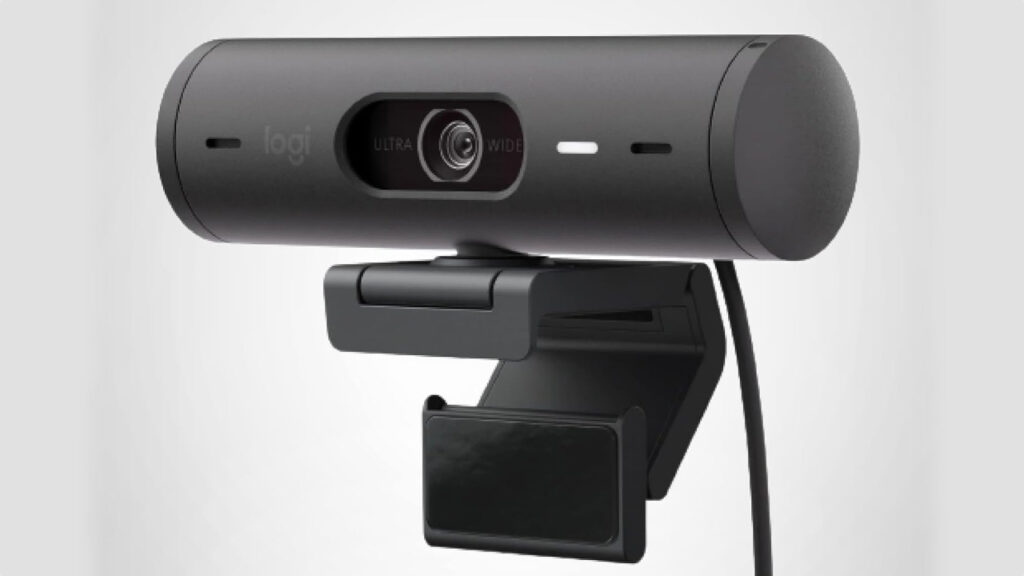
Image credit: Logitech
- Full HD video with auto light correction
- Noise reduction microphones for clearer speech
- Built in privacy cover for simple peace of mind
Logitech built its reputation on devices that feel familiar the moment you plug them in. The Brio 501 focuses on delivering dependable 1080p video that adapts to typical home and office lighting, so you spend less time adjusting lights and more time talking. RightLight style algorithms help avoid blown out windows and shadowed faces and keep a natural balance across different rooms.
This camera is a good fit for people who value reliability and simplicity. It is straightforward to set up on Windows and macOS and integrates with major conferencing services, which makes it a sensible choice for someone replacing a flaky laptop camera or outfitting a small home office. For everyday video calls, the built-in microphones and the software tools cover most needs without adding complexity.
Considerations are mostly around ambition. If you plan to record cinematic content or run a professional live stream, you will eventually want a separate mic and perhaps a camera with higher resolution. The Brio 501 is not a multi lens studio camera, but for routine work calls and recordings it is pleasantly unobtrusive and easy to live with.
Elgato Facecam 4K: Studio Like Control on Your Desk
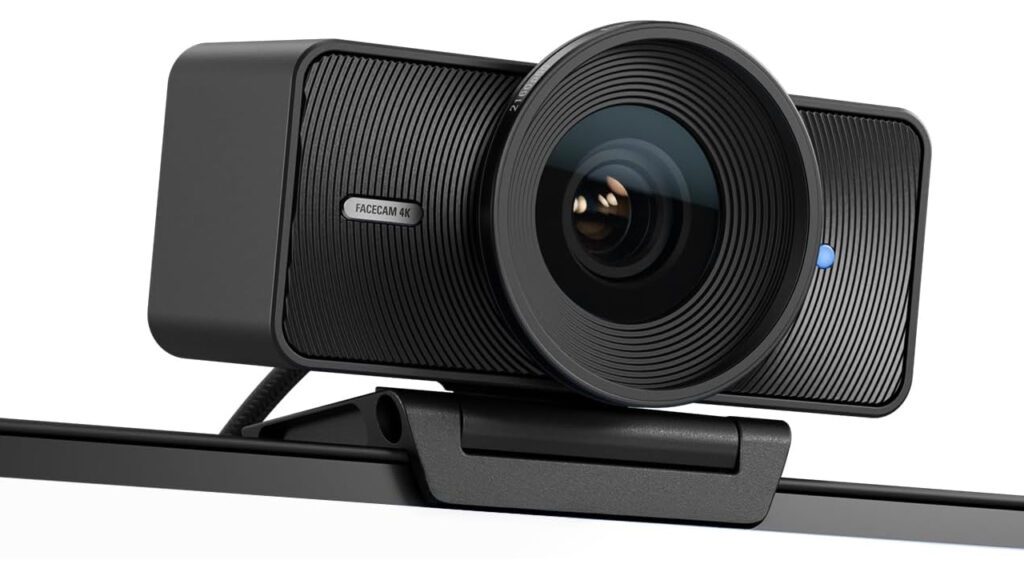
Image credit: Elgato
- True 4K uncompressed video pipeline
- Dedicated imaging lens with cinematic controls
- Fine grained exposure and color settings geared toward creators
Elgato designed this camera for people who want camera control without the fuss of a DSLR and capture card. The Facecam 4K sends high detail, uncompressed video to your computer and exposes the usual imaging settings so you can dial in the look you want, from contrast to sharpness. This is the camera for a creator who cares about image fidelity but wants a compact, plug and play solution.
Who should consider this? If you produce regular video content, record tutorials, or stream with overlays the kind of control Elgato offers is a practical shortcut. The optimized fixed-focus lens and cinematic options let you create a consistent visual brand without wrestling with a dozen capture settings. Pair it with a good microphone and even a modest lighting setup and you have a workflow close to what pros use.
There are a few practical considerations. The Facecam omits a built-in microphone, so audio will need its own solution. The 4K video stream is more demanding on CPU and storage during local recordings, so check your computer before you commit. For users who want crisp, repeatable image quality and the freedom to tweak the picture, the investment in camera and audio gear is usually worth it.
Creative Live! Cam Sync 4K: A Surprising Amount of Utility in a Compact Package
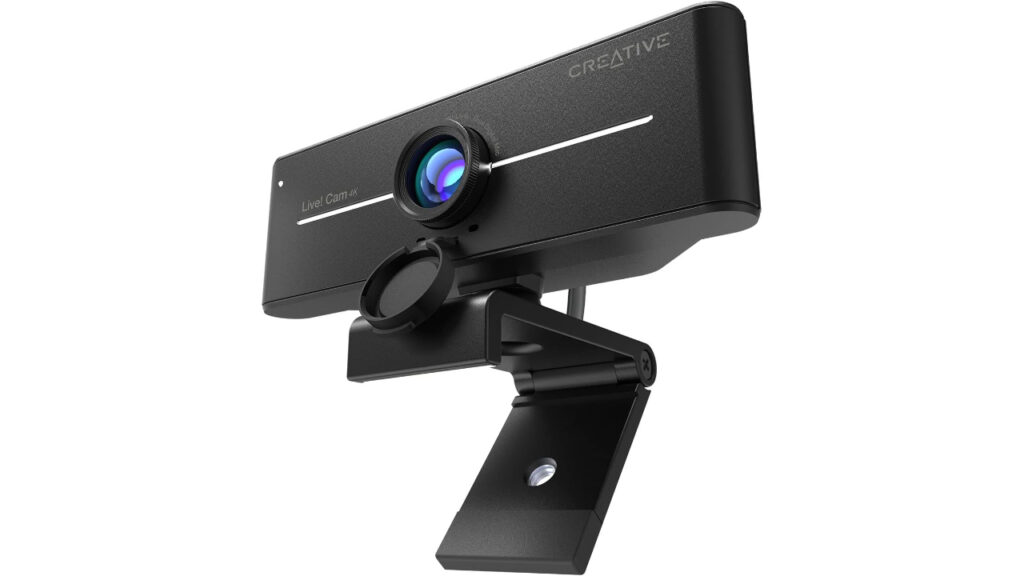
Image credit: Creative Labs
- 4K video with backlight compensation for difficult rooms
- Wide angle lens for flexible framing
- Built in privacy lens and simple plug and play setup
The Creative Live! Cam Sync 4K aims to put higher resolution and thoughtful exposure control into a modest, low fuss camera. The backlight compensation and wide field of view mean you can use this camera without rearranging lamps or opening blinds, which appeals to people who need a quick setup on short notice. The camera behaves like an honest workhorse, delivering clear images for calls and recordings.
This model is useful for people who want more resolution than a typical laptop camera but do not want to build a full studio. Teachers, hybrid workers, and casual creators appreciate the simple mounting options and the fact that it plays nicely with common video platforms. It does what you expect without asking to be fussed over and that is a virtue when your to do list is already long.
On the flip side, the extra pixels are only as good as your lighting and bandwidth. While the 4K capture is a solid feature for future proofing, streaming in 4K requires a stable upstream connection and a computer that can handle the throughput. Expect to pair the camera with modest lighting for the best, most consistent image.
Razer Kiyo Pro Ultra: A Camera Built for Low Light and Late Nights
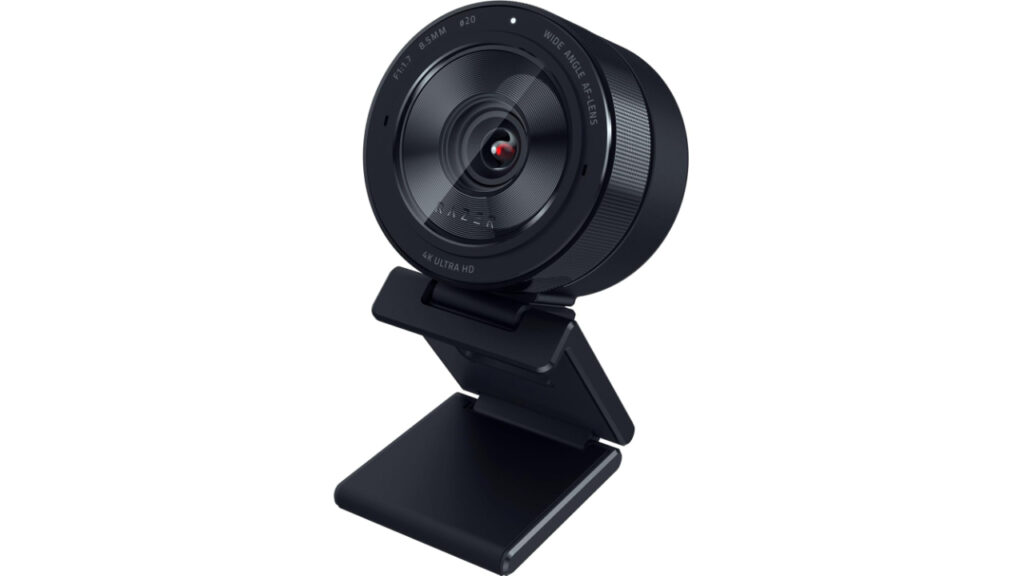
Image credit: Razer
- Large sensor tuned for challenging lighting situations
- Adaptive light correction that preserves skin tones
- Integrated privacy and quick setup options
If you often work after sunset or in rooms with mixed light sources the Kiyo Pro Ultra will feel like a sensible tool rather than a gadget. Razer focused this model on maximizing usable image in suboptimal light and keeping color fidelity intact so faces look natural instead of washed out or orange. It is designed for people who place a premium on reliable look in imperfect conditions.
The camera suits gamers who stream in varied environments and creators who do short form video from home. With robust compatibility for streaming software it fits into typical content workflows and helps reduce the time you spend chasing white balance or trying to fix blown highlights. The built in shutter and mic mean basic privacy and audio are handled without extra hardware, which is convenient when you want tidy minimalism on your desk.
Think of the Kiyo Pro Ultra as a pragmatic high performer. It gives you improved low light footage without forcing an overhaul of your room. If you come from older webcams that demanded a ring light the Kiyo Pro Ultra will likely feel like an upgrade because it reduces the need for heavy lighting investment. If you plan to do cinema level work you will still want additional cameras and a dedicated microphone, but for many home setups this camera hits the sweet spot.
Anker AnkerWork C310: Practical AI Features for Everyday Calls
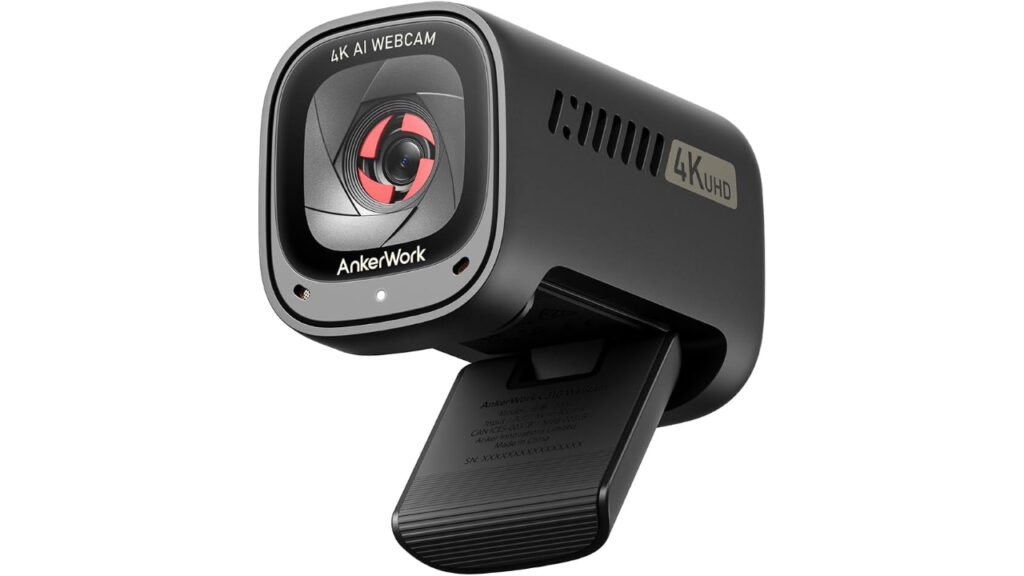
Image credit: Anker
- AI auto focus and AI framing that keep the subject centered
- Adjustable field of view so you can change framing without moving the camera
- AI noise cancellation for clearer speech on busy calls
Anker markets the C310 as a smart, user-friendly camera that scales from simple calls to small presentations. The AI framing quietly follows you when you move and the noise canceling mic helps reduce background distractions without needing a separate audio rig. It is a sensible choice for people who want features that simplify the call experience rather than complicate it.
This camera is particularly useful for hybrid instructors, remote presenters, and small team leads who move around a little while they talk. The adjustable field of view makes it easy to shift from tight headshots to showing part of your desk or a whiteboard. The companion software gives familiar tools to tweak framing and basic image properties so you can get a comfortable look within minutes.
A few tradeoffs exist. AI framing can be a subtle nuisance when it overcompensates for small motions and the onboard mic, while useful, is still not a substitute for a purpose-built microphone for podcasting or broadcast. The C310 is engineered to reduce friction and most buyers will find that advantage worth the small compromises.
Insta360 Link 2C: Auto Framing That Lets You Forget the Camera Exists
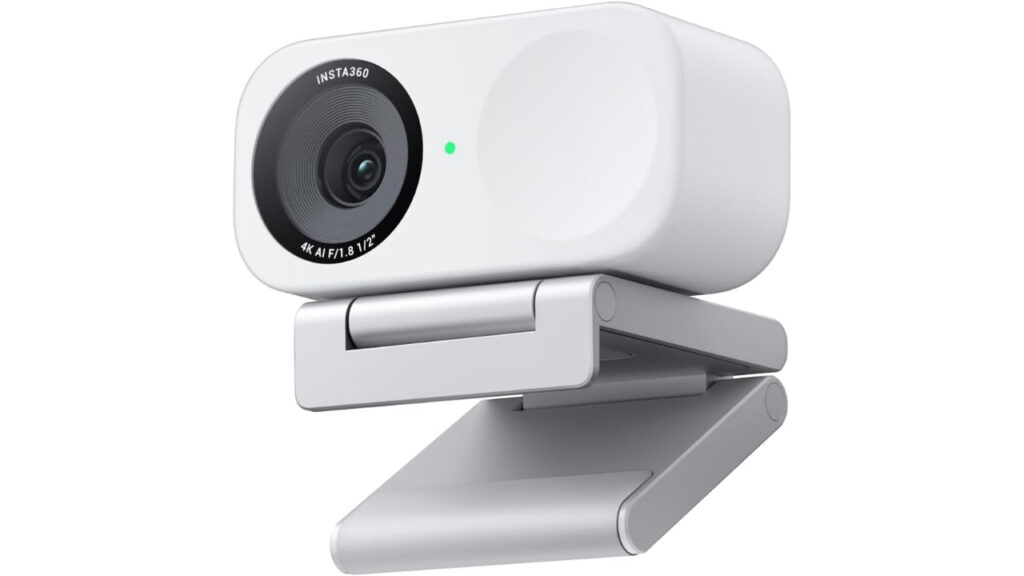
Image credit: Insta360
- 4K capture with HDR for rich color and contrast
- Gesture control and AI auto framing for hands free use
- Quiet AI noise cancellation in the microphone array
Insta360 puts motion and automation at the heart of the Link 2C, making it a camera that adapts to what you are doing rather than the other way around. Auto framing keeps you centered even if you step away briefly and gesture control offers a neat way to trigger functions without touching the keyboard. This is the sort of camera that feels effortless after a short learning curve.
This camera suits presenters, educators, and live streamers who move naturally during sessions. If you teach to camera, demo products, or walk through a scene, the Link 2C’s tracking will keep your audience engaged by removing the need to constantly adjust. The HDR and sensor size also make it a pragmatic option for people who do a mix of recorded clips and live interactions.
Practical caveats include the need to spend a few minutes with the software to fine tune tracking behavior for your room and working style. The AI can be forgiving but it is not magic and extreme lighting or cluttered backgrounds can still confuse the frame logic. For those who value a camera that reduces the number of times they need to think about the setup, this one is a good fit.