
AnkerWork C310 Webcam Review: Practical 4K Performance for Meetings and Streams
The AnkerWork C310 Webcam positions itself as a practical upgrade for professionals, creators, and hybrid workers who need clearer video and cleaner audio from a compact external camera. It promises 12-megapixel capture with 4K capability, AI assisted autofocus and framing, and a dual microphone array with noise reduction to improve how you present in calls and livestreams. If you are choosing between a laptop camera and a higher quality external webcam the AnkerWork C310 aims to deliver noticeable image and audio improvements with minimal setup fuss.
Pros
- 12-megapixel sensor with 4K capture for greater image detail.
- 1080p at 60 frames per second output for smooth motion when host connectivity allows.
- AI driven autofocus and automatic framing to keep the subject centered during movement.
- Dual microphone array with AI noise reduction for clearer voice pickup.
- Built in privacy cover, adjustable field of view presets, and a 5-foot USB 3.0 cable in the box.
Cons
- Highest resolution and frame rate modes require USB 3.0 bandwidth which older systems may not provide.
- Advanced AI features and some controls are exposed through manufacturer software which may vary by platform.
- Base package does not include a dedicated tripod though retail bundles sometimes add one.
What You Get Out of the 4K Sensor
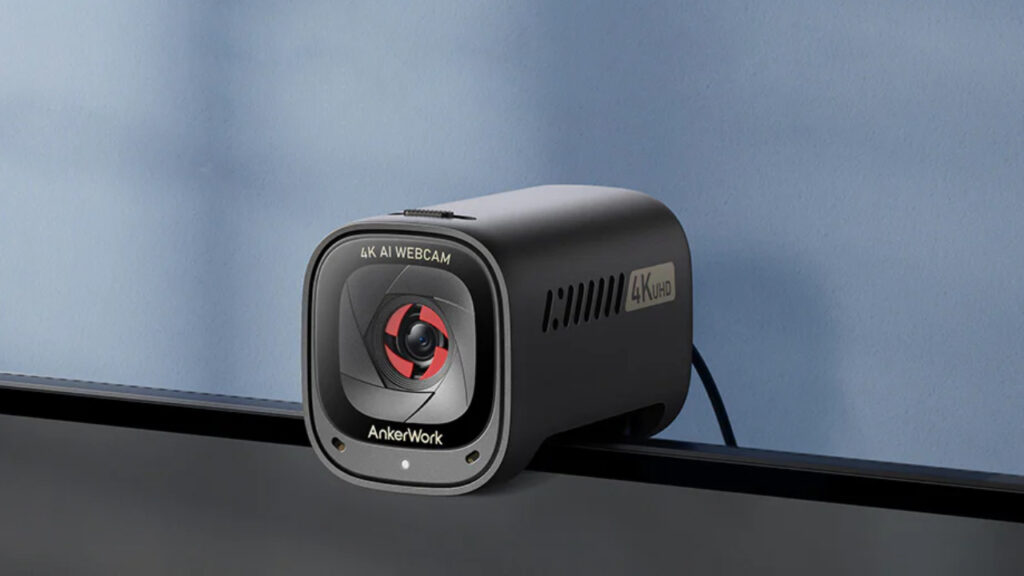
Image credit: AnkerWork
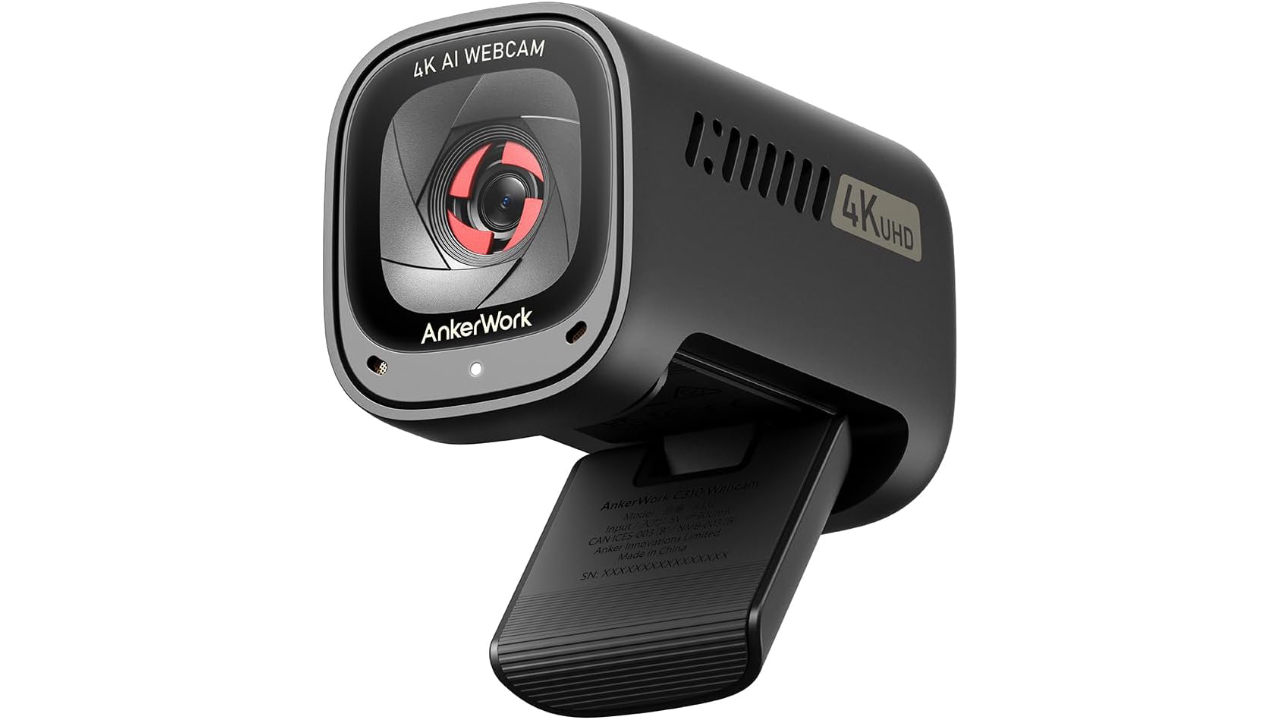
The C310 is built around a 12-megapixel image sensor that can capture at 4K. That higher pixel count means faces, small text, and background detail retain more clarity than typical 720p or 1080p laptop cameras. For presenters who share slides, demonstrate small physical objects, or rely on a clean, detailed on screen presence the extra resolution translates into legible visuals and a more professional look.
The camera supports HDR processing and has an optical spec set that includes an f2.0 aperture and a 1/2.5-inch sensor size. Those optics and processing choices help the camera manage mixed lighting situations by allowing additional light into the sensor and by balancing highlights against shadow detail. In rooms with bright windows or uneven lighting this reduces blown highlights and crushed shadows compared with simpler webcams.
Resolution and frame rate are tied to host connectivity and encoding. The C310 advertises lossless high-speed transmission over USB 3.0 and the ability to output 1080p at 60 frames per second for smooth motion. That mode is a practical compromise for streaming and video calls because it preserves fluid motion while keeping file sizes and bandwidth lower than a continuous 4K stream.
Design Choices That Matter Day to Day
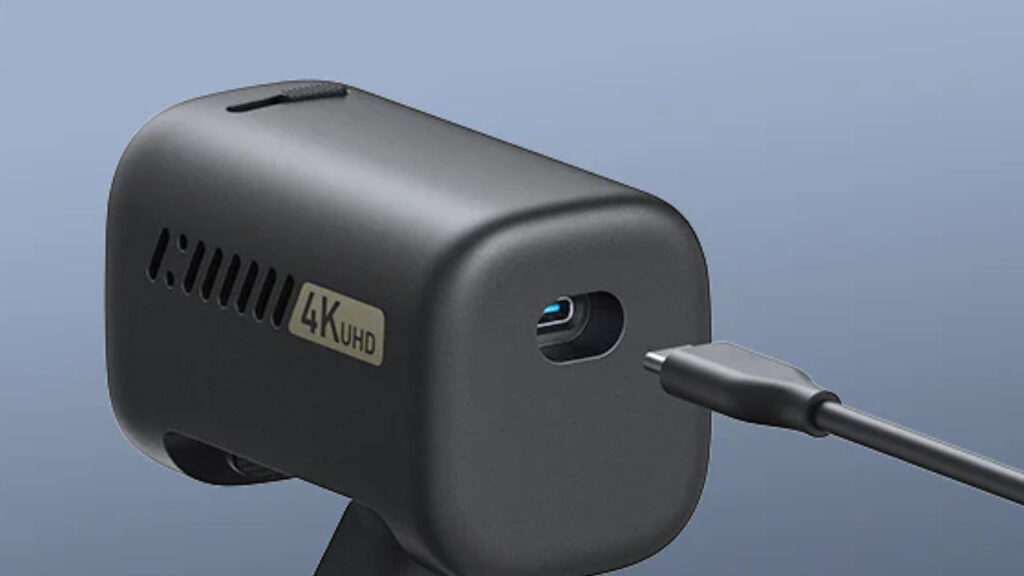
Image credit: AnkerWork
A built-in privacy cover is a small feature that affects daily use more than you might expect. Sliding the lens cover closed removes dependence on software toggles and gives immediate physical assurance when the camera is idle in shared spaces. The camera’s clip mount works with laptop lids and most monitor bezels and the included 5-foot USB 3.0 cable provides enough reach for common desk layouts.
Field of view presets listed for the C310 include roughly 65, 78, and 95 degrees, which makes the device flexible across meeting scenarios. Tight framing focuses on head and shoulders for one-on-one calls while wider settings let you show a whiteboard or a small group. The ability to choose between those presets matters when you switch between presentation modes during the workday.
Build quality is oriented toward everyday reliability rather than rugged field use. The body has enough heft to stay steady on typical screens and the lack of a separate power brick keeps the desk tidy because the camera draws power from the host USB connection. For users who want a simple, tidy desktop setup these design decisions are practical and user friendly.
How It Performs in Meetings and Streams
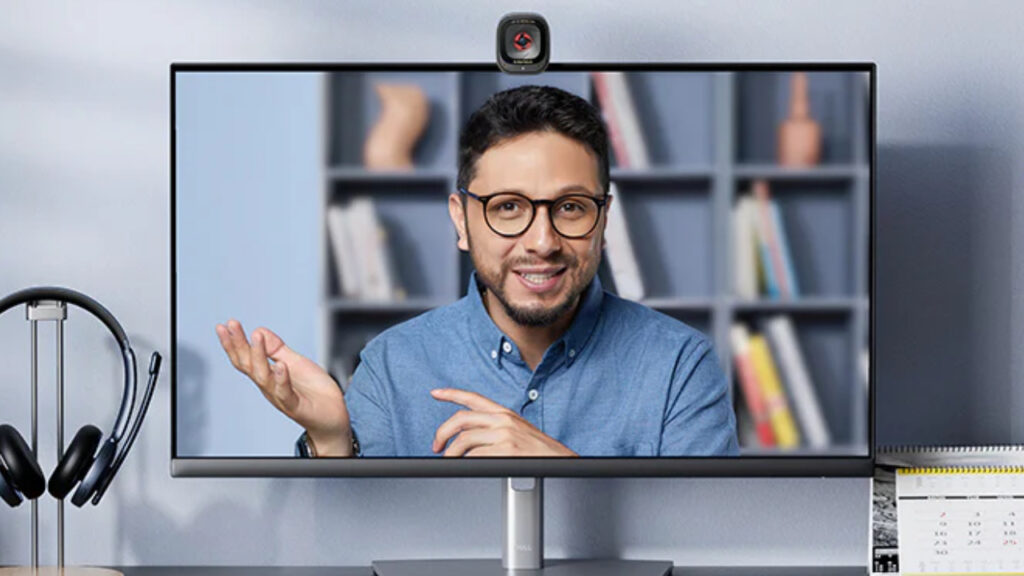
Image credit: AnkerWork
The C310’s AI driven autofocus and framing are marketed to reduce the need for manual adjustments. The system tracks and keeps the primary subject in sharp focus and centered, which is useful for presenters who move while speaking. For remote instructors or hybrid meeting hosts this automated behavior reduces friction and keeps attention on the content rather than on camera fiddling.
Audio comes from a dual microphone array with AI noise reduction intended to prioritize speech while suppressing background noise. For many remote workers this means clearer voice pickup without the immediate need for a separate microphone. Those who produce high quality podcasts or music will still prefer dedicated microphones but for standard conferencing the built-in mic array raises the baseline audio quality meaningfully.
Streaming performance depends on your computer and the conferencing or streaming software you run. The camera’s YUV encoding and lossless transmission modes support 1080p at 60 frames per second over USB 3.0 which reduces motion artifacts during dynamic scenes. Some modes will fall back to 30 frames per second depending on configuration so verifying the available modes for your setup is advisable before committing to a specific streaming workflow.
Things To Confirm Before You Buy
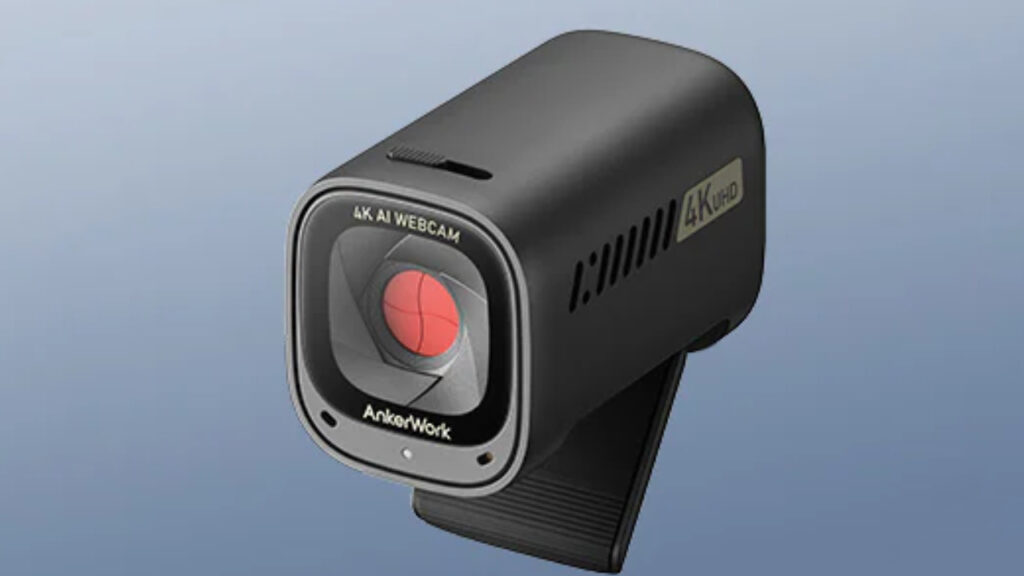
Image credit: AnkerWork
Check your computer ports and operating system support because the C310 relies on USB 3.0 for its highest throughput modes. If your machine only has older USB ports you will still be able to use the camera at lower resolutions and frame rates but you will not get the full 1080p at 60 frames per second experience. Ensuring a matching port and an updated OS reduces the chance of feature limitations.
The standard package contents focus on essentials and include the camera itself, a 5-foot USB 3.0 cable, a clip mount, a quick start guide, and a safety card. There is no dedicated tripod in the base box so if you need a standalone mount you should plan for that as an additional purchase or look for a bundle that includes one. Knowing what is included prevents surprising additional expenses.
Also consider how the manufacturer software exposes features you may value such as FOV presets, exposure adjustments, and AI tuning. Some advanced controls are available only through the companion app and software behavior can vary across platforms. If you require specific integrations with conferencing tools validate compatibility with your chosen apps and operating system before buying.
Conclusion: Should You Buy the AnkerWork C310 Webcam?
The AnkerWork C310 Webcam combines a 12-megapixel 4K capable sensor, HDR processing, AI assisted autofocus and framing, and a dual microphone array with AI noise reduction to deliver a clear and practical step up from integrated laptop cameras. Its strengths are image detail, flexible framing, and convenient audio that suit professionals, hybrid workers, and casual creators who need improved presence on calls and streams. Buyers with older USB ports or those who need bundled accessories such as a tripod may want to consider alternatives or specific bundles. If you have a compatible system and value improved video quality with automated framing the C310 is a well-rounded choice.